
Radio plus sensor on the SPI bus
-
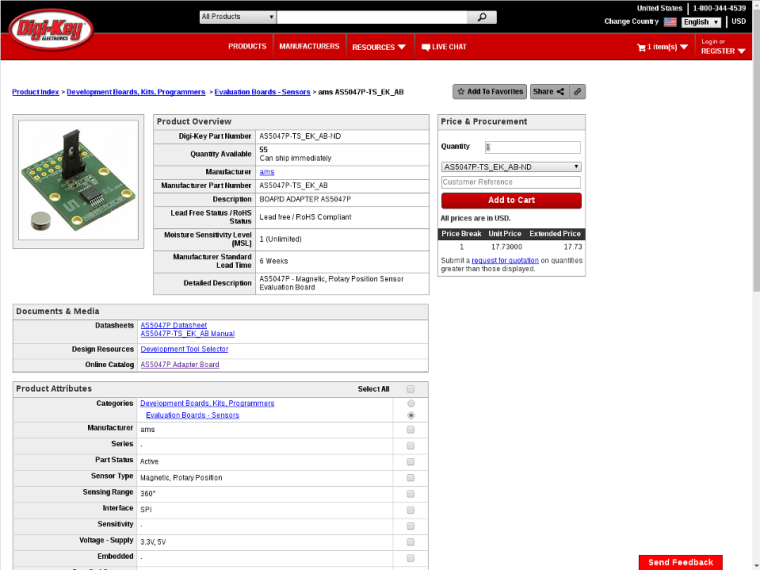
@Yveaux Thanks, that is what I was hoping to hear. I have not done a lot with SPI communications, so I am still learning this end of arduino. This is what I am trying to connect: https://www.digikey.com/products/en?mpart=AS5047P-TS_EK_AB&v=961
Thanks for the quick response.
@dbemowsk but I guess you mean the as5047p, correct?
If this is for your weather station you could also just take an earth magnetic field sensor to determine the angle of rotation of a rotating magnet. Much cheaper, available as module, very sensitive, but requires a little math to get the actual angle. -
@Yveaux said in Radio plus sensor on the SPI bus:
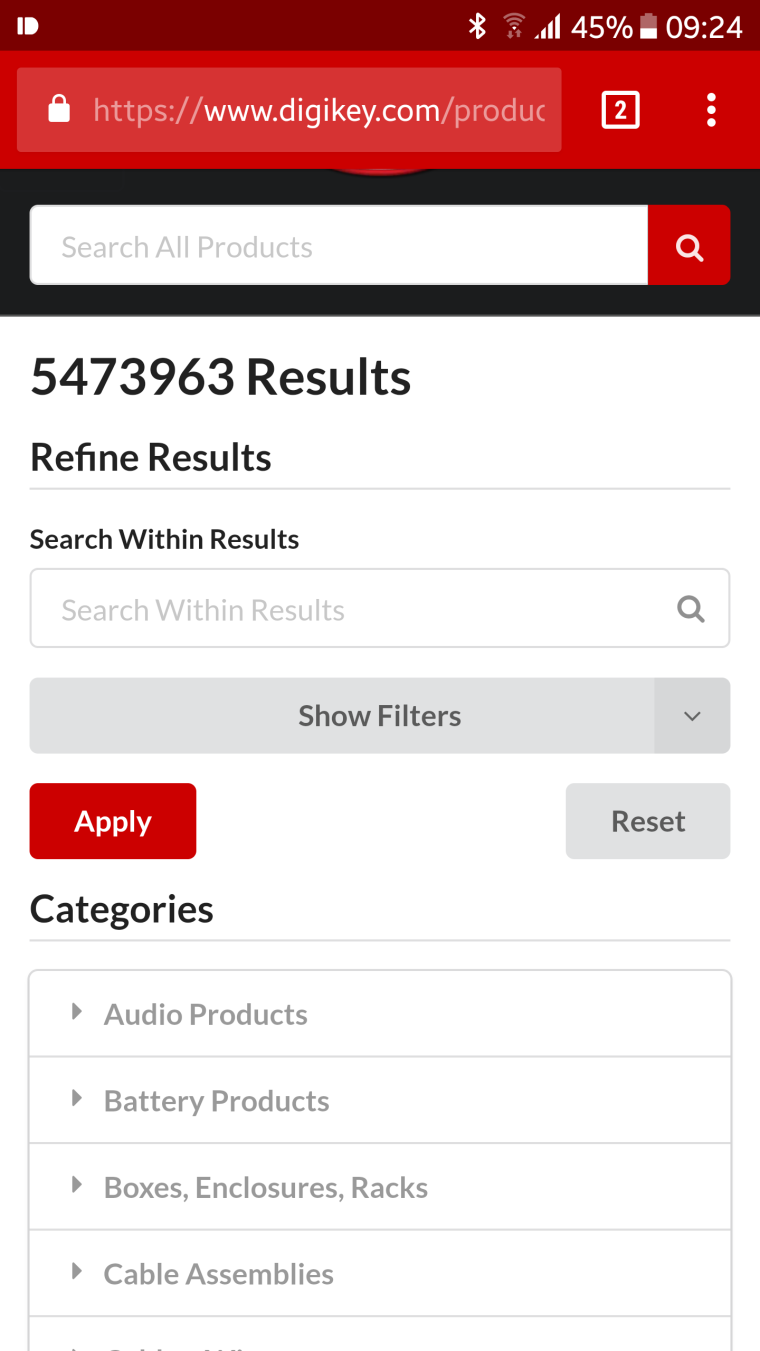
That link gives 5473963 Results
I am not sure where you are seeing these results. The link I posted was to a part listed on the DigiKey website.
-
@Yveaux So I see.
This is the part I purchased though.
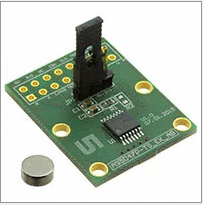
I got it on ebay with the breakout board, magnet, header connector, and the person threw in a spare chip. I am using it for my wind direction sensor for my weather station project.This is a library I found for it. https://github.com/smellsofbikes/AS5047_arduino_library
-
@dbemowsk should work just fine.
Beware that when using mySensors with message queuing, the other spi device driver must use SPI transactions. -
@Yveaux said in Radio plus sensor on the SPI bus:
when using mySensors with message queuing, the other spi device driver must use SPI transactions.
Do you have any links to some information on using transactions?
-
@dbemowsk https://www.arduino.cc/en/Reference/SPI
Basically, SPI transfers in the driver need to be enclosed in
SPI.beginTransaction(...) ... SPI.endTransaction() -
So I have this set up for testing on my UNO. Uusing the library from here https://github.com/smellsofbikes/AS5047_arduino_library, this is the sample code I am running.
#include "AS5047.h"
#include <SPI.h>

AS5047 myAS5047(10); // SS pin
void setup()
{
  SPI.begin;
  Serial.begin(9600);
}

void loop()
{
  long value;
  value=(360*myAS5047.sensor_read())/16383;
  Serial.print("measured value: ");
  Serial.println(value);
  delay(1000);
}
Using the code as written, it works perfectly giving me a reading between 0 and 360 as I rotate the direction sensor. Two questions I have though.
First, When I migrate this over to my platform on my easy newbie board, the SS pin (defined on line 4), which as I understand is acting as a CS or chip select, should be on something other than 10 because the nRF24 is on 10 and each device should have its own CS, but if I change it to another pin on my UNO and change line 4 to match the pin that I put it on, it doesn't work. Is this because I need an SPI device on pin 10 first taking care of the SS or slave select?
My second question would be, how would I write this using transactions?
-
Comment number 7 of this post http://forum.arduino.cc/index.php/topic,19770.0.html was the basis for part of my last question.
-
Comment number 7 of this post http://forum.arduino.cc/index.php/topic,19770.0.html was the basis for part of my last question.
-
@dbemowsk the library you're using says 'untested' in the readme, and that looks to be true :smile:
The pin mode of _ss is set to input in the constructor of AS5047.cpp which doesn't seem correct. Try setting it to output and see what happens.@Yveaux Works perfect now, thanks. Now I just need to research calling this as a transaction. Just brainstorming a bit, I will most likely have a function written to grab the value from the sensorand begin and end the transaction there, but since I have never worked with transactions, I will need to research how to write the code to do that.
Hello! It looks like you're interested in this conversation, but you don't have an account yet.
Getting fed up of having to scroll through the same posts each visit? When you register for an account, you'll always come back to exactly where you were before, and choose to be notified of new replies (either via email, or push notification). You'll also be able to save bookmarks and upvote posts to show your appreciation to other community members.
With your input, this post could be even better 💗
Register Login