
Temp/Humidity/Light Sensor on battery
-
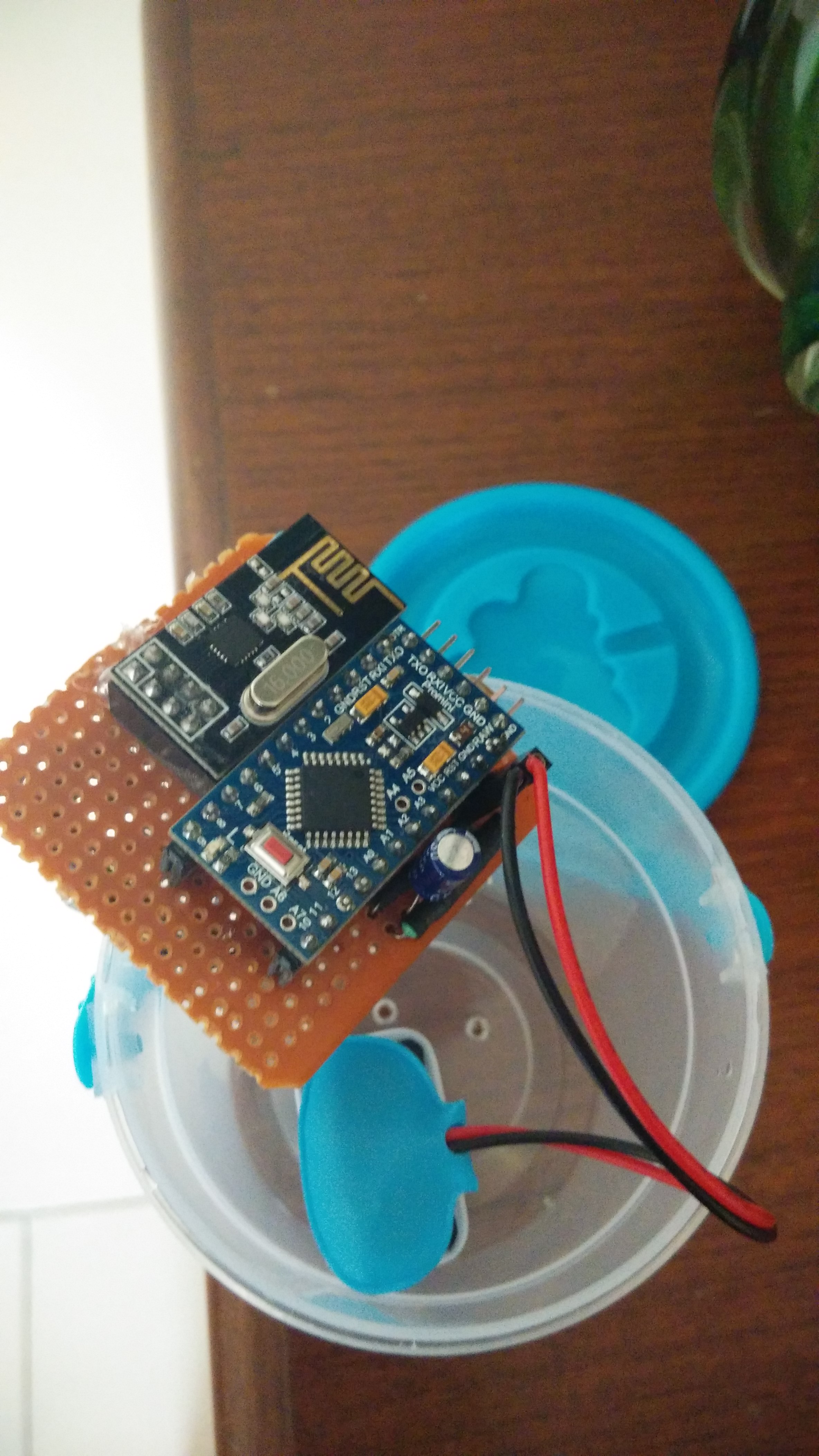
After a long time tried making a node with temperature, relative humidity and light sensors.
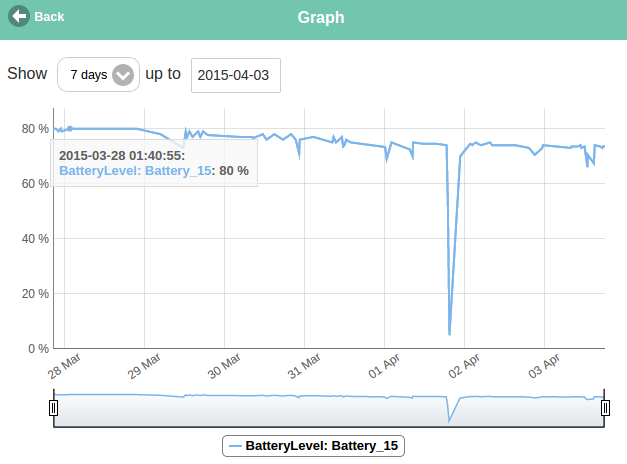
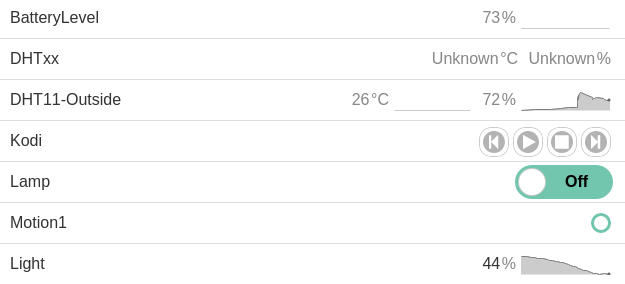
Running sensor node on 9v battery..actually i have bought ample of 9v batteries. sensor node is running for last 15 days.. ignore the dip in the battery levels due to non-battery mode .
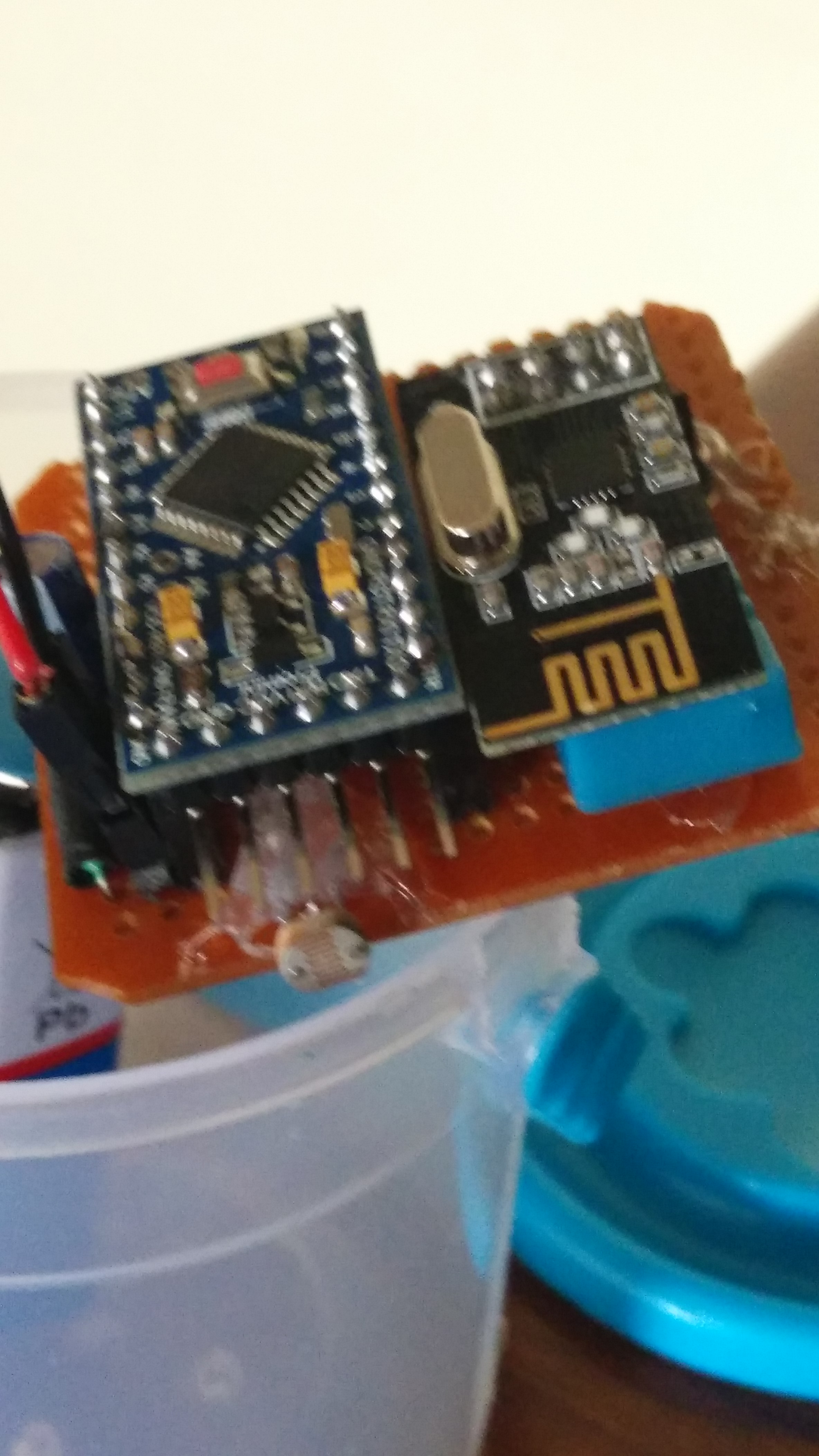
LDR and DHT11 sensors connected on PCB..
final product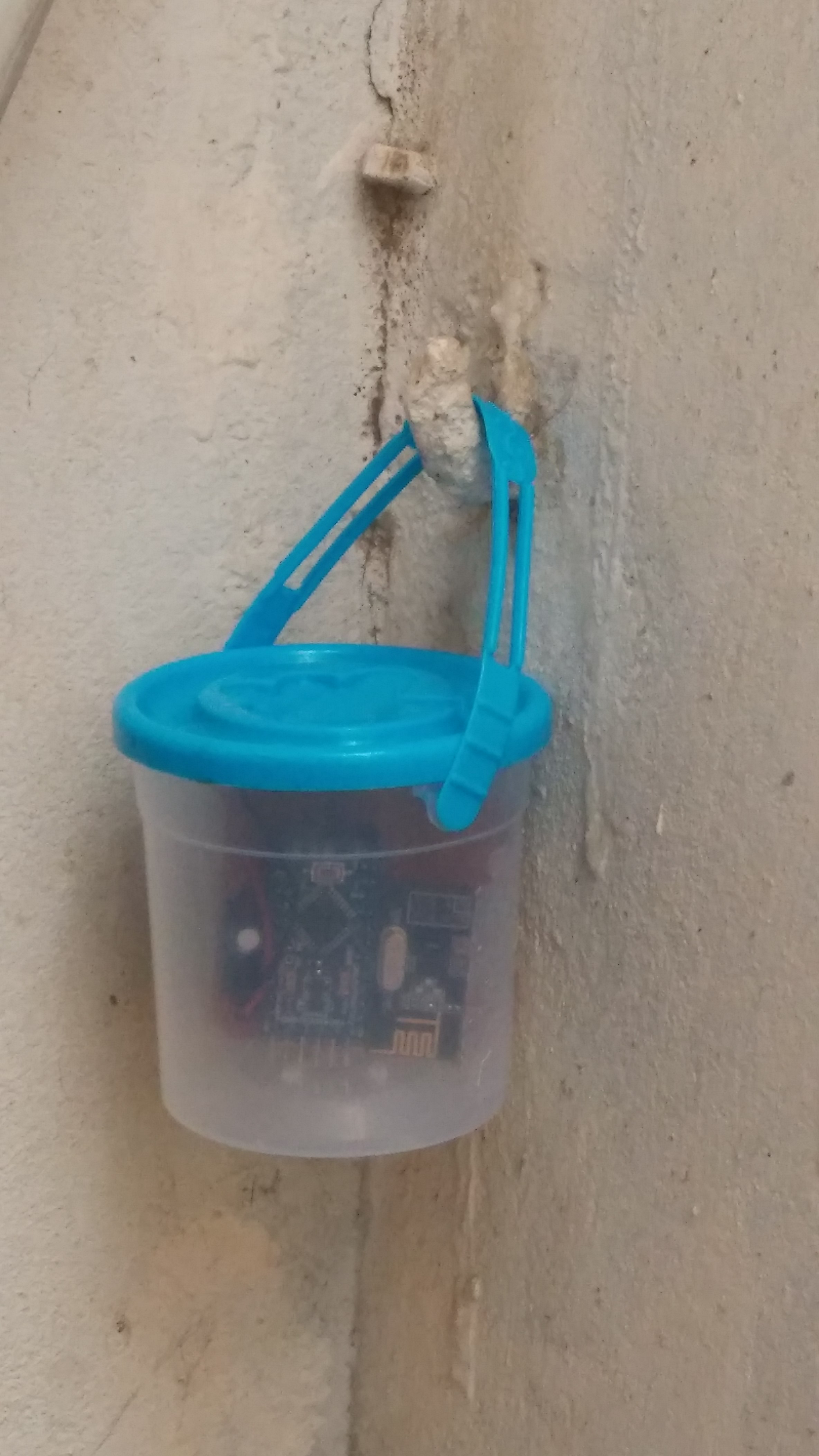
-
After a long time tried making a node with temperature, relative humidity and light sensors.
Running sensor node on 9v battery..actually i have bought ample of 9v batteries. sensor node is running for last 15 days.. ignore the dip in the battery levels due to non-battery mode .
LDR and DHT11 sensors connected on PCB..
final product
-
actually the sketch is simple.
#include <SPI.h>
#include <MySensor.h>
#include <DHT.h>

#define CHILD_ID_HUM 0
#define CHILD_ID_TEMP 1
#define CHILD_ID_LIGHT 2
#define HUMIDITY_SENSOR_DIGITAL_PIN 4
#define BATTERY_SENSE_PIN  A0  // select the input pin for the battery sense point
#define LIGHT_SENSOR_ANALOG_PIN A1

unsigned long SLEEP_TIME = 60000; // Sleep time between reads (in milliseconds)

MySensor gw;
DHT dht;
float lastTemp;
float lastHum;
boolean metric = true;
MyMessage msgHum(CHILD_ID_HUM, V_HUM);
MyMessage msgTemp(CHILD_ID_TEMP, V_TEMP);
MyMessage msg(CHILD_ID_LIGHT, V_LIGHT_LEVEL);
int oldBatteryPcnt = 0;
int battLoop =0;
int lightLevel =0;
int lastLightLevel =0;

void setup()
{
  gw.begin(NULL,15);
  dht.setup(HUMIDITY_SENSOR_DIGITAL_PIN);

  // Send the Sketch Version Information to the Gateway
  gw.sendSketchInfo("Temp Humidity Light", "1.0");

  // Register all sensors to gw (they will be created as child devices)
  gw.present(CHILD_ID_HUM, S_HUM);
  gw.present(CHILD_ID_TEMP, S_TEMP);
  gw.present(CHILD_ID_LIGHT, S_LIGHT_LEVEL);

  metric = gw.getConfig().isMetric;
  check_batt();
}

void loop()
{
  delay(dht.getMinimumSamplingPeriod());

  float temperature = dht.getTemperature();
  if (isnan(temperature)) {
      Serial.println("Failed reading temperature from DHT");
  } else if (temperature != lastTemp) {
    lastTemp = temperature;
    if (!metric) {
      temperature = dht.toFahrenheit(temperature);
    }
    gw.send(msgTemp.set(temperature, 1));
    Serial.print("T: ");
    Serial.println(temperature);
  }

  float humidity = dht.getHumidity();
  if (isnan(humidity)) {
      Serial.println("Failed reading humidity from DHT");
  } else if (humidity != lastHum) {

      lastHum = humidity;
      gw.send(msgHum.set(humidity, 1));
      Serial.print("H: ");
      Serial.println(humidity);
  }

  lightLevel = (analogRead(LIGHT_SENSOR_ANALOG_PIN))/10.23;
  if (lightLevel != lastLightLevel) {
      Serial.println(lightLevel);
      gw.send(msg.set(lightLevel));
      lastLightLevel = lightLevel;
  }
  battLoop++;
  if (battLoop > 10)
  {
      check_batt();
      battLoop=0;
  }
  gw.sleep(SLEEP_TIME); //sleep a bit


}

void check_batt()
{
  // get the battery Voltage
  int sensorValue = analogRead(BATTERY_SENSE_PIN);
  Serial.println(sensorValue);

  // 1M, 470K divider across battery and using internal ADC ref of 1.1V
  // Sense point is bypassed with 0.1 uF cap to reduce noise at that point
  // ((1e6+470e3)/470e3)*1.1 = Vmax = 3.44 Volts
  // 3.44/1023 = Volts per bit = 0.003363075
  // vout = (sensorvalue x 3.3) / 1023
  //vin = vout /  (R2/(R1+R2));

  float batteryV  = ( sensorValue * 0.003225806 ) / 0.3; // divide R2/(R1+R2)
  int batteryPcnt = sensorValue / 10 ;
  if ( batteryPcnt > 100 )
  batteryPcnt = 100;

  Serial.print("Battery Voltage: ");
  Serial.print(batteryV);
  Serial.println(" V");
  Serial.print("Battery percent: ");
  Serial.print(batteryPcnt);
  Serial.println(" %");

  if (oldBatteryPcnt != batteryPcnt)
  {
    // Power up radio after sleep
    gw.sendBatteryLevel(batteryPcnt);
    oldBatteryPcnt = batteryPcnt;
  }

}
//```

Hello! It looks like you're interested in this conversation, but you don't have an account yet.
Getting fed up of having to scroll through the same posts each visit? When you register for an account, you'll always come back to exactly where you were before, and choose to be notified of new replies (either via email, or push notification). You'll also be able to save bookmarks and upvote posts to show your appreciation to other community members.
With your input, this post could be even better 💗
Register Login