Skip to content
  • MySensors
  • OpenHardware.io
  • Categories
  • Recent
  • Tags
  • Popular
Skins
  • Light
  • Brite
  • Cerulean
  • Cosmo
  • Flatly
  • Journal
  • Litera
  • Lumen
  • Lux
  • Materia
  • Minty
  • Morph
  • Pulse
  • Sandstone
  • Simplex
  • Sketchy
  • Spacelab
  • United
  • Yeti
  • Zephyr
  • Dark
  • Cyborg
  • Darkly
  • Quartz
  • Slate
  • Solar
  • Superhero
  • Vapor

  • Default (No Skin)
  • No Skin
Collapse
Brand Logo
  1. Home
  2. Controllers
  3. PiDome
  4. MQTT Gateway Need assistance / instructions : can somebody put me on the right track ?

MQTT Gateway Need assistance / instructions : can somebody put me on the right track ?

Scheduled Pinned Locked Moved PiDome
1 Posts 1 Posters 1.5k Views 1 Watching
  • Oldest to Newest
  • Newest to Oldest
  • Most Votes
Reply
  • Reply as topic
Log in to reply
This topic has been deleted. Only users with topic management privileges can see it.
  • E Offline
    E Offline
    embed
    wrote on last edited by
    #1

    ARDUINO 1.6.8
    MySENSORS ARDUINO LIBRARY V2.0.0-BETA

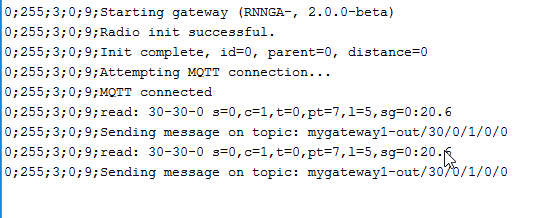
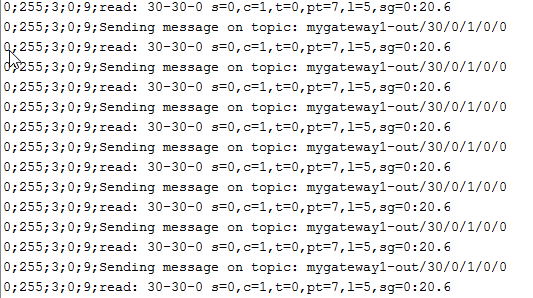
    ARDUINO UNO R3 + W5100 ETHERNETSHIELD + NRF24L01 LONG RANGE

    sketch : MySensors /gatewayw5100mqttclient.ino
    debug log :
    0_1458068339295_upload-455901ca-ff17-4ac5-97ff-c33e2233a1cf

    0_1458068184873_upload-29e6797c-c978-4e8c-9d2f-5084b8ea9831

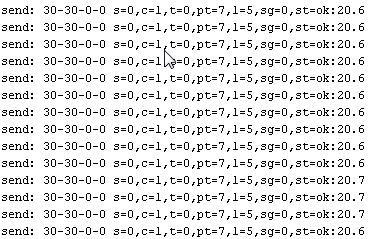
    ARDUINO NANO + NRF24L01

    sketch : MySensors / DallasTemperature Sensor.ino
    debug log :
    0_1458068779749_upload-9c21c49f-4fa0-4c29-aca7-c49625ad8722

    RASPBERRY PI RASPBIAN JESSIE 4.1.19+
    pidome-server-snapshot ( pidome-mqttbroker 2015-12-28 )

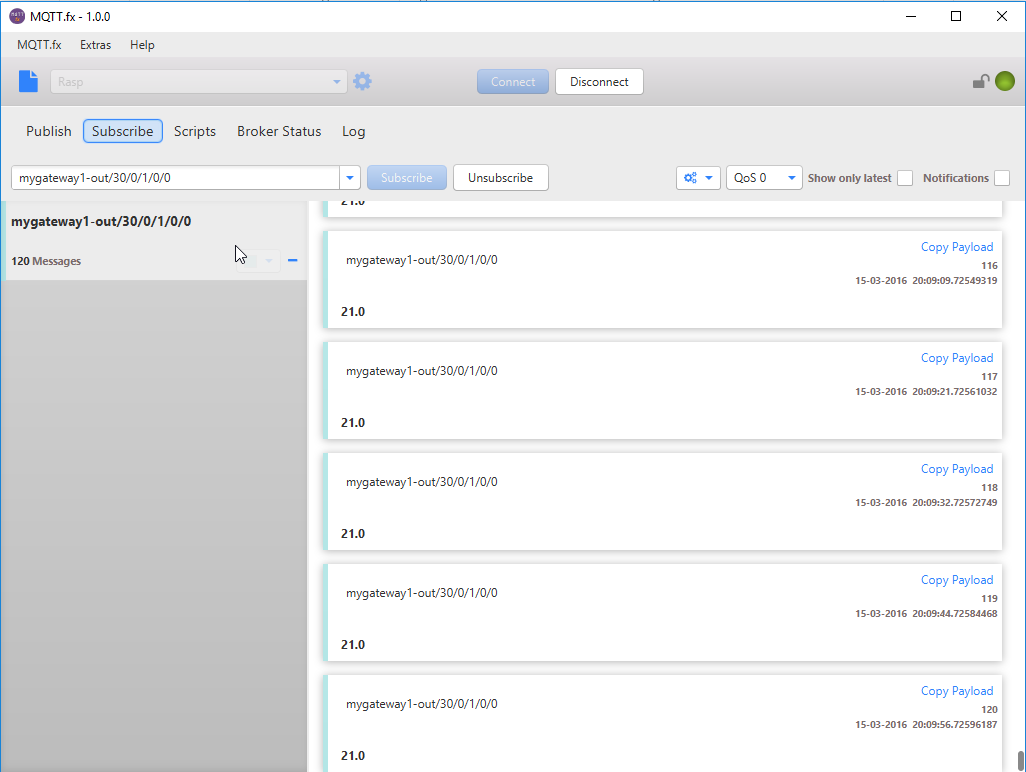
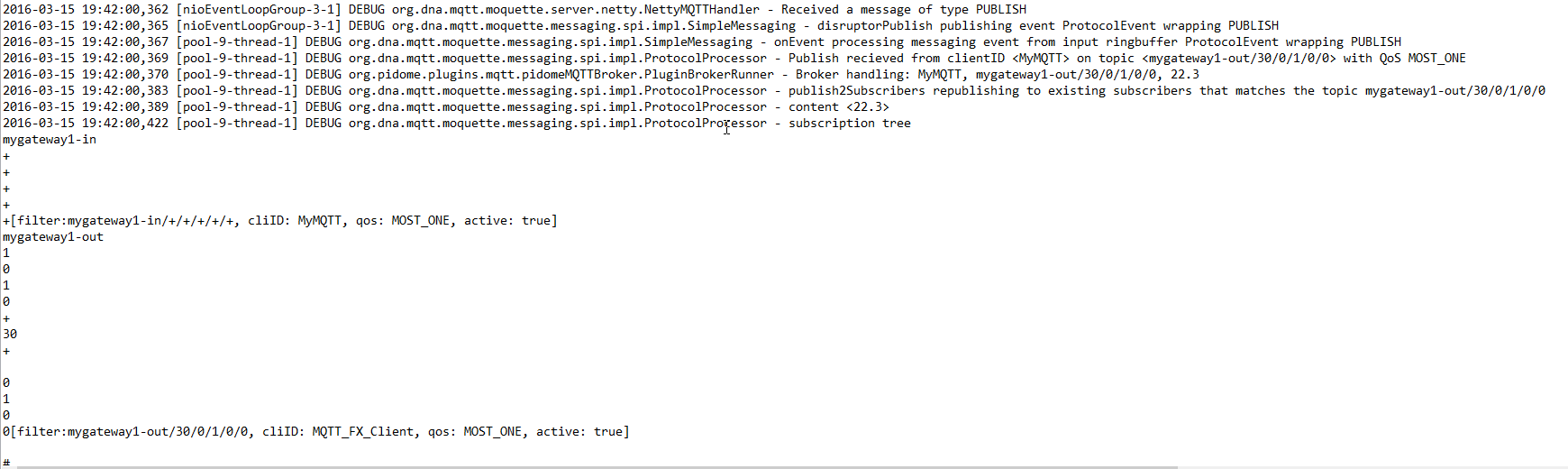
    MQTT.fx - 1.0.0 log :

    0_1458069100967_upload-1f7640a1-2d9c-42d2-a516-42a56e73be1a

    Pidome log file : 0_1458069366918_appLog.txt

    0_1458069547136_upload-10f9def3-38c1-44f1-abff-281e84fc1ba9

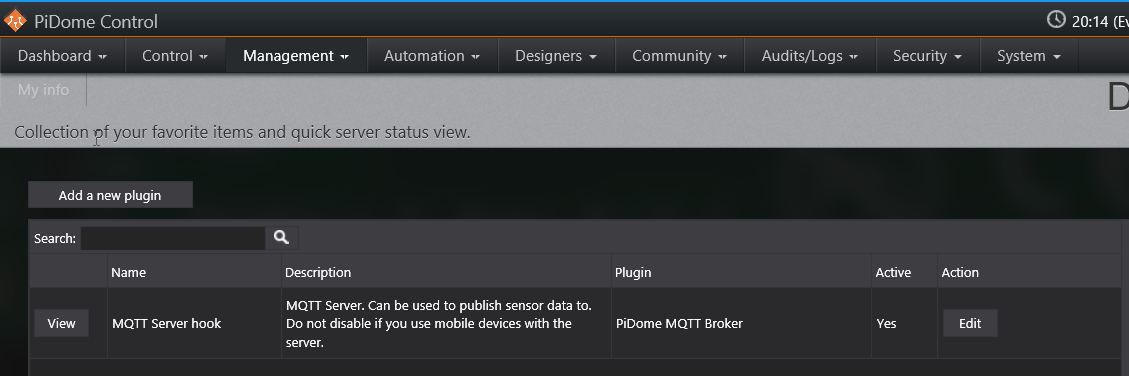
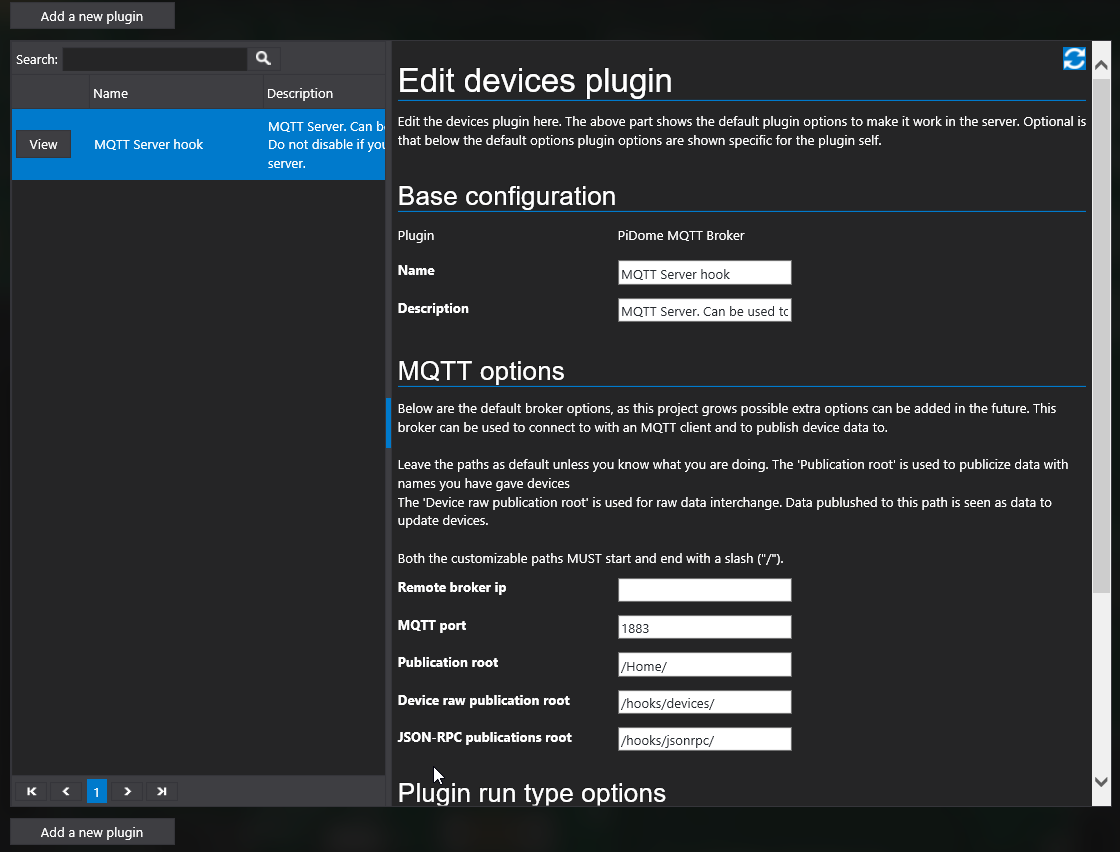
    PIDOME Control :

    0_1458069628027_upload-71d4ae51-9494-41d9-aabf-d943530cca2c

    0_1458069668701_upload-c7c5dd83-35b3-4754-884b-bceb6f2605e3

    So far so good ...:smiley:

    After reading How to use MQTT with PiDome : https://pidome.org/support/manual/plugins/device-plugins/how-to-use-mqtt-with-pidome.html
    and reading MySensors devices : https://pidome.org/support/manual/devices/supported-devices/mysensors-devices.html

    I'm confused which manual to use and how to go on further step by step till viewing data on the Dashboard ???:confused:

    Can somebody put me on the right track ? Thank You !:sunglasses:

    Greetings

    1 Reply Last reply
    0

    Hello! It looks like you're interested in this conversation, but you don't have an account yet.

    Getting fed up of having to scroll through the same posts each visit? When you register for an account, you'll always come back to exactly where you were before, and choose to be notified of new replies (either via email, or push notification). You'll also be able to save bookmarks and upvote posts to show your appreciation to other community members.

    With your input, this post could be even better 💗

    Register Login
    Reply
    • Reply as topic
    Log in to reply
    • Oldest to Newest
    • Newest to Oldest
    • Most Votes


    32

    Online

    12.0k

    Users

    11.2k

    Topics

    113.4k

    Posts


    Copyright 2025 TBD   |   Forum Guidelines   |   Privacy Policy   |   Terms of Service
    • Login

    • Don't have an account? Register

    • Login or register to search.
    • First post
      Last post
    0
    • MySensors
    • OpenHardware.io
    • Categories
    • Recent
    • Tags
    • Popular