Skip to content
  • MySensors
  • OpenHardware.io
  • Categories
  • Recent
  • Tags
  • Popular
Skins
  • Light
  • Brite
  • Cerulean
  • Cosmo
  • Flatly
  • Journal
  • Litera
  • Lumen
  • Lux
  • Materia
  • Minty
  • Morph
  • Pulse
  • Sandstone
  • Simplex
  • Sketchy
  • Spacelab
  • United
  • Yeti
  • Zephyr
  • Dark
  • Cyborg
  • Darkly
  • Quartz
  • Slate
  • Solar
  • Superhero
  • Vapor

  • Default (No Skin)
  • No Skin
Collapse
Brand Logo
  1. Home
  2. Hardware
  3. Board dimension issue on OSHPark

Board dimension issue on OSHPark

Scheduled Pinned Locked Moved Hardware
6 Posts 2 Posters 2.3k Views 1 Watching
  • Oldest to Newest
  • Newest to Oldest
  • Most Votes
Reply
  • Reply as topic
Log in to reply
This topic has been deleted. Only users with topic management privileges can see it.
  • C Offline
    C Offline
    carlierd
    wrote on last edited by
    #1

    Hello,

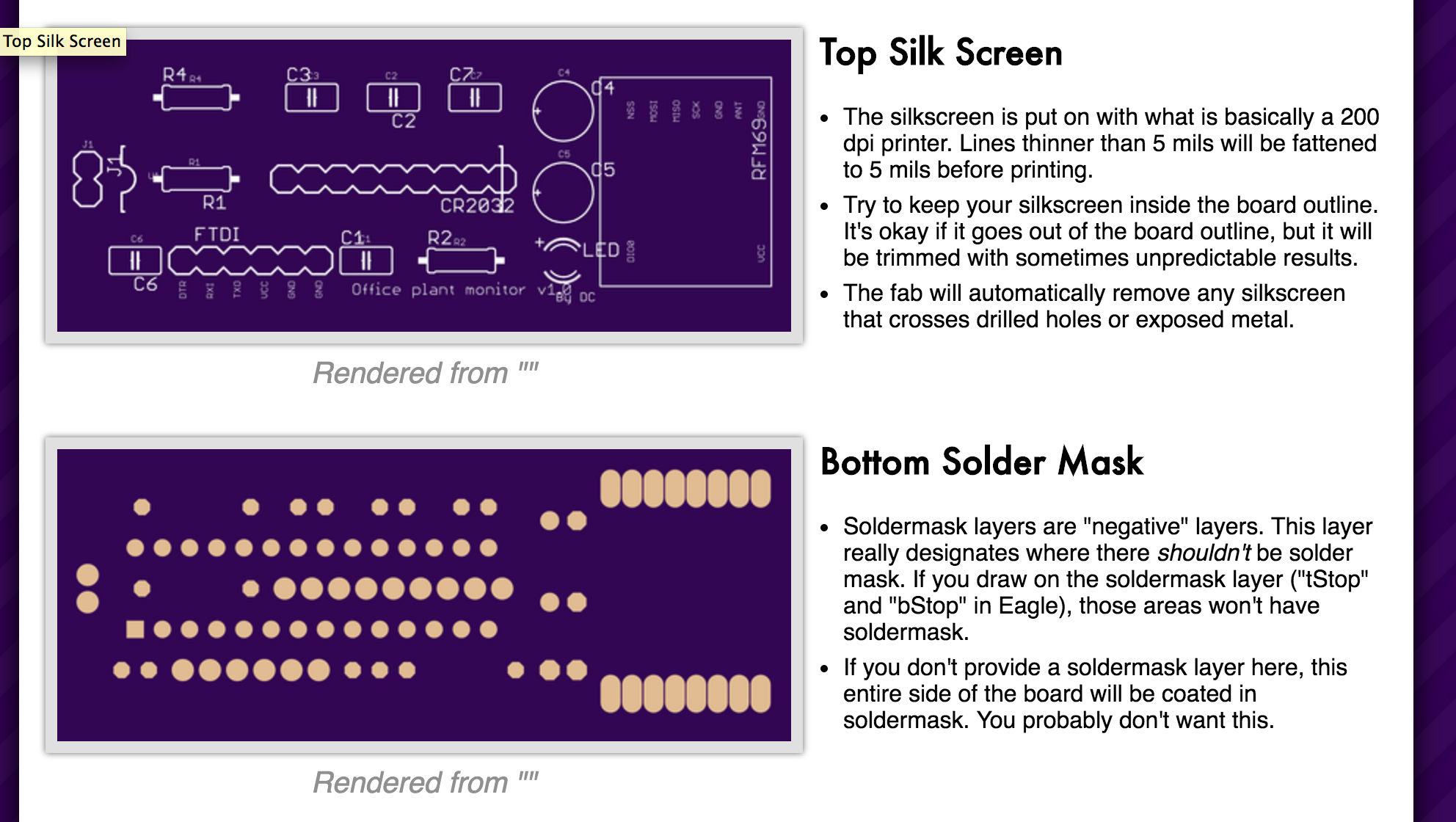
    I draw a board in Eagle. Everything seems ok but when uploading gerber files to OSHPark, the board top and bottom sizes are not correct:
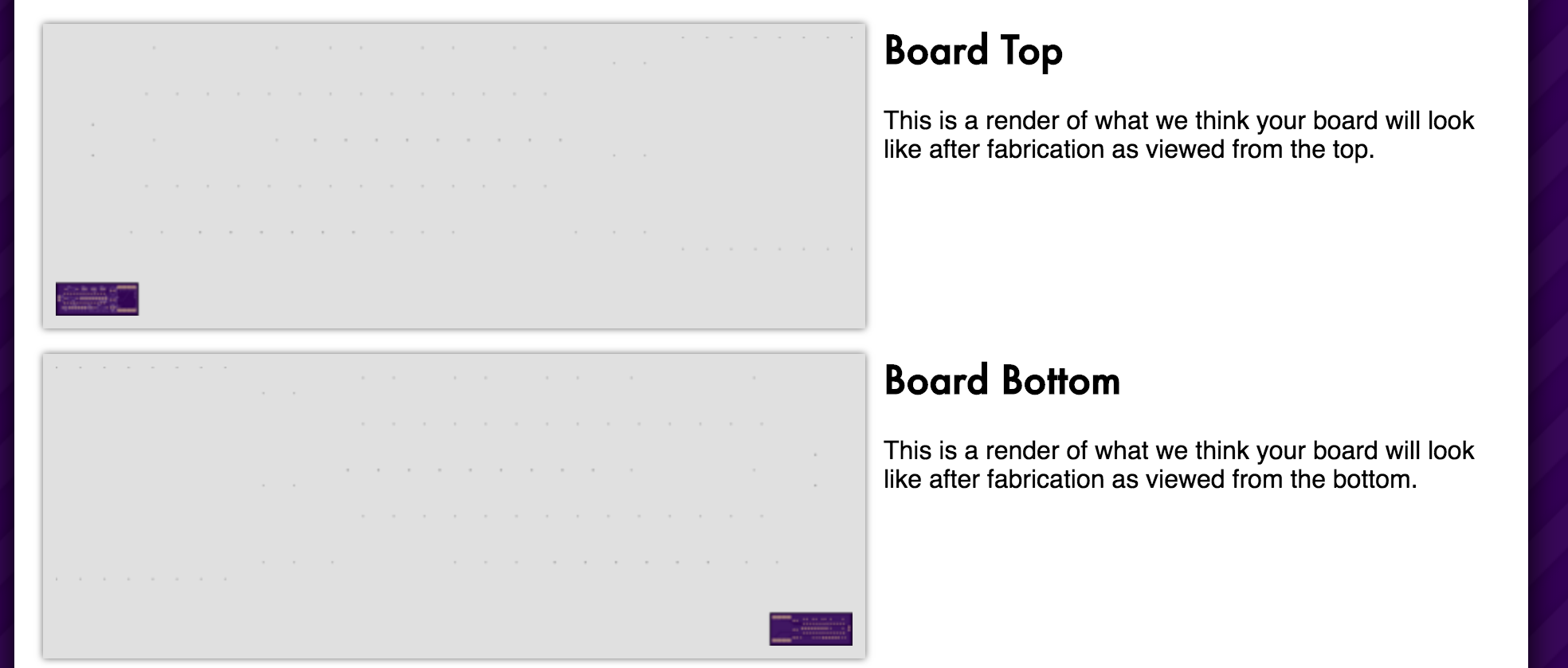
    0_1462540684975_2016-05-06 15.16.42.png

    All other layers sizes are correct:

    0_1462540719978_2016-05-06 15.17.17.png

    I verify lot of things and the board is correctly defined on layer 20 (Dimension).

    This is the board if you want to check :
    0_1462540785593_Office plant monitor v1.0.brd

    Thanks !!

    David.

    1 Reply Last reply
    0
    • S Offline
      S Offline
      scalz
      Hardware Contributor
      wrote on last edited by scalz
      #2

      hi.
      it's often a problem of centering the left bottom corner of your board on the origin point in Eagle. I have just looked for this problem and updateed your file, you will see.
      Always check this or everything will be offset then during process. I never put things < 0;0 Then you're more sure to have less problem during their process and machine alignment if you start from 0;0 ;)
      You can use smaller trace for dimension.
      0_1462548538189_1462540788979-office-plant-monitor-v1.0-2.brd

      1 Reply Last reply
      0
      • C Offline
        C Offline
        carlierd
        wrote on last edited by
        #3

        Thanks @scalz !!

        But it's the same thing with your modification. Another idea ?

        Thanks.

        David

        1 Reply Last reply
        0
        • S Offline
          S Offline
          scalz
          Hardware Contributor
          wrote on last edited by
          #4

          @carlierd ok lol I know what's wrong. I forgot you said that's gerbers files. If you upload your .brd directly that should be ok. try it ;)
          if you want to use gerbers, you need to download the CAM job files from the fabhouse you are using.
          Herea screenshots if you use .brd at oshpark
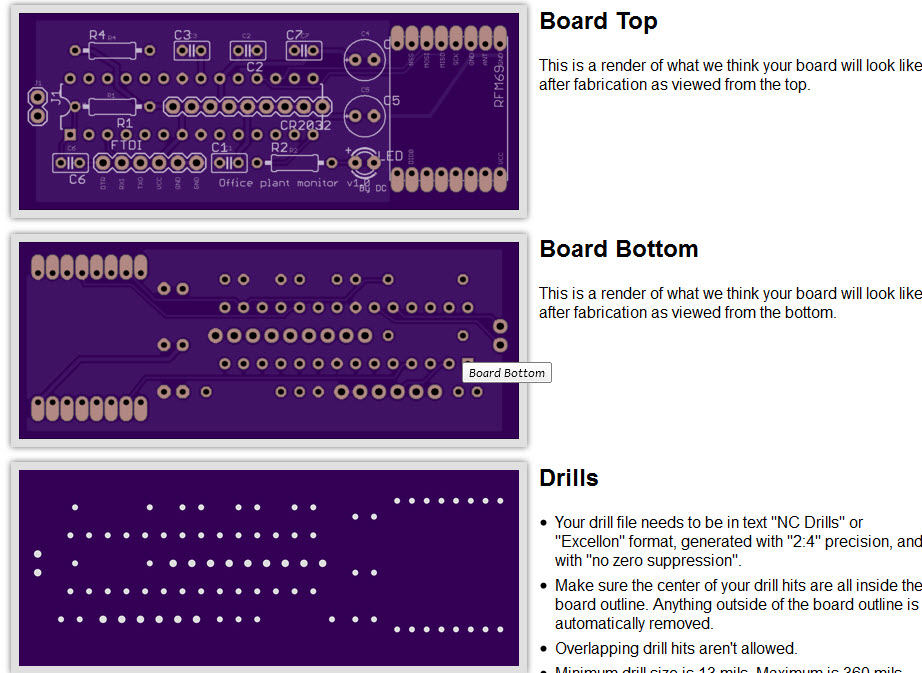
          0_1462562146575_2016-05-06_21-13-36.jpg

          1 Reply Last reply
          0
          • S Offline
            S Offline
            scalz
            Hardware Contributor
            wrote on last edited by scalz
            #5

            If you want to generate and use gerbers, you have to download the CAM files. And I suggest to download dru (drc files) too. Put them in respective eagle directory. then use them.

            • dru/drc for checking the oshpark design rules on your board. Some drc rules can be ignored but others are mandatory.
            • when you want to generate gerbers, use their CAM/JOB files.

            http://docs.oshpark.com/design-tools/eagle/

            1 Reply Last reply
            0
            • C Offline
              C Offline
              carlierd
              wrote on last edited by
              #6

              So easy ! I finally used directly BRD file and not GERBER.
              Thanks for the advice on DRU.

              The strange thing is that I tried with CAM job of OSH Park but the result was the same. But it's working with BRD so let's order my first board :)

              David.

              1 Reply Last reply
              0

              Hello! It looks like you're interested in this conversation, but you don't have an account yet.

              Getting fed up of having to scroll through the same posts each visit? When you register for an account, you'll always come back to exactly where you were before, and choose to be notified of new replies (either via email, or push notification). You'll also be able to save bookmarks and upvote posts to show your appreciation to other community members.

              With your input, this post could be even better 💗

              Register Login
              Reply
              • Reply as topic
              Log in to reply
              • Oldest to Newest
              • Newest to Oldest
              • Most Votes


              10

              Online

              12.0k

              Users

              11.2k

              Topics

              113.4k

              Posts


              Copyright 2025 TBD   |   Forum Guidelines   |   Privacy Policy   |   Terms of Service
              • Login

              • Don't have an account? Register

              • Login or register to search.
              • First post
                Last post
              0
              • MySensors
              • OpenHardware.io
              • Categories
              • Recent
              • Tags
              • Popular