
RGB night lamp
-
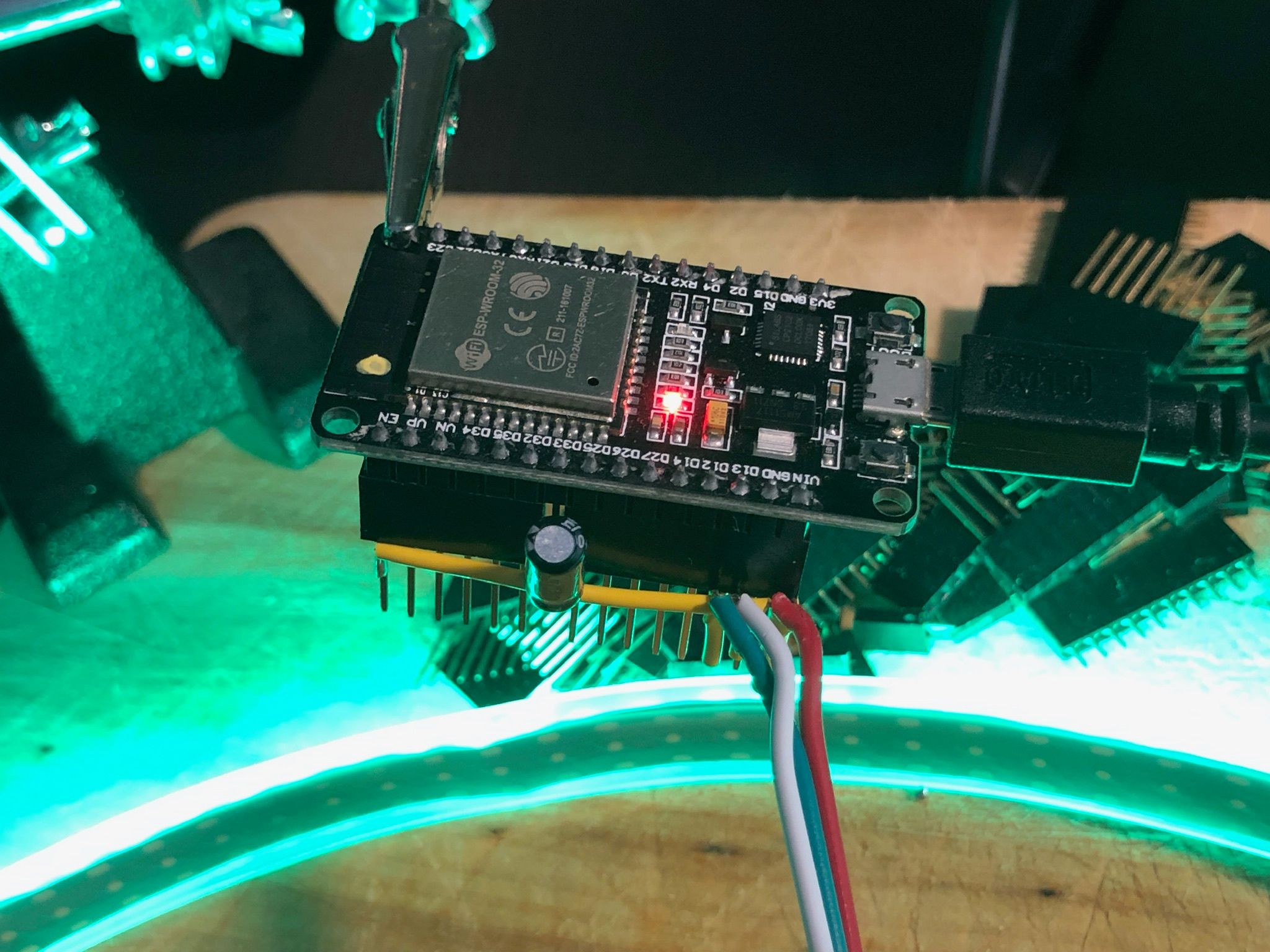
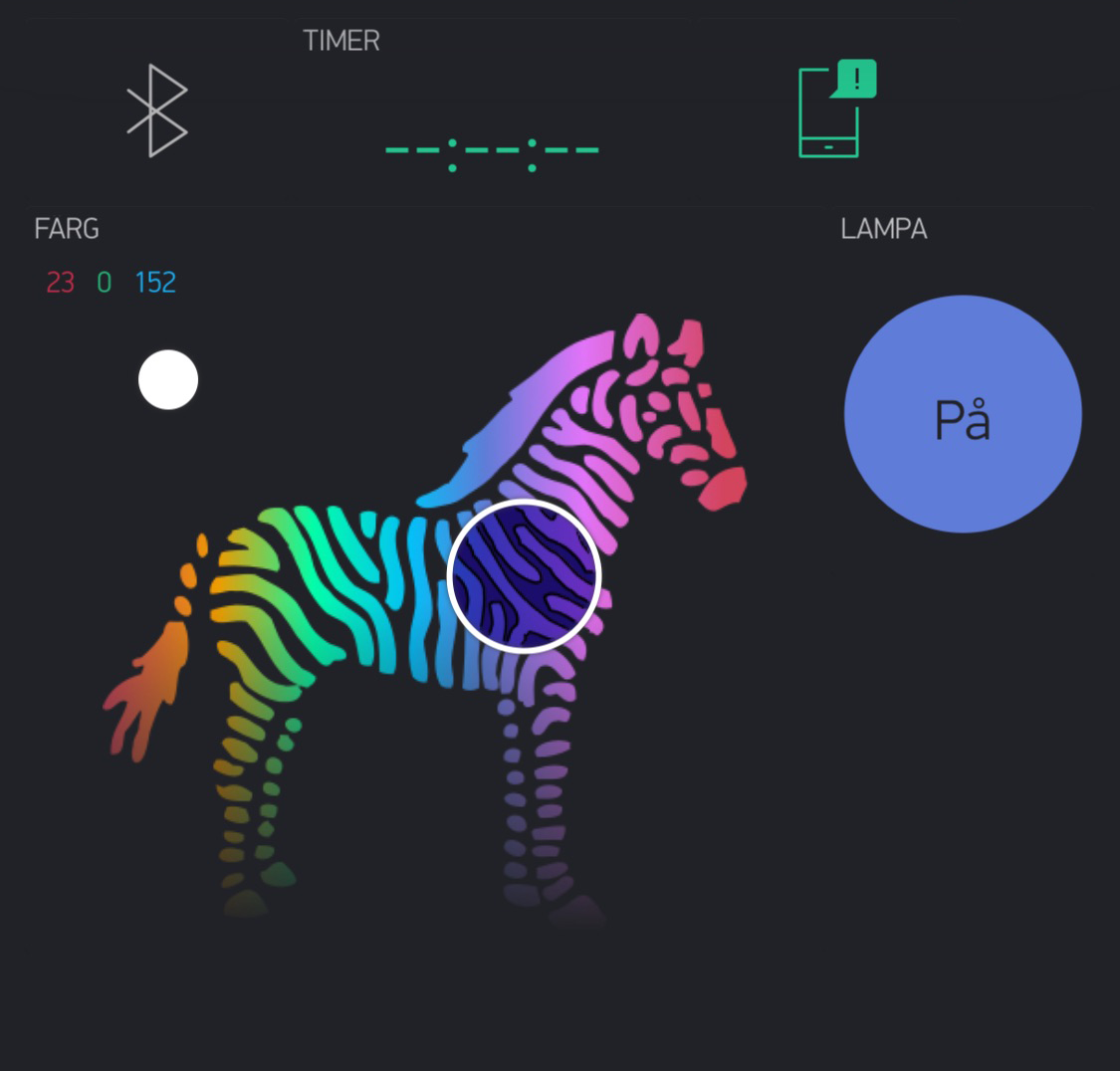
My niece and I made a night light based on a halloween-themed candy jar. Color and brightness can be controlled by a mobile app. The app also has a "party mode".
The app looks like this:
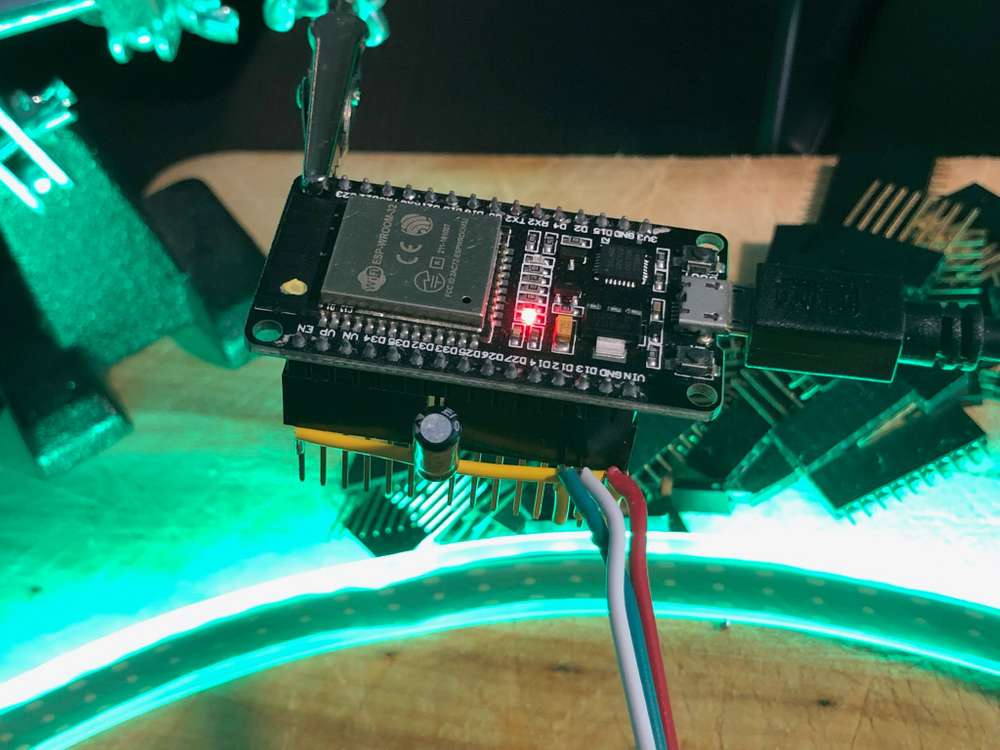
Hardware-wise, we used:
- plastic skull with candy (eating the candy was a tough job, but someone had to do it)
- esp32
- rgb led strip
- capacitor
We put some fluffy cotton inside the skull to diffuse the light.
Sketch:
#include <FastLED.h> #define NUM_LEDS 60 #define DATA_PIN 13 CRGB leds[NUM_LEDS]; // Blynk #define BLYNK_PRINT Serial #define BLYNK_USE_DIRECT_CONNECT //#define BLYNK_DEBUG #include <BlynkSimpleEsp32_BLE.h> #include <BLEDevice.h> #include <BLEServer.h> char auth[] = "YOUR-BLYNK-AUTH-HERE"; byte mode = 0; byte r = 0; byte g = 0; byte b = 0; void setup() { Serial.begin(115200); Serial.println("Started"); delay(2000); // sanity check delay - allows reprogramming if accidently blowing power w/leds FastLED.addLeds<WS2812, DATA_PIN, GRB>(leds, NUM_LEDS); Serial.println("Started"); Blynk.setDeviceName("NIGHT_LIGHT"); Serial.print("Blynk token: "); Serial.println(auth); Blynk.begin(auth); } void loop() { switch (mode) { case 0: FastLED[0].showColor(CRGB(r, g, b), NUM_LEDS, 255); break; case 1: pride(); break; } FastLED.show(); Blynk.run(); } BLYNK_WRITE(V1) // zeRGBa assigned to V1 { // get a RED channel value r = param[0].asInt(); // get a GREEN channel value g = param[1].asInt(); // get a BLUE channel value b = param[2].asInt(); #ifdef DEBUG Serial.print("RGB: "); Serial.print(r); Serial.print(","); Serial.print(g); Serial.print(","); Serial.print(b); #endif } BLYNK_WRITE(V0) // On/off { mode = param.asInt(); FastLED.clear(); } void pride() { static uint16_t sPseudotime = 0; static uint16_t sLastMillis = 0; static uint16_t sHue16 = 0; uint8_t sat8 = beatsin88( 87, 220, 250); uint8_t brightdepth = beatsin88( 341, 96, 224); uint16_t brightnessthetainc16 = beatsin88( 203, (25 * 256), (40 * 256)); uint8_t msmultiplier = beatsin88(147, 23, 60); uint16_t hue16 = sHue16;//gHue * 256; uint16_t hueinc16 = beatsin88(113, 1, 3000); uint16_t ms = millis(); uint16_t deltams = ms - sLastMillis ; sLastMillis = ms; sPseudotime += deltams * msmultiplier; sHue16 += deltams * beatsin88( 400, 5, 9); uint16_t brightnesstheta16 = sPseudotime; for ( uint16_t i = 0 ; i < NUM_LEDS; i++) { hue16 += hueinc16; uint8_t hue8 = hue16 / 256; brightnesstheta16 += brightnessthetainc16; uint16_t b16 = sin16( brightnesstheta16 ) + 32768; uint16_t bri16 = (uint32_t)((uint32_t)b16 * (uint32_t)b16) / 65536; uint8_t bri8 = (uint32_t)(((uint32_t)bri16) * brightdepth) / 65536; bri8 += (255 - brightdepth); CRGB newcolor = CHSV( hue8, sat8, bri8); uint16_t pixelnumber = i; pixelnumber = (NUM_LEDS - 1) - pixelnumber; nblend( leds[pixelnumber], newcolor, 64); } } -
Looks awesome. Might be fun to put it outside before your front door on 31th October. Still have a Halloween project on my ever growing bucketlist xd
Blynk is awesome for controlling Halloween projects.


Hello! It looks like you're interested in this conversation, but you don't have an account yet.
Getting fed up of having to scroll through the same posts each visit? When you register for an account, you'll always come back to exactly where you were before, and choose to be notified of new replies (either via email, or push notification). You'll also be able to save bookmarks and upvote posts to show your appreciation to other community members.
With your input, this post could be even better 💗
Register Login