
MysensorsInformation, a NRF24 sniffer in a webpage
-
Recently I've created the MysensorListener and I found that Ivo had created a nice sniffer that I wanted to use within this project as well.
The sniffer project shows raw captured NRF24 packages, just like the version of Ivo, but uses a webpage for this instead of wireshark.
The benefits of using a website vs the output to pipe - wireshark option is that I can now match the sender, destination and sensor information against my Vera3 environment, i.e., the information shown is more understandable for me as a human ^^An example of the output:
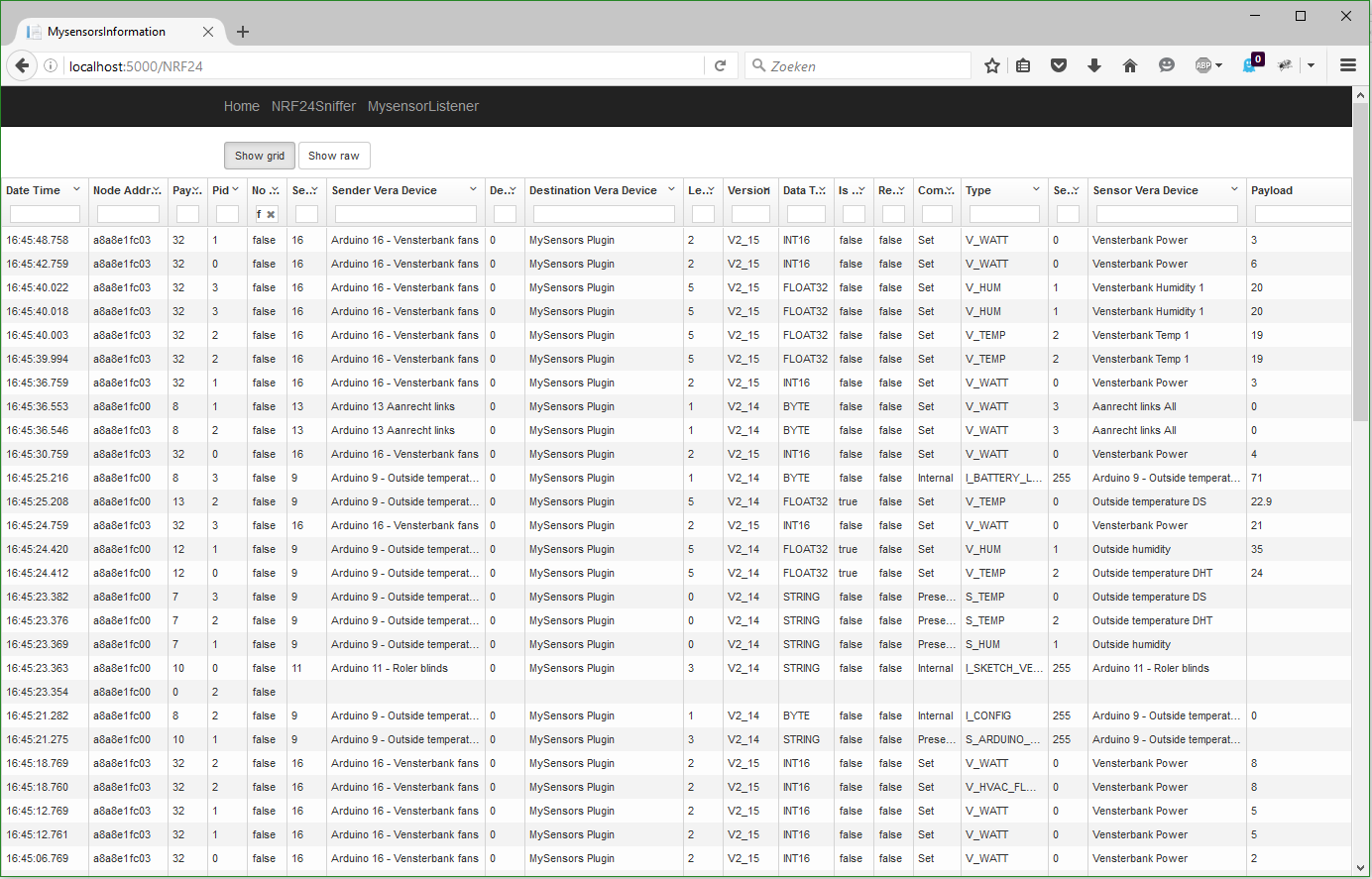
The project can be downloaded from github and can run without any dependencies on a Windows platform.
For Linux and Mac you will need to install .NET runtime 1.0.0-rc1-update1
https://docs.asp.net/en/latest/getting-started/installing-on-mac.html
https://docs.asp.net/en/latest/getting-started/installing-on-linux.htmlThe settings, like serial port name and speed, can be modified in the appsettings.json file located in approot\src\MysensorsInformation.
Setup the Arduino with NRF24L01+ as explained on my blog Setting up the Arduino NRF24Sniffer (it is almost identical as Ivo's version except that I use text output)
From the approot folder, run the web command (web.cmd on Windows and web on linux/mac) to fire-up the application.
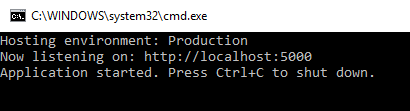
Browse to http://localhost:5000 and enjoy the information flying around your ears ^^Complete documentation and description can be found on my blog.
-
-

Hello! It looks like you're interested in this conversation, but you don't have an account yet.
Getting fed up of having to scroll through the same posts each visit? When you register for an account, you'll always come back to exactly where you were before, and choose to be notified of new replies (either via email, or push notification). You'll also be able to save bookmarks and upvote posts to show your appreciation to other community members.
With your input, this post could be even better 💗
Register Login