
💬 Building a Raspberry Pi Gateway
-
I am trying to get the raspi ethernet gateway running but on both my pi 3 (also running openHAB) and the pi B (pretty basic install).
Unfortunately I get the same error on both.
Any ideas what could be going on here?
I am running the latest gateway and the latest raspbian.
mysgw: Starting gateway... mysgw: Protocol version - 2.1.0 mysgw: MCO:BGN:INIT GW,CP=RNNG---,VER=2.1.0 mysgw: TSF:LRT:OK mysgw: TSM:INIT mysgw: TSF:WUR:MS=0 mysgw: TSM:INIT:TSP OK mysgw: TSM:INIT:GW MODE mysgw: TSM:READY:ID=0,PAR=0,DIS=0 mysgw: MCO:REG:NOT NEEDED mysgw: connect: Connection refused mysgw: failed to connect mysgw: Eth: connect mysgw: connect: Connection refused mysgw: failed to connect mysgw: Eth: connectI am using a Rasp Pi 3 as well.
I can't even proceed further in the tutorial cause of this error cause nothing works after it. -
I am trying to get the raspi ethernet gateway running but on both my pi 3 (also running openHAB) and the pi B (pretty basic install).
Unfortunately I get the same error on both.
Any ideas what could be going on here?
I am running the latest gateway and the latest raspbian.
mysgw: Starting gateway... mysgw: Protocol version - 2.1.0 mysgw: MCO:BGN:INIT GW,CP=RNNG---,VER=2.1.0 mysgw: TSF:LRT:OK mysgw: TSM:INIT mysgw: TSF:WUR:MS=0 mysgw: TSM:INIT:TSP OK mysgw: TSM:INIT:GW MODE mysgw: TSM:READY:ID=0,PAR=0,DIS=0 mysgw: MCO:REG:NOT NEEDED mysgw: connect: Connection refused mysgw: failed to connect mysgw: Eth: connect mysgw: connect: Connection refused mysgw: failed to connect mysgw: Eth: connect@marceltrapman @LaMB95
Could you post the complete ./configure command used to configure the gateway? -
@marceltrapman @LaMB95
Could you post the complete ./configure command used to configure the gateway?@marceloaqno Sure, forgot it :)
sudo ./configure \ --my-gateway=ethernet \ --my-controller-ip-address=192.168.1.xx \ --my-port=5003 \ --my-transport=nrf24 -
@marceloaqno Sure, forgot it :)
sudo ./configure \ --my-gateway=ethernet \ --my-controller-ip-address=192.168.1.xx \ --my-port=5003 \ --my-transport=nrf24@marceltrapman Are you sure it's not a problem with your controller?
Have you tried connecting to your controller using telnet?telnet 192.168.1.x 5003 -
@marceltrapman @LaMB95
Could you post the complete ./configure command used to configure the gateway?@marceloaqno !
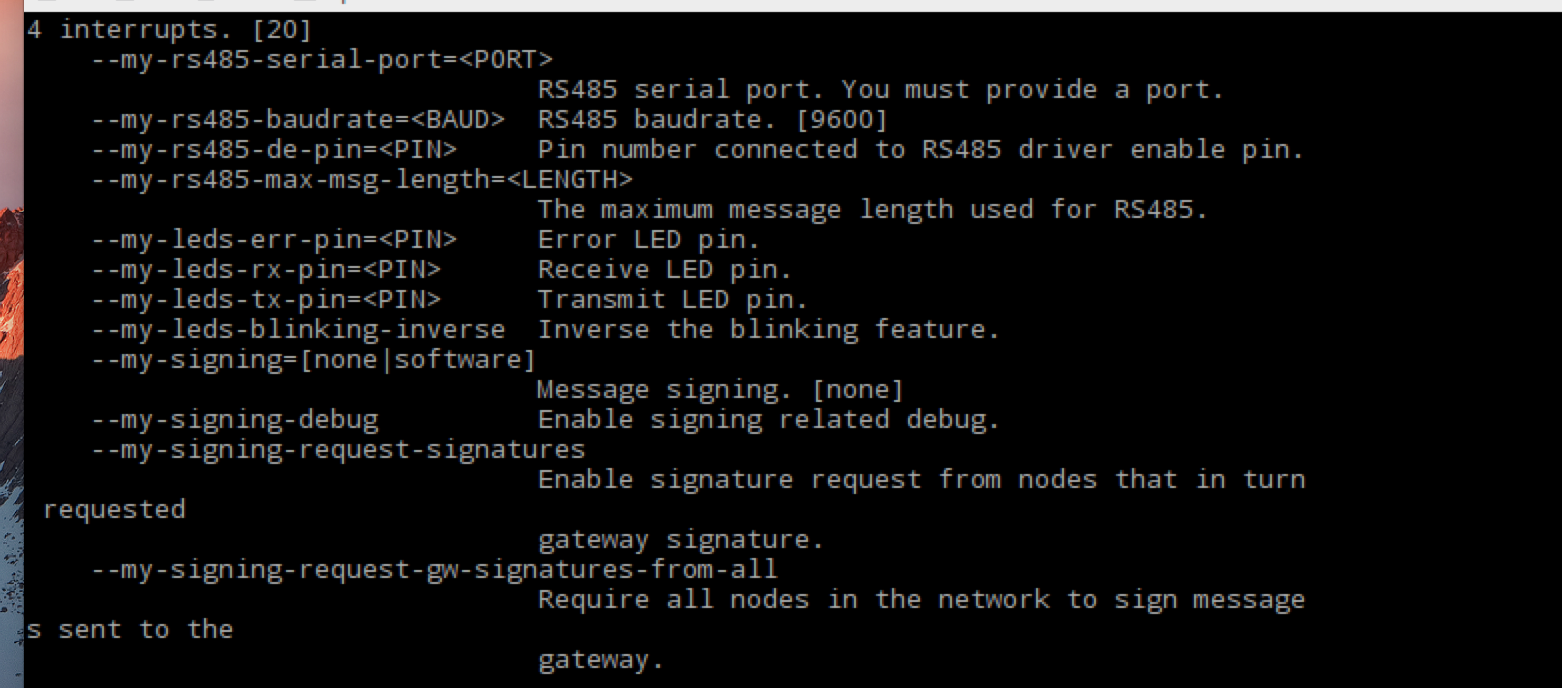
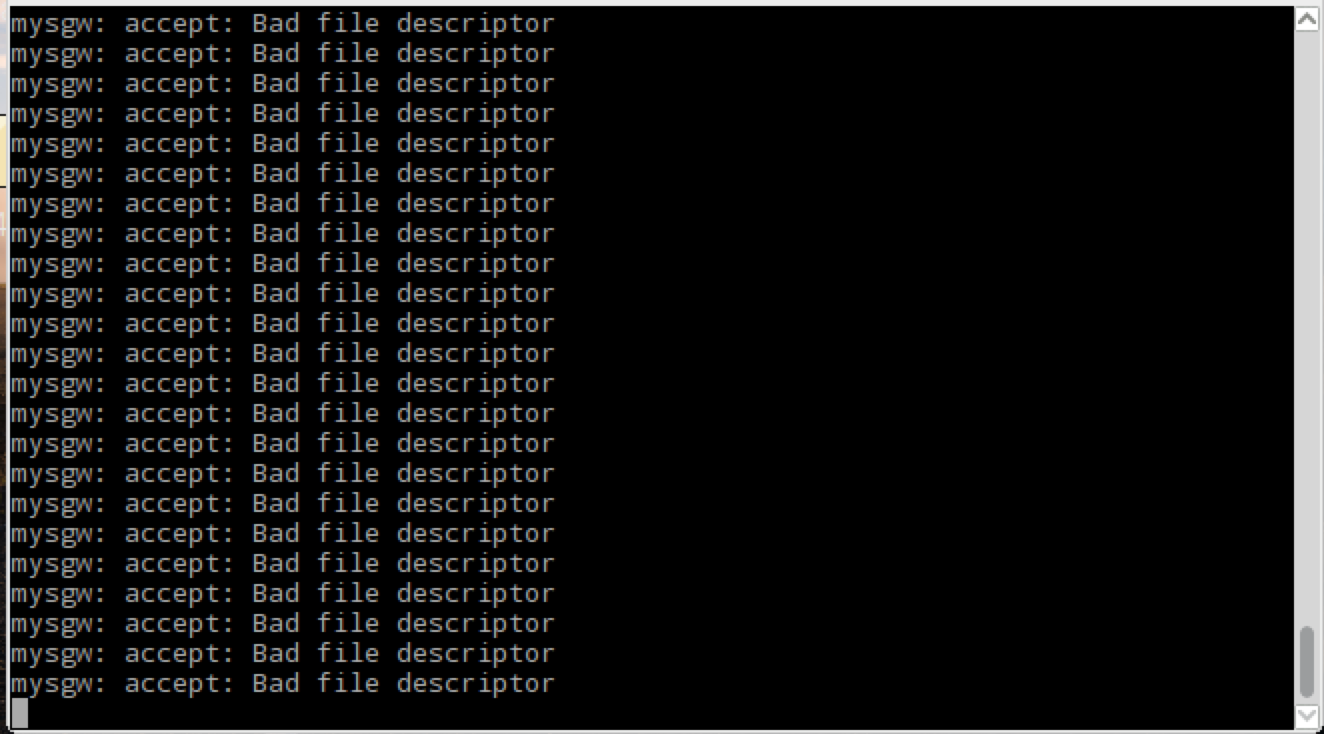
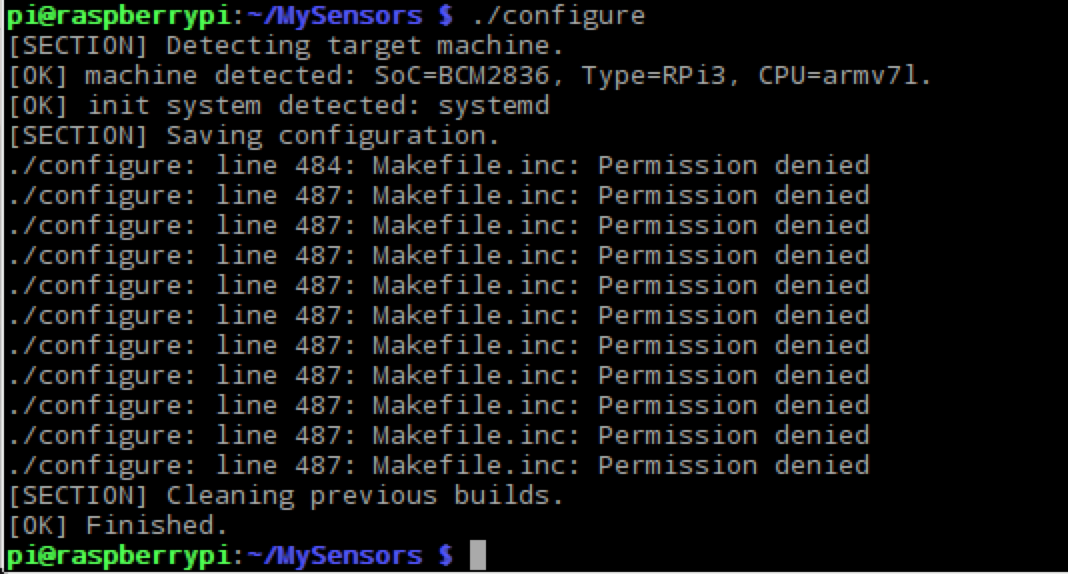
Is this what you meant? -
@marceltrapman Are you sure it's not a problem with your controller?
Have you tried connecting to your controller using telnet?telnet 192.168.1.x 5003@marceloaqno not sure no.
So, I downloaded telnet on the same raspi that I want to use as the gateway and the issue seems to be that port 5003 is not available.
Funny but how do I solve this.
It can't be an issue with the firewall because it allows all traffic on the internal network. -
@marceltrapman Are you sure it's not a problem with your controller?
Have you tried connecting to your controller using telnet?telnet 192.168.1.x 5003@marceloaqno and the same from the controller to the gateway gives the same error on that port :(
-
@Reza Yes, you can use rs485 in the RPi.
./configure --my-transport=rs485 --my-rs485-serial-port=<YOUR_SERIAL_PORT>For more options, run:
./configure -h -
@marceloaqno !
Is this what you meant?@LaMB95 No, I meant the options you used when you ran ./configure
-
Is it possible to use the second ISP on my raspberypi 3 to connect NRF24L01+ and what will be the wiring diagram, also what have to change in mygsw library
@tiana
"The Broadcom SoC has three independant SPI interfaces, however only one of these is brought out to the GPIO connector, and that one SPI interface has 2 Chip enable lines."
More info here: https://www.raspberrypi.org/forums/viewtopic.php?f=44&t=22608 -
@marceloaqno and the same from the controller to the gateway gives the same error on that port :(
@marceloaqno from the docs I assume it is the gateway that has to open up port 5003 but I guess it does not because it can't connect to the ethernet (for some reason) or am I wrong?
Fulltime Servoy Developer
Parttime Moderator MySensors boardI use Domoticz as controller for Z-Wave and MySensors (previously Indigo and OpenHAB).
I have a FABtotum to print cases. -
@Reza Yes, you can use rs485 in the RPi.
./configure --my-transport=rs485 --my-rs485-serial-port=<YOUR_SERIAL_PORT>For more options, run:
./configure -h@marceloaqno
i means that without arduino and usb port, similar to raspberry gateway ( raspberry +nrf24)
i means connect rs485 module to GPIO raspberry pi :) with domoticz -
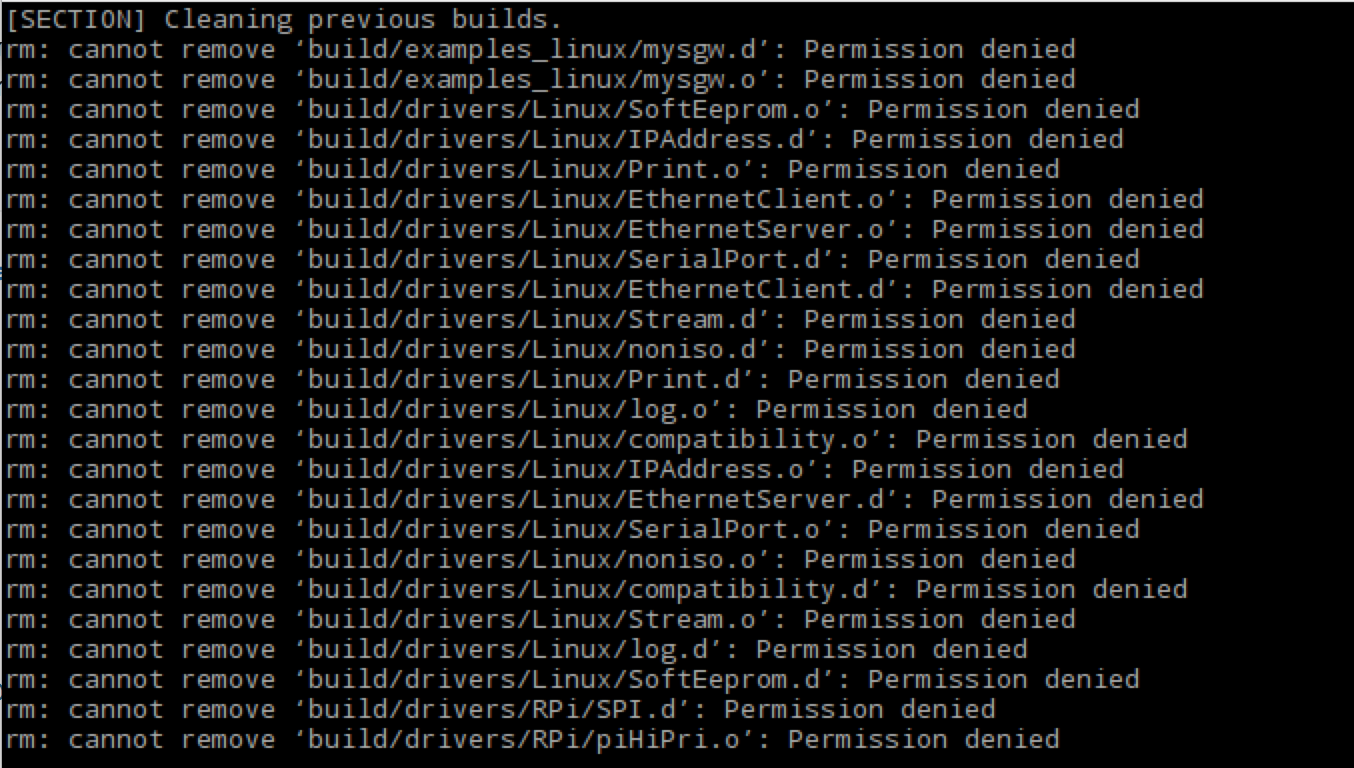
@LaMB95 No, I meant the options you used when you ran ./configure
I m sorry I m new to using a raspberry pi and its for a project.
But if this is not what you asked for could you be a little more specific :$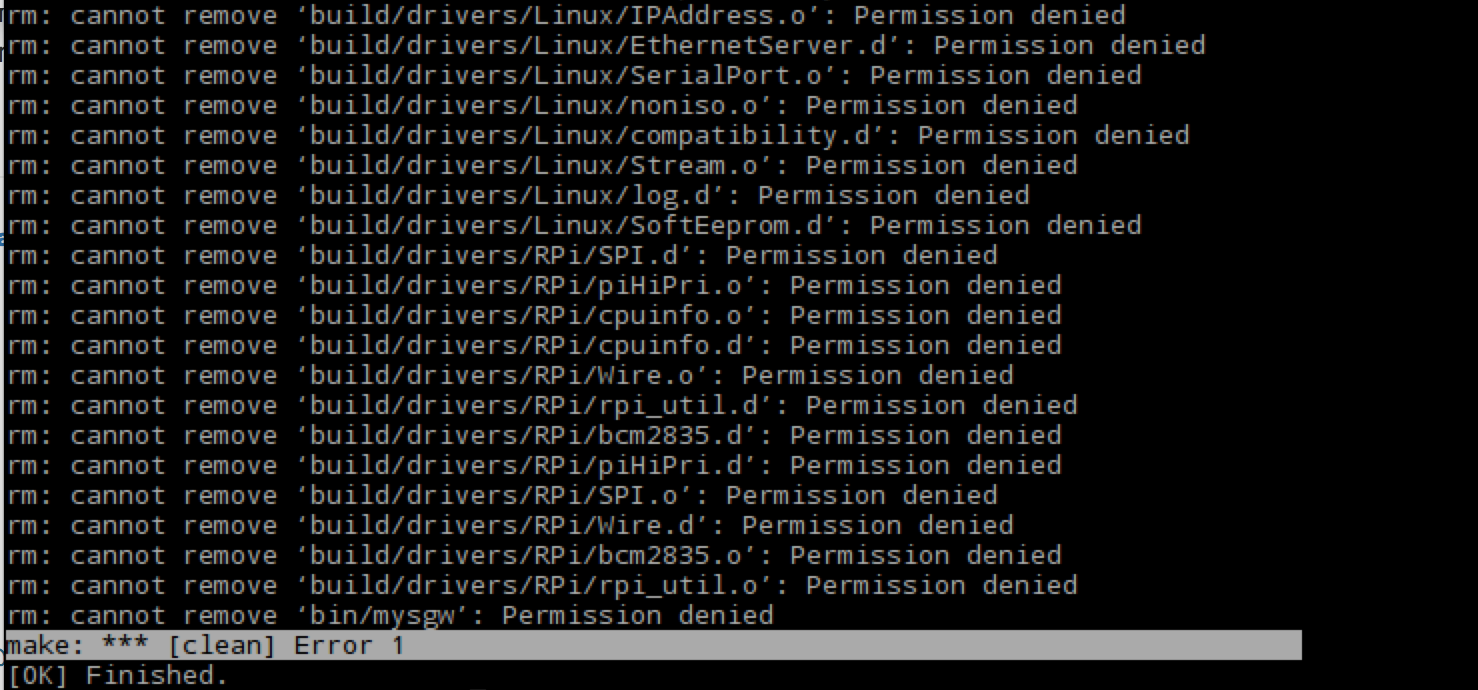
-
-
@marceloaqno from the docs I assume it is the gateway that has to open up port 5003 but I guess it does not because it can't connect to the ethernet (for some reason) or am I wrong?
Oh and one other thing, when I set the gateway up for MQTT it works.
-
@marceloaqno from the docs I assume it is the gateway that has to open up port 5003 but I guess it does not because it can't connect to the ethernet (for some reason) or am I wrong?
If you use the --my-controller-ip-address= option, the gateway will act as a client and attempt to conect to the supplied ip and port. If you want the gateway to open port 5003, omit this option.
-
@marceloaqno
i means that without arduino and usb port, similar to raspberry gateway ( raspberry +nrf24)
i means connect rs485 module to GPIO raspberry pi :) with domoticz@Reza You could connect the rs485 to the RPi UART and use the option --my-rs485-serial-port=/dev/ttyAMA0, but you need to turning off the UART functioning as a serial console.
Or, to make things easier:
rs485 <==> TTL/USB <==> RPi -
@Reza You could connect the rs485 to the RPi UART and use the option --my-rs485-serial-port=/dev/ttyAMA0, but you need to turning off the UART functioning as a serial console.
Or, to make things easier:
rs485 <==> TTL/USB <==> RPi@marceloaqno
i am beginner and i can not turning off the UART functioning. . . also on some board usb port after power off/on lost and i should disconnect/connect cable... i test your steps serial gateway with raspberry and GPIO with virtual usb serial . and i see this problem solve and after power off/on gateway is connect .
i suggest that you add this commands to page of rs485 gateway step by step and update this .
(https://www.mysensors.org/build/rs485)I thank you for hard working and trying
-
@marceloaqno
i am beginner and i can not turning off the UART functioning. . . also on some board usb port after power off/on lost and i should disconnect/connect cable... i test your steps serial gateway with raspberry and GPIO with virtual usb serial . and i see this problem solve and after power off/on gateway is connect .
i suggest that you add this commands to page of rs485 gateway step by step and update this .
(https://www.mysensors.org/build/rs485)I thank you for hard working and trying
-
If you use the --my-controller-ip-address= option, the gateway will act as a client and attempt to conect to the supplied ip and port. If you want the gateway to open port 5003, omit this option.
@marceloaqno nice, working now :+1:
Thank you...



Hello! It looks like you're interested in this conversation, but you don't have an account yet.
Getting fed up of having to scroll through the same posts each visit? When you register for an account, you'll always come back to exactly where you were before, and choose to be notified of new replies (either via email, or push notification). You'll also be able to save bookmarks and upvote posts to show your appreciation to other community members.
With your input, this post could be even better 💗
Register Login