
Codebender on ipad hiding code
-
When helping people troubleshooting, I find it immensely valuable to look at the MySensors "build" examples. However, viewing the examples on the build pages, presents a large message in Safari on ipad:
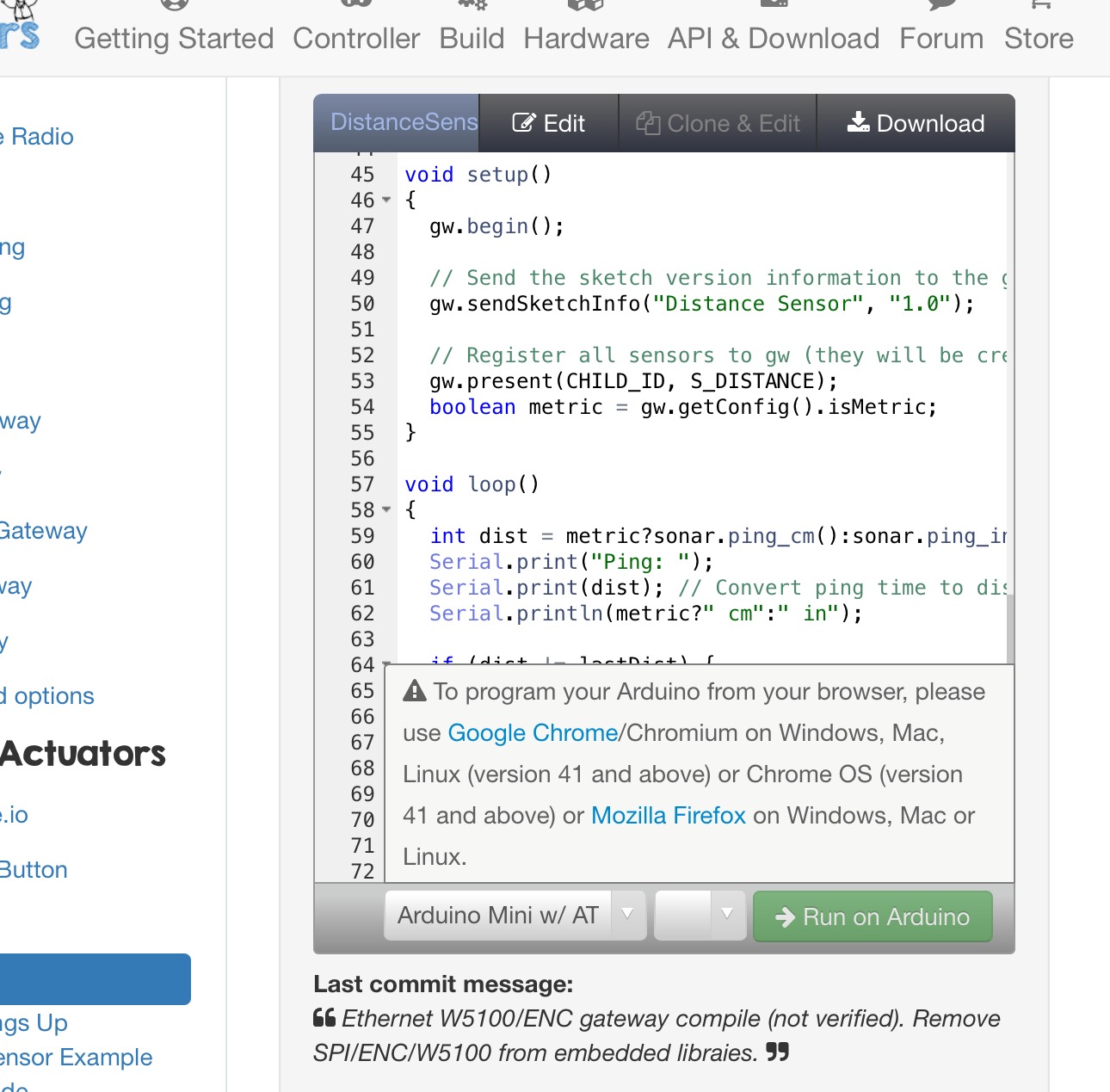
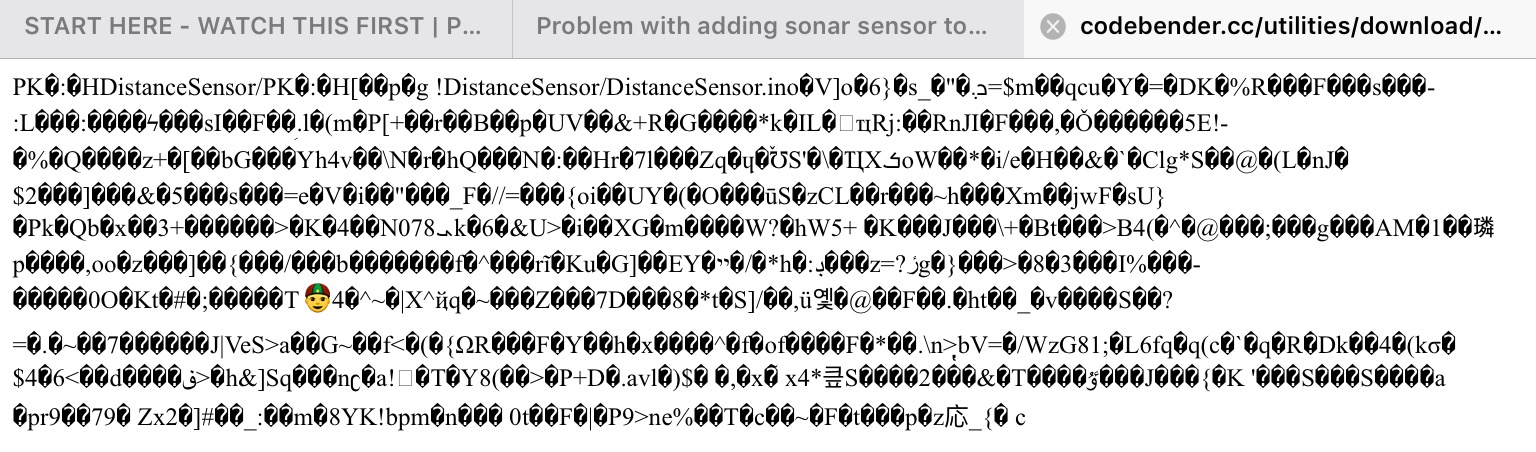
The message makes it impossible to view the last 9 rows of the code.I have tried the Download link ut that doesn't work very well either:
The only sensible way I have found is to open both the build page (so I can refer to it if I answer) and find the sketch on github so I can read the code.
Does anyone know a better way?
-
-
When helping people troubleshooting, I find it immensely valuable to look at the MySensors "build" examples. However, viewing the examples on the build pages, presents a large message in Safari on ipad:
The message makes it impossible to view the last 9 rows of the code.I have tried the Download link ut that doesn't work very well either:
The only sensible way I have found is to open both the build page (so I can refer to it if I answer) and find the sketch on github so I can read the code.
Does anyone know a better way?
@mfalkvidd
Use Chrome on your iPad and your problem is solved! -
@mfalkvidd
Use Chrome on your iPad and your problem is solved! -
@HarryDutch great idea, thanks! I actually deleted Chrome yesterday, because I wasn't able to find a way to prevent the Youtube app from opening links in Chrome. Will have to decide which of the problems I want to live with...
@hek I'll do that!
@mfalkvidd
In Youtube you have an option to enable/disable Youtube links to open in Chrome. -
@mfalkvidd
In Youtube you have an option to enable/disable Youtube links to open in Chrome. -
@HarryDutch where? I tried to find instructions online and found something that said that it was possible in Settings->Youtube but that setting is not available (not even before I uninstalled Chrome).
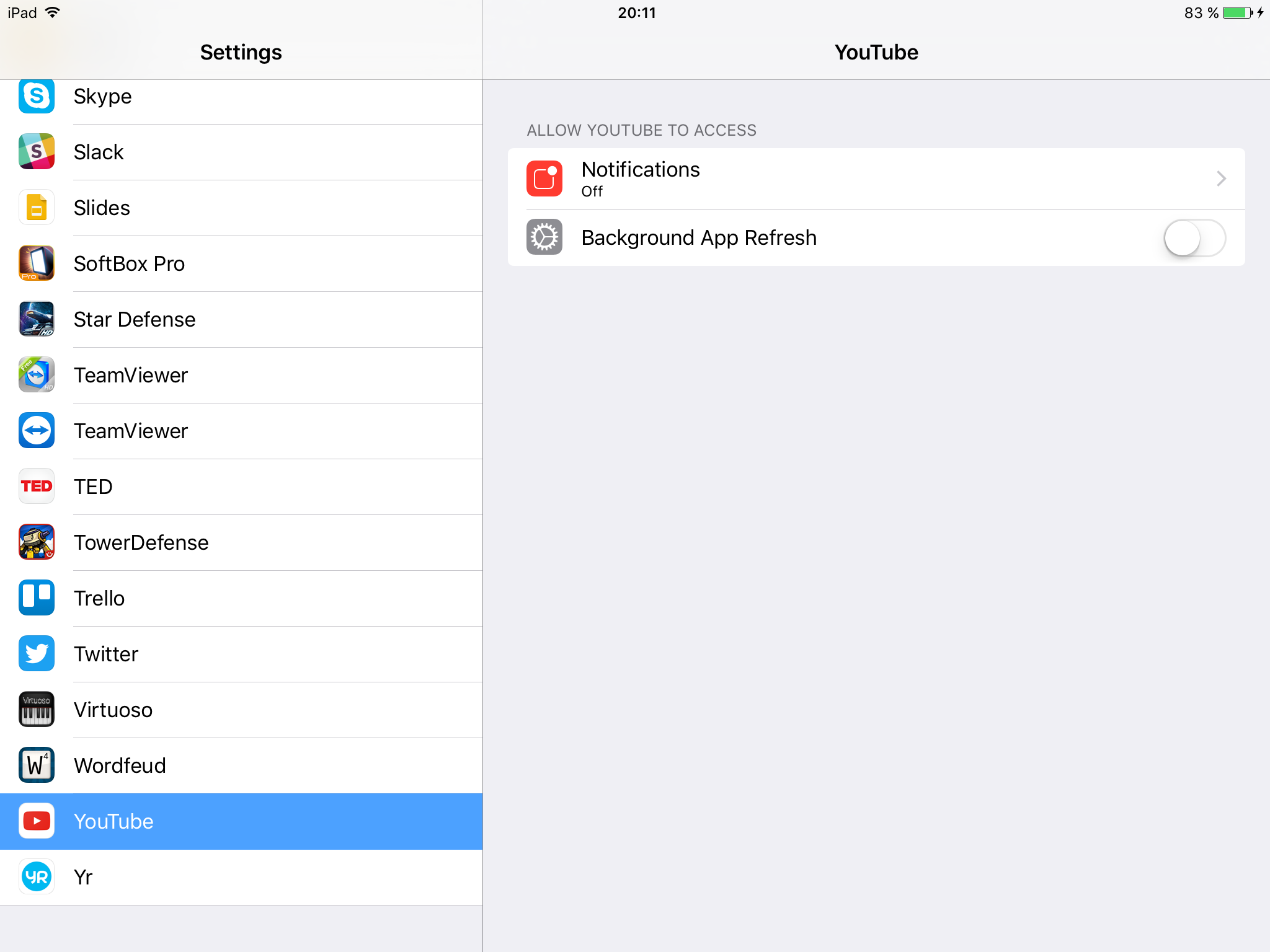
@mfalkvidd
When you open YouTube itself then look at the uppper right corner where you should see 3 dots. Tapping these dots will give you the all available options. -


Hello! It looks like you're interested in this conversation, but you don't have an account yet.
Getting fed up of having to scroll through the same posts each visit? When you register for an account, you'll always come back to exactly where you were before, and choose to be notified of new replies (either via email, or push notification). You'll also be able to save bookmarks and upvote posts to show your appreciation to other community members.
With your input, this post could be even better 💗
Register Login