
Energy meter not updating watts.
-
Well it's defiantly my flash counts that's way off. I brought the laptop out to the meter and plugged in and got some valid info off the meter.
my flashes are more then 1 every second with a/c running. I counted around 30 in 25 seconds using a stopwatch.During this time with sketch stock at 1000 it was reading.
Watt:285,623Ofcourse I changed 1000 to 10,000 as suggested for a trial and it went to
Watt:29,373and for kicks I wanted to get it into something more accurate so I changed it to 100,000
Which is now reading and updating right in VERA (ofcourse since it's not over the max)
Watt:2972So I guess the trick now is trying to figure out what each blink real value is on my meter.
3,000 watts with 220v a/c running puts me around 13.6 amps.
I'm thinking for a few lights on,TV, fridge, ceilings fans and 3.5 ton a/c this is reading low now.I don't have an amp clamp and havent figured out how to read this digital Itron OPENWAY Centron meter. It only has one button.
-
Well I found out meter will read the kW in 2 decimal points. It was reading around 4.3kW with the ac running. Reading the serial seeing what it was outputting vs what the meter was reading I started adjusting the sketch then uploading then reseting the sensor and re reading the serial. I got it reading about spot on with 105000 flash per KWH.
The. I shut off the AC kW reading on Meter went down to around 1.3 ish but the serial was showing 3,011 watts or something. So it didn't change in perportion. I do know the flashes slowed down but didn't recount yet to see just how much. Maybe 1 flash ever 2 seconds now. It definitely didn't cut it into quarters from 4kw to 1kw.
-
nice to see you have worked out some of your issues.
Seems to be tricky to get a pulse from the ITRON usually it says like 1000 imp/kwh or something similar beside the led on the meter and this should be pretty accurate. -
nice to see you have worked out some of your issues.
Seems to be tricky to get a pulse from the ITRON usually it says like 1000 imp/kwh or something similar beside the led on the meter and this should be pretty accurate.@korttoma it sure doesn't seem like if fixed much.
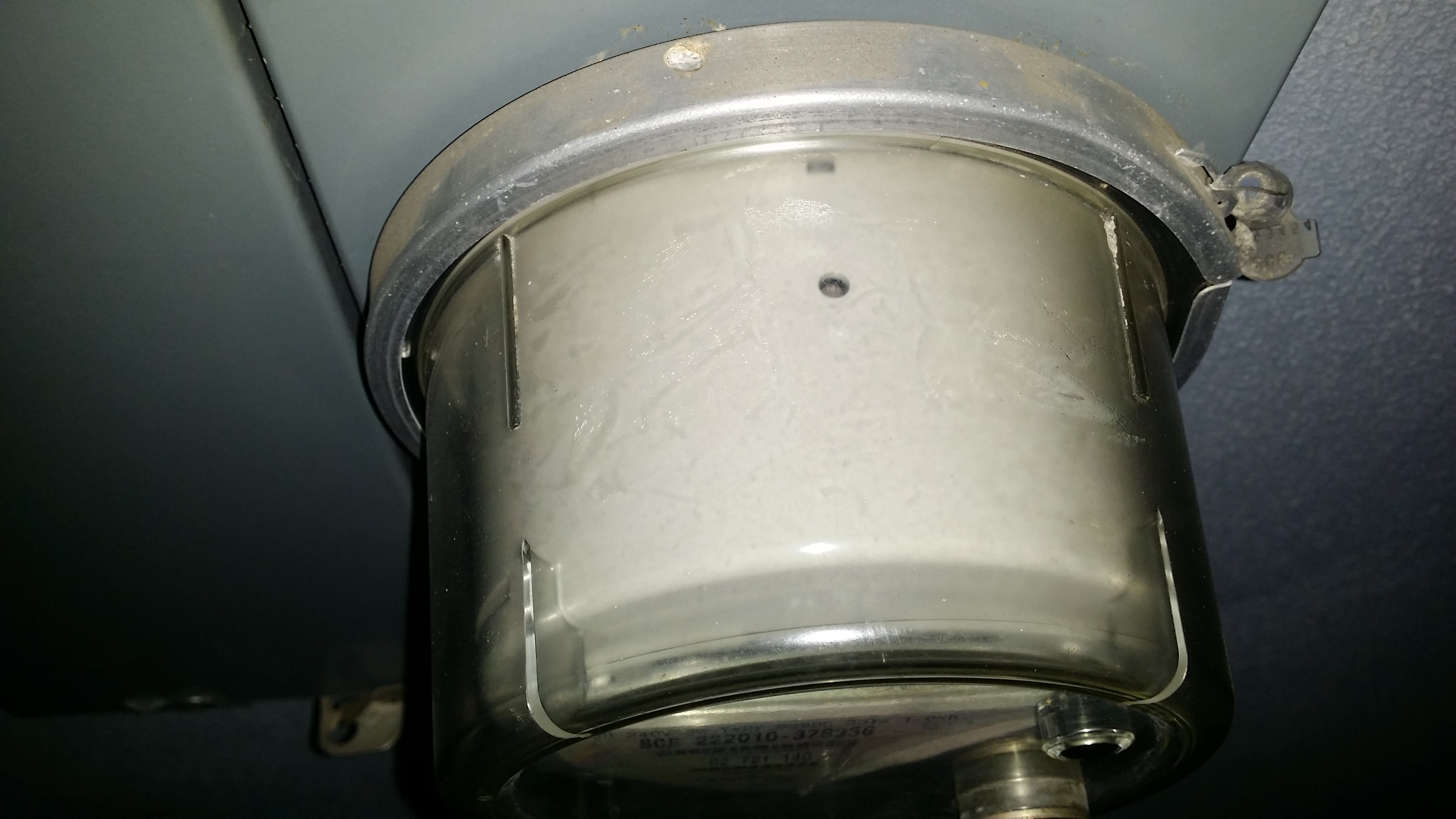
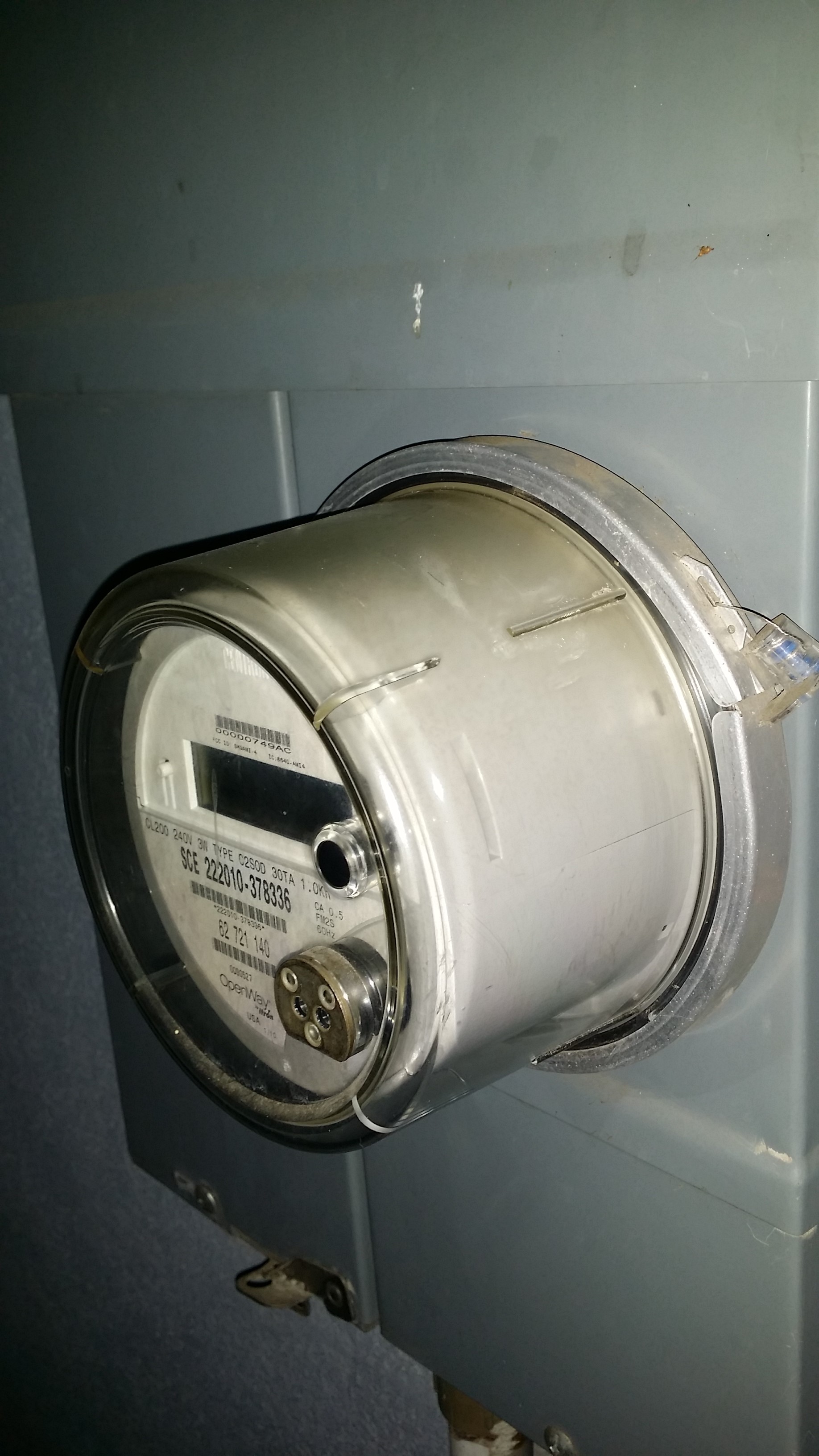
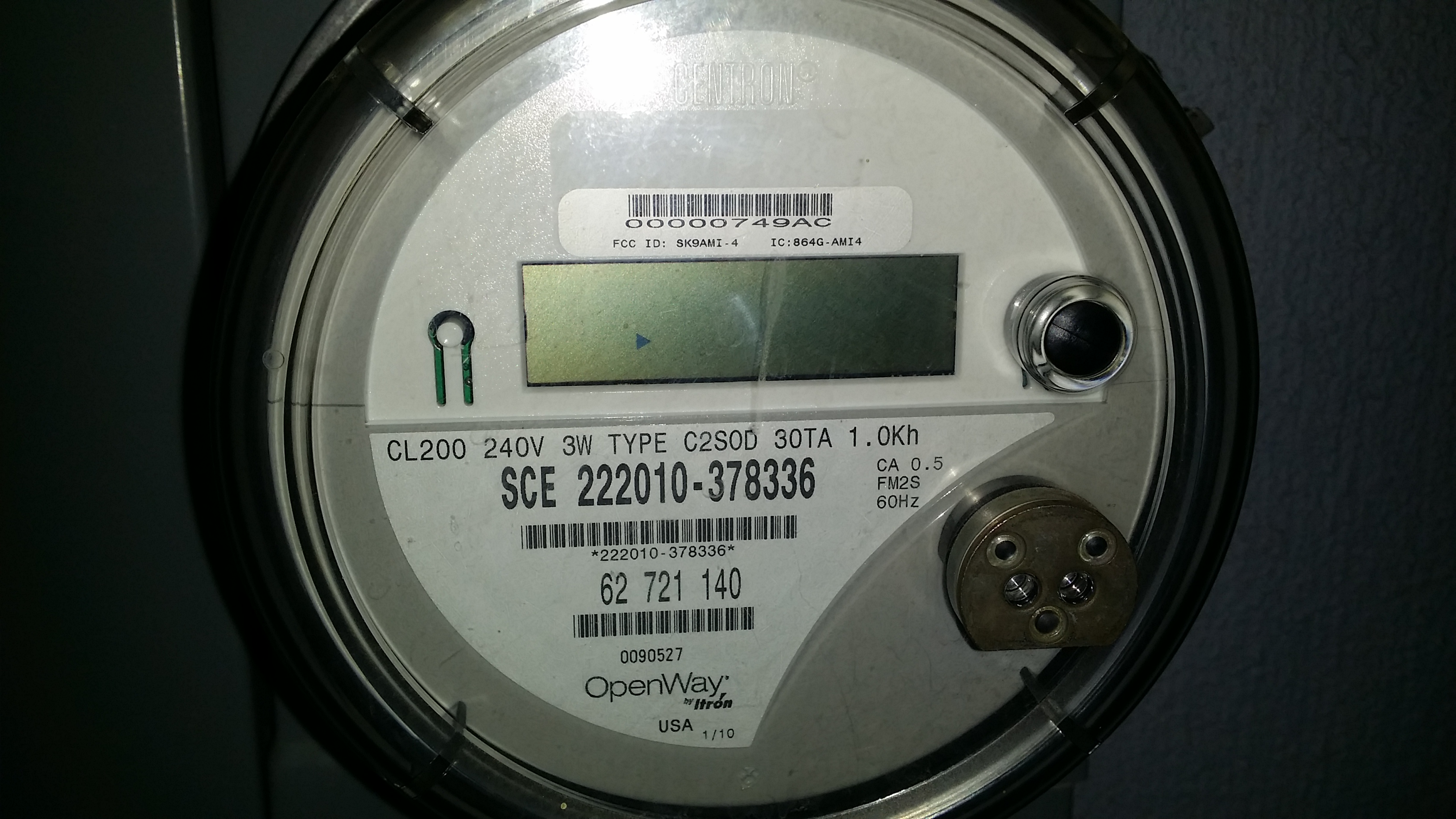
I'll include some pictures but I don't see anything anywhere on the meter that might give an indication of the pulses. And def. nothing around the IR. I'm also confused now how even when I got it reading right at higher usage. It didn't drop down much after I cut the usage and was still given a high reading.
-
It looks like the calculation is off in the example sketch:
Your meter is providing Kh, which renders the below calculation wrong (I think)
watt = (3600000000.0 /interval) / ppwh;Your calculation should be
watt = (3600000000.0 * ppwh) / interval;3600 (one hour) times the unit (1.0 Kh) devided by the time between two blinks.
I could be wrong though because it is quick plain from the head.
-
It looks like the calculation is off in the example sketch:
Your meter is providing Kh, which renders the below calculation wrong (I think)
watt = (3600000000.0 /interval) / ppwh;Your calculation should be
watt = (3600000000.0 * ppwh) / interval;3600 (one hour) times the unit (1.0 Kh) devided by the time between two blinks.
I could be wrong though because it is quick plain from the head.
@John so I'm a bit lost (not surprised) at your formula. Can you throw some numbers in your new formula based on my information above (or fictitious numbers for an example) and give me an idea of what it should look like.
-
Ok, let's say there are 4 seconds between each pulse, you would then have a formula like:
(3600 * 1.0) / 4 = 900 WATTAn example if a blink takes 0.91 seconds
(3600 * 1.0) / 0.91 = 3956 WATTBut like i said, i could be wrong ;)
-
Ok, let's say there are 4 seconds between each pulse, you would then have a formula like:
(3600 * 1.0) / 4 = 900 WATTAn example if a blink takes 0.91 seconds
(3600 * 1.0) / 0.91 = 3956 WATTBut like i said, i could be wrong ;)
@John said:
watt = (3600000000.0 * ppwh) / interval;
Well i put the Pulse count back to 1000 then I changed the formula above and now I'm getting some wierd up and down readings even tho the meter was fairly stable during this time.
sensor started, id 2
send: 2-2-0-0 s=255,c=0,t=17,pt=0,l=3,st=ok:1.4
send: 2-2-0-0 s=255,c=3,t=6,pt=1,l=1,st=ok:0
read: 0-0-2 s=255,c=3,t=6,pt=0,l=2:I
send: 2-2-0-0 s=255,c=3,t=11,pt=0,l=12,st=ok:Energy Meter
send: 2-2-0-0 s=255,c=3,t=12,pt=0,l=3,st=ok:1.0
send: 2-2-0-0 s=1,c=0,t=13,pt=0,l=3,st=ok:1.4
send: 2-2-0-0 s=1,c=2,t=24,pt=0,l=3,st=ok:1.4
read: 0-0-2 s=1,c=1,t=24,pt=0,l=6:81287
Received last pulse count from gw:81287
Watt:3609
send: 2-2-0-0 s=1,c=1,t=24,pt=5,l=4,st=ok:81316
send: 2-2-0-0 s=1,c=1,t=18,pt=7,l=5,st=ok:81.3160
Watt:268656
send: 2-2-0-0 s=1,c=1,t=24,pt=5,l=4,st=ok:81351
send: 2-2-0-0 s=1,c=1,t=18,pt=7,l=5,st=ok:81.3510
Watt:264861
send: 2-2-0-0 s=1,c=1,t=24,pt=5,l=4,st=ok:81389
send: 2-2-0-0 s=1,c=1,t=18,pt=7,l=5,st=ok:81.3890
Watt:272975
send: 2-2-0-0 s=1,c=1,t=24,pt=5,l=4,st=ok:81415
send: 2-2-0-0 s=1,c=1,t=18,pt=7,l=5,st=ok:81.4150
Watt:141464
send: 2-2-0-0 s=1,c=1,t=24,pt=5,l=4,st=ok:81421
send: 2-2-0-0 s=1,c=1,t=18,pt=7,l=5,st=ok:81.4210
Watt:10582
send: 2-2-0-0 s=1,c=1,t=24,pt=5,l=4,st=ok:81448
send: 2-2-0-0 s=1,c=1,t=18,pt=7,l=5,st=ok:81.4480
Watt:12944
send: 2-2-0-0 s=1,c=1,t=24,pt=5,l=4,st=ok:81471
send: 2-2-0-0 s=1,c=1,t=18,pt=7,l=5,st=ok:81.4710
Watt:7069
send: 2-2-0-0 s=1,c=1,t=24,pt=5,l=4,st=ok:81473
send: 2-2-0-0 s=1,c=1,t=18,pt=7,l=5,st=ok:81.4740
Watt:1215
send: 2-2-0-0 s=1,c=1,t=24,pt=5,l=4,st=ok:81479
send: 2-2-0-0 s=1,c=1,t=18,pt=7,l=5,st=ok:81.4790
Watt:21161
send: 2-2-0-0 s=1,c=1,t=24,pt=5,l=4,st=ok:81510
send: 2-2-0-0 s=1,c=1,t=18,pt=7,l=5,st=ok:81.5100
Watt:5983
send: 2-2-0-0 s=1,c=1,t=24,pt=5,l=4,st=ok:81529
send: 2-2-0-0 s=1,c=1,t=18,pt=7,l=5,st=ok:81.5290 -
i'm so lost on this. I can read the screen on the meter. I got my meter holding down to around 1.31kW according to the meter read out. I set the timer for a minute and counted the flashes on the LM393 LED. It flashed around 26 times in that min. So 60 min in an hour that's 1,560 flashes per around 1.31kWh..
Next I kicked on the AC and let the Kw reading on the meter level out around 3.10kW and then I set the timer and counted 54 pulses per min. x 60 for 3,240 per hour.
Everything looks per proportional and right along with what I found on the internet for this meter.
1,000 blinks per kWh.
Using the factory settings should put me right there is what I keep thinking. But that gets me showing 300,000 watts
using your above formula and pulses still at 1000 it still gets me in the 300,000 range.
If i change my pluse per KWh to 100,000 then it gets me into the right area at 3000 watts when my ac is on which is in the ball park but if I turn the AC off and kW drop to 1.3 ish
The serial is still showing 3,000 range in watts it wont drop to the 1,000 so watts it should be.
-
Hoping can jump in and shed some new light on this. BUMP!
-
-
Thanks for that info, it seems to only confirms that the meter is working right and that my problem is in the sktech. LOL
I really need help finding out why the example sketch with the "1000 blinks per kWh" set doesn't work anywhere close to where it should be.
I'm using the example sketch and my meter has 1.0kH tag on the front.
@hek said:
@integlikewhoa said:
i'm so lost on this. I can read the screen on the meter. I got my meter holding down to around 1.31kW according to the meter read out. I set the timer for a minute and counted the flashes on the LM393 LED. It flashed around 26 times in that min. So 60 min in an hour that's 1,560 flashes per around 1.31kWh..
Next I kicked on the AC and let the Kw reading on the meter level out around 3.10kW and then I set the timer and counted 54 pulses per min. x 60 for 3,240 per hour.
Everything looks per proportional and right along with what I found on the internet for this meter.
1,000 blinks per kWh.
Using the factory settings should put me right there is what I keep thinking. But that gets me showing 300,000 watts
using your above formula and pulses still at 1000 it still gets me in the 300,000 range.
If i change my pluse per KWh to 100,000 then it gets me into the right area at 3000 watts when my ac is on which is in the ball park but if I turn the AC off and kW drop to 1.3 ish
The serial is still showing 3,000 range in watts it wont drop to the 1,000 so watts it should be.



Hello! It looks like you're interested in this conversation, but you don't have an account yet.
Getting fed up of having to scroll through the same posts each visit? When you register for an account, you'll always come back to exactly where you were before, and choose to be notified of new replies (either via email, or push notification). You'll also be able to save bookmarks and upvote posts to show your appreciation to other community members.
With your input, this post could be even better 💗
Register Login