
Candle Manager, a new add-on for the Mozilla WebThings Gateway
-
I've been working on an add-on for the Mozilla WebThings Gateway that should make it so easy to upload code to an Arduino that even my mom can do it.
Steps:
- Install the Candle Manger add-on. Go to settings -> add-ons, then click on the (+) sign. Scroll to find the add-on and then click install.
- Change the desired wireless security/encryption password in the settings of the add-on. Setting the password to nothing will disable wireless security.
- On the things overview page, click on the (+) button. There you should see a new thing called 'Create candle'. Click on the save button next to it.
- Back on the things page, click on the link icon on the 'Create candle' thing. The wizard will be opened in a new tab. If you get an error, wait a little bit and refresh. The add-on needs some time to boot up.
.
Using the wizard
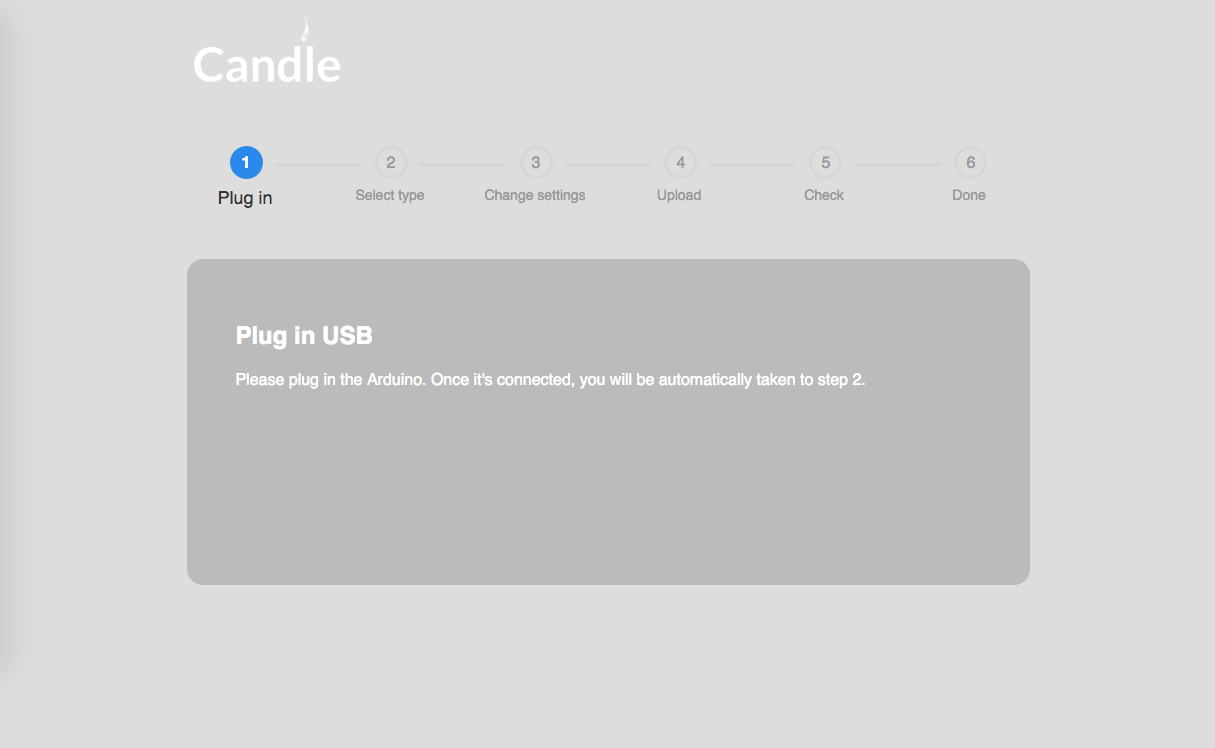
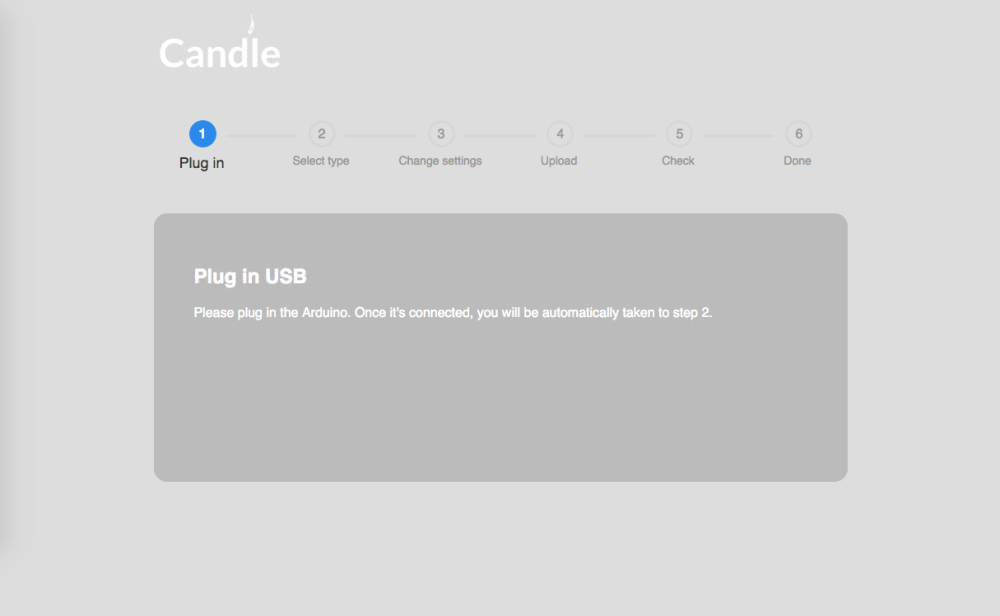
You are now at the wizard that will help you upload to your Arduino. Plug in your new creation to the Raspberry Pi.
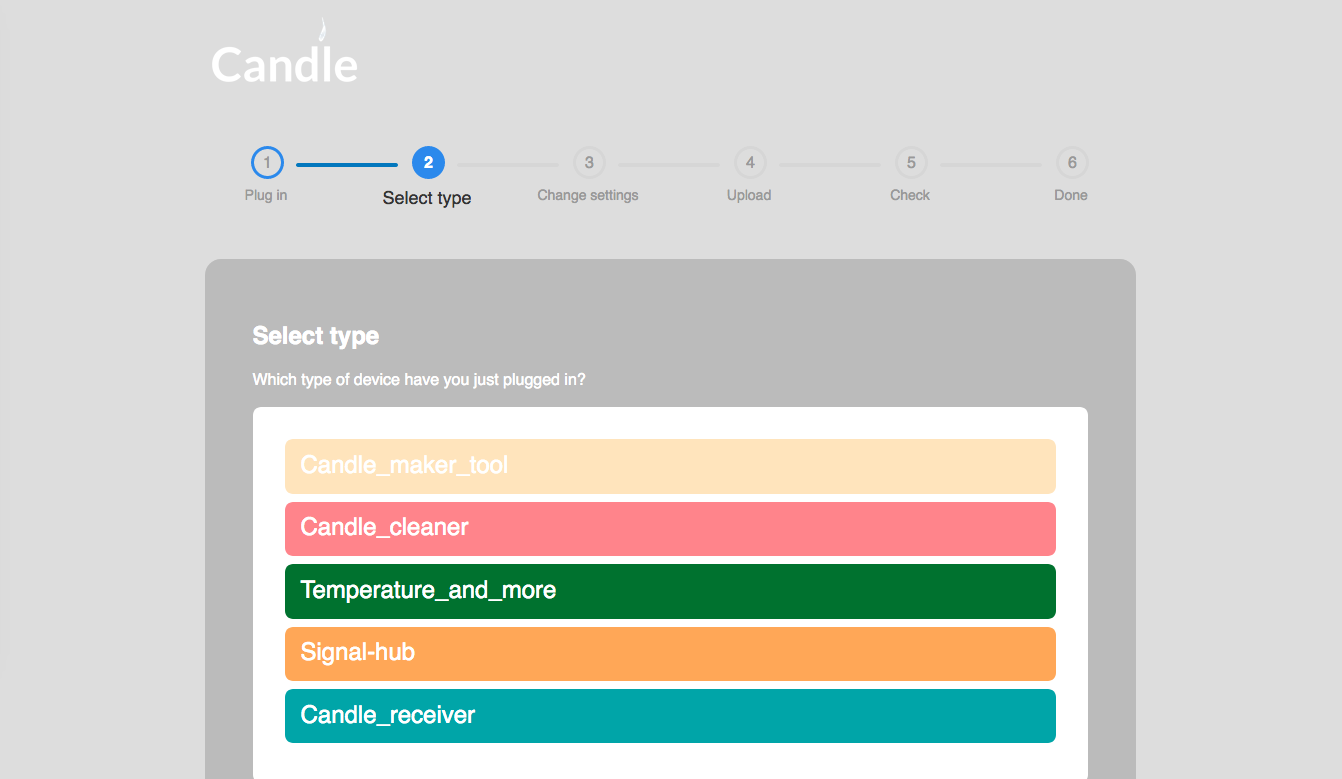
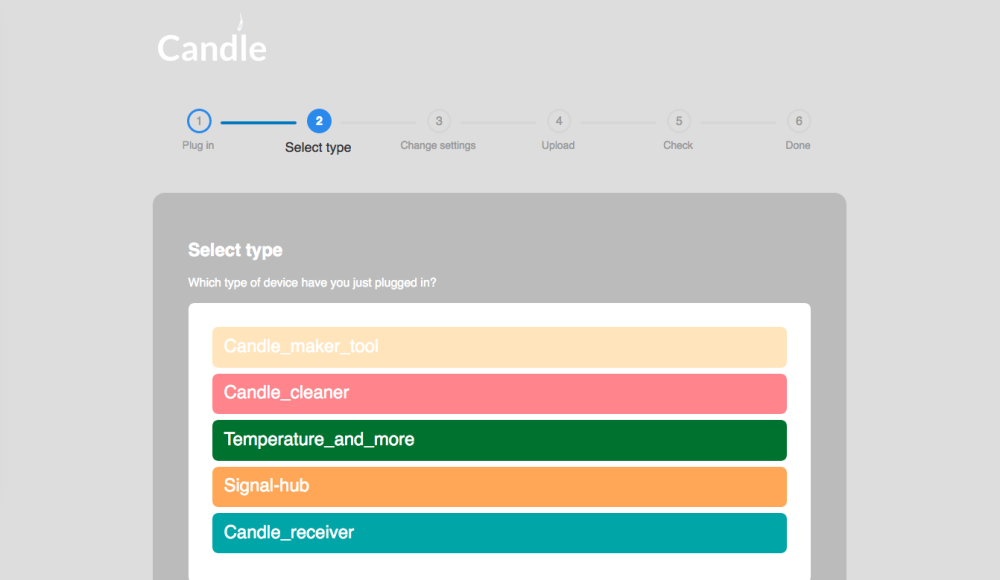
Next, choose which .ino file you want to upload. You can your own sketches to this list at the add-on's settings page.
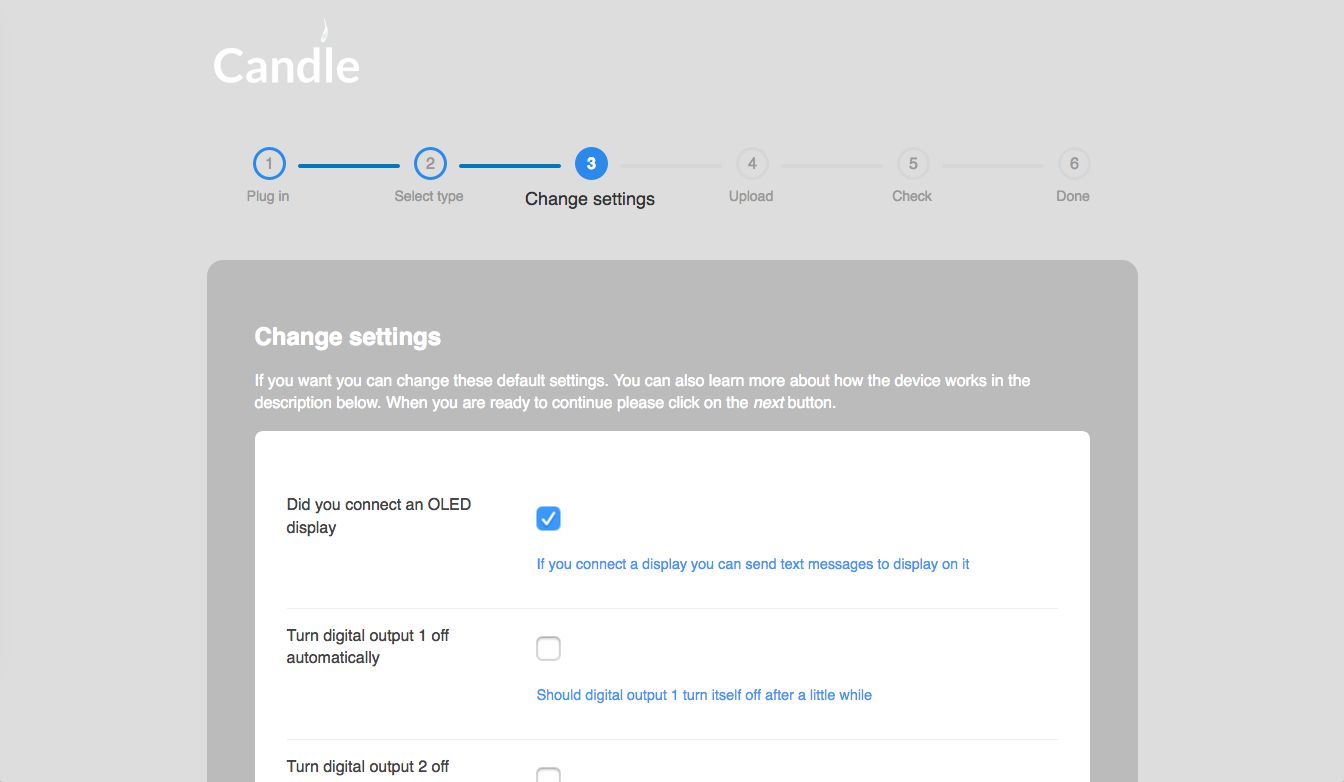
If you follow the convention in your code, then some of the
#defineand variable settings in your code will be turned into an interface. For example, this code is turned into:
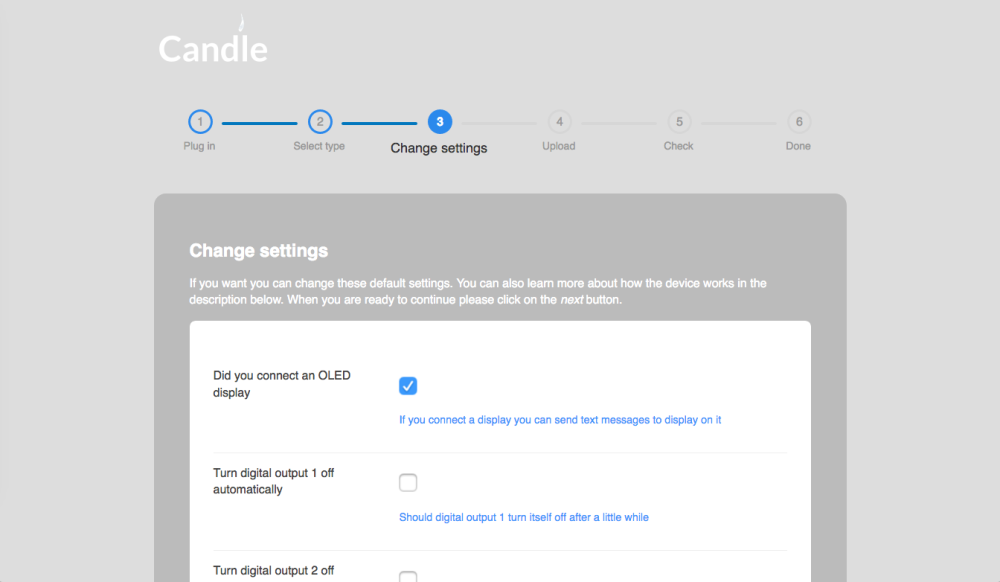
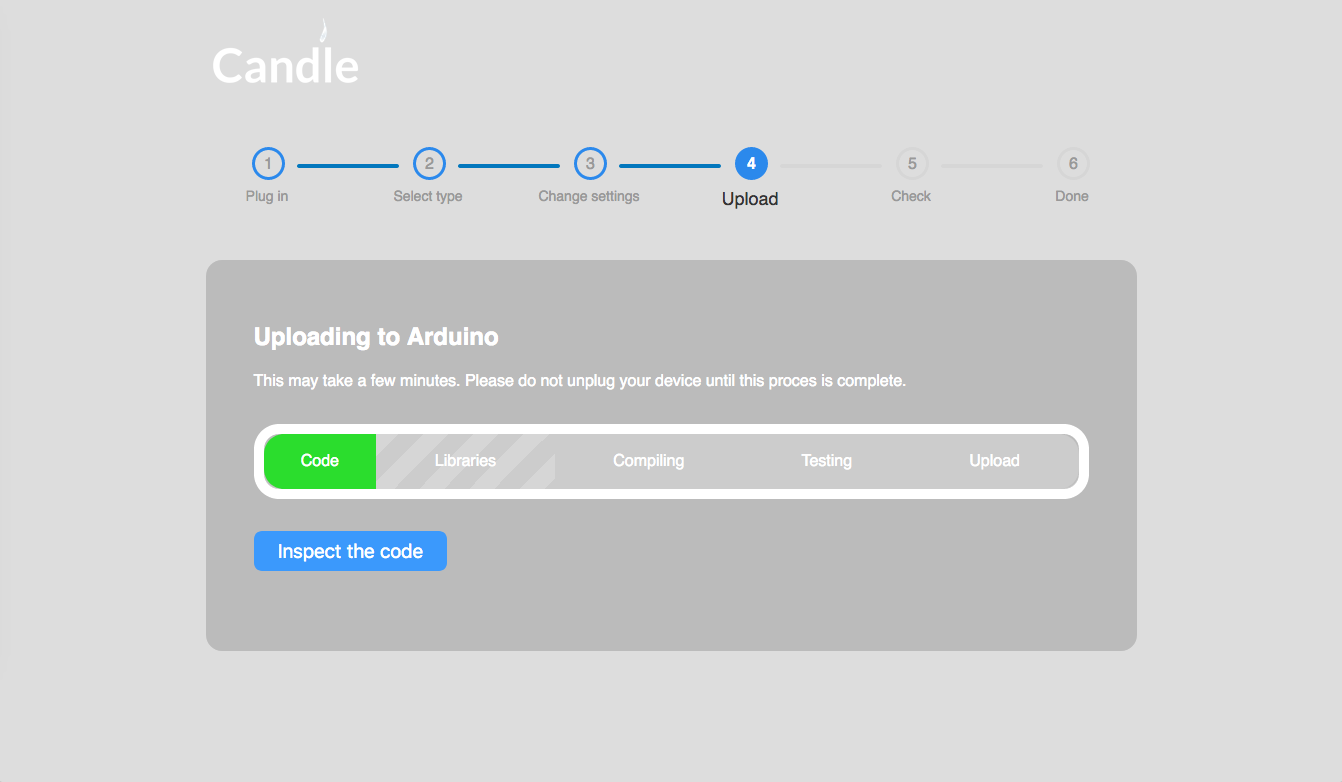
On you all the settings are to your liking, you can continue to the upload phase. Here, the security password you set in the add-on settings is added into the security defines such as
MY_ENCRYPTION_SIMPLE_PASSWD. Next, required libraries are automatically downloaded. It also figures out which bootloader to use by attempting a test upload.
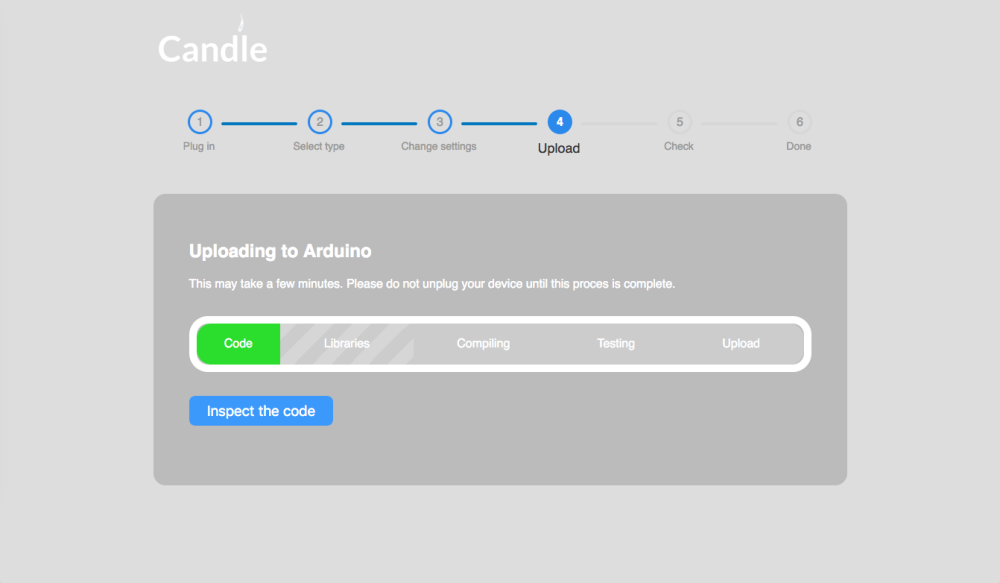
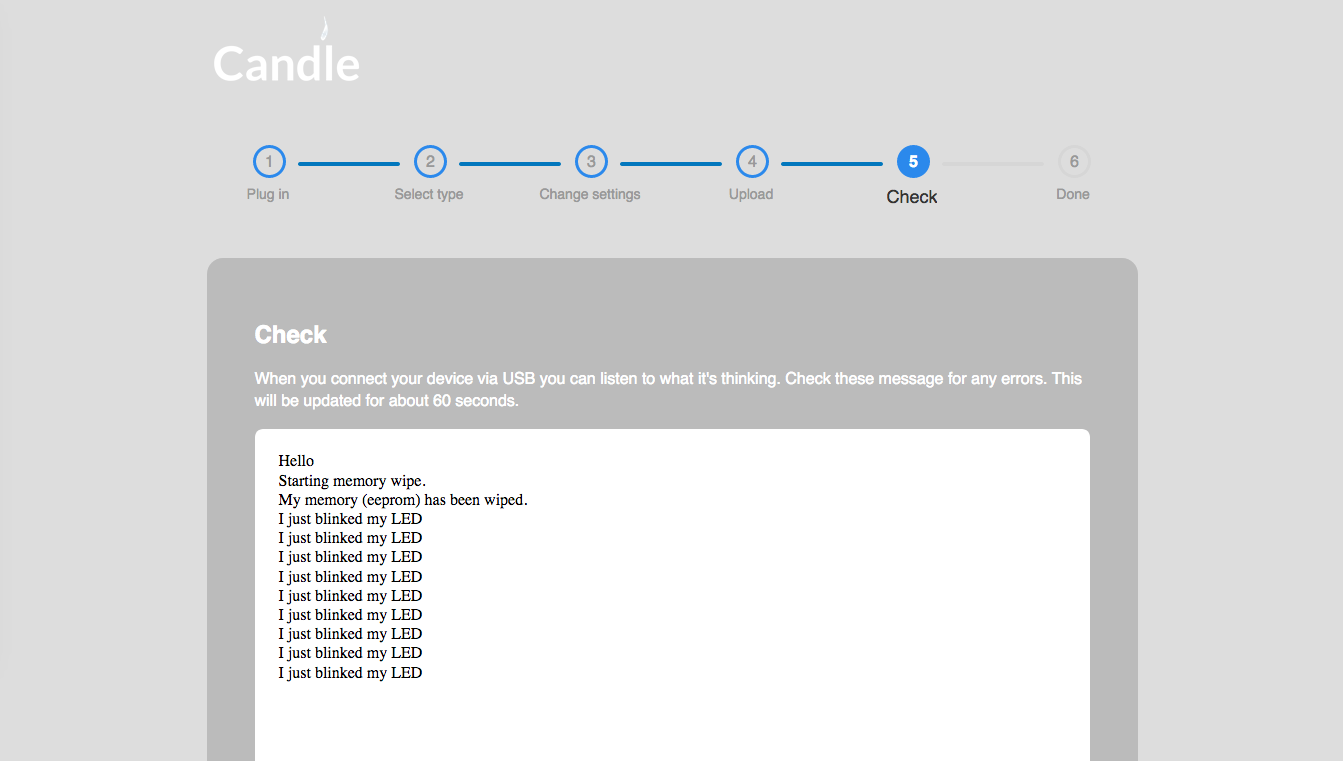
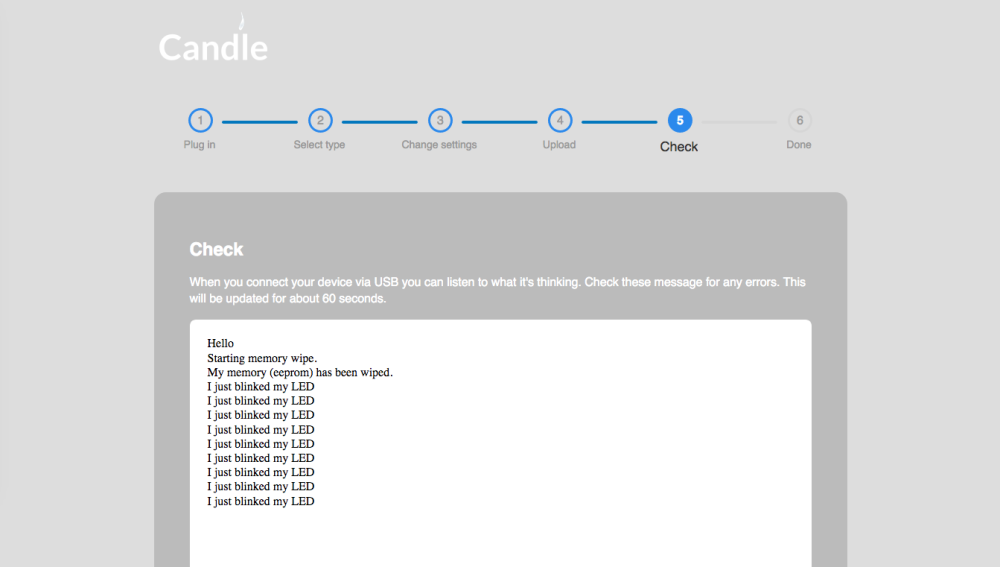
Once the upload is done you can check the serial output of your new device.
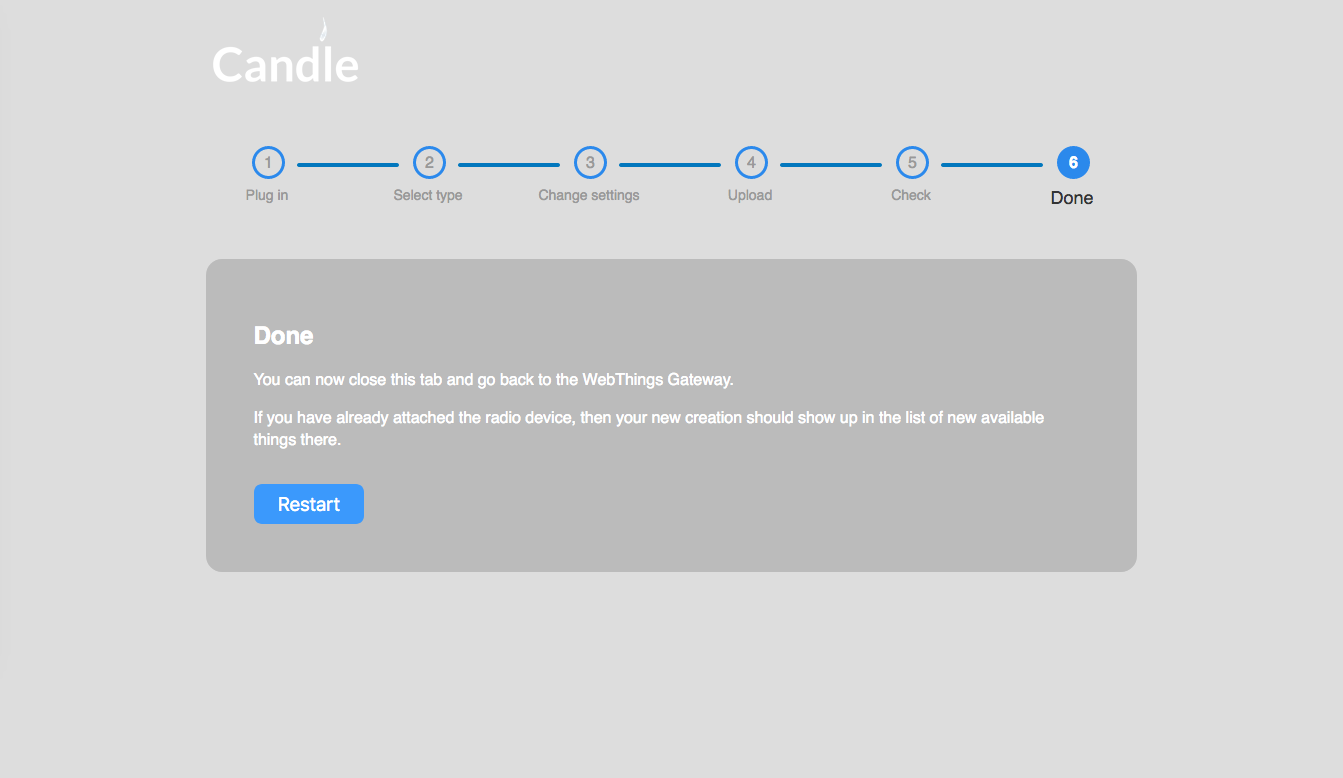
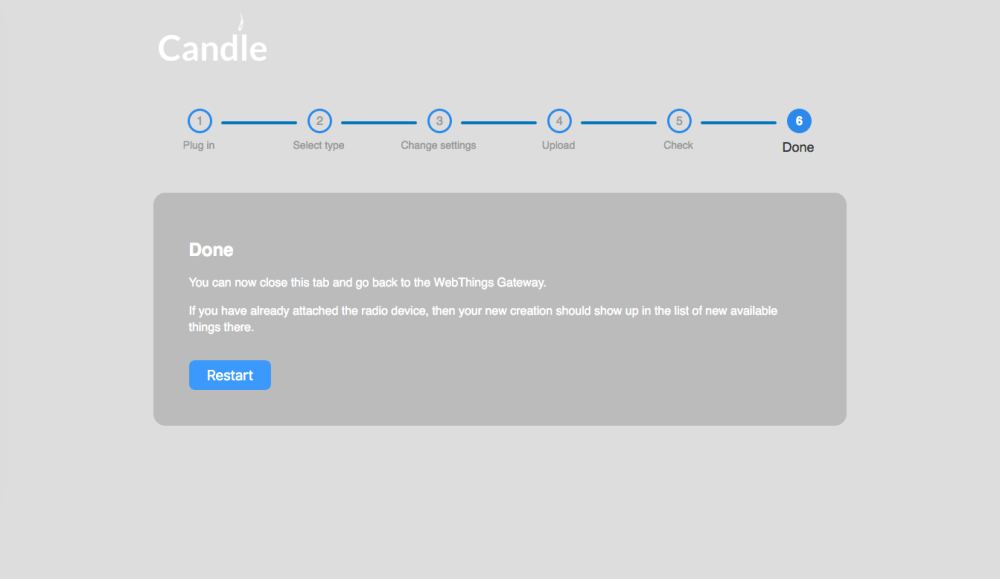
Done!
I used it in a workshop last sunday, and it was very happy with it. Participants didn't need to install the Arduino IDE to upload code, which saved a lot of hassle.
-
-
This sounds great but I'm wondering what devices/hardware this supports? Does this support everything that is supported by the Arduino IDE?
@rmalbers Currently it's focus is the Arduino Nano, but technically it also supports the other Atmel ones, like the Arduino Mega. There is a dropdown in settings where you can select which device you're using.
Currently it's at version 0.0.6. It's getting quite robust.

Hello! It looks like you're interested in this conversation, but you don't have an account yet.
Getting fed up of having to scroll through the same posts each visit? When you register for an account, you'll always come back to exactly where you were before, and choose to be notified of new replies (either via email, or push notification). You'll also be able to save bookmarks and upvote posts to show your appreciation to other community members.
With your input, this post could be even better 💗
Register Login