Skip to content
  • MySensors
  • OpenHardware.io
  • Categories
  • Recent
  • Tags
  • Popular
Skins
  • Light
  • Brite
  • Cerulean
  • Cosmo
  • Flatly
  • Journal
  • Litera
  • Lumen
  • Lux
  • Materia
  • Minty
  • Morph
  • Pulse
  • Sandstone
  • Simplex
  • Sketchy
  • Spacelab
  • United
  • Yeti
  • Zephyr
  • Dark
  • Cyborg
  • Darkly
  • Quartz
  • Slate
  • Solar
  • Superhero
  • Vapor

  • Default (No Skin)
  • No Skin
Collapse
Brand Logo
  1. Home
  2. Troubleshooting
  3. Scene Controller problem

Scene Controller problem

Scheduled Pinned Locked Moved Troubleshooting
15 Posts 4 Posters 4.8k Views 1 Watching
  • Oldest to Newest
  • Newest to Oldest
  • Most Votes
Reply
  • Reply as topic
Log in to reply
This topic has been deleted. Only users with topic management privileges can see it.
  • V Offline
    V Offline
    vampircik
    wrote on last edited by
    #1

    Hello. I can`t run the script via the display controller. Sketch Good but apart from a white screen got nothing. pumped some examples from the library screen gives all the colors, examples of good work but this DEPT nehochet which I downloaded from http://www.mysensors.org/build/scene_controller

    1 Reply Last reply
    0
    • V Offline
      V Offline
      vampircik
      wrote on last edited by
      #2

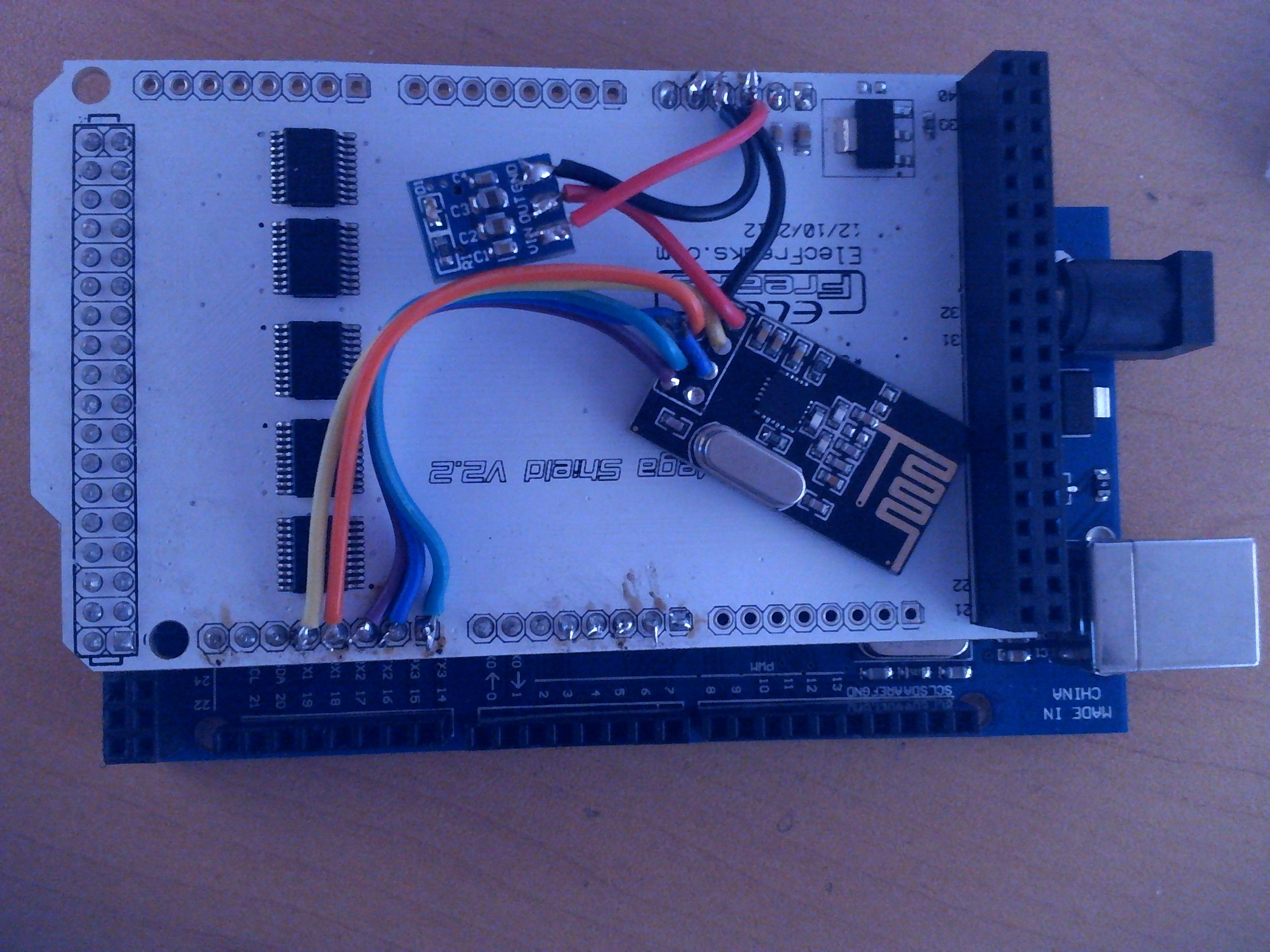
      картинка012.jpg

      1 Reply Last reply
      0
      • V Offline
        V Offline
        vampircik
        wrote on last edited by
        #3

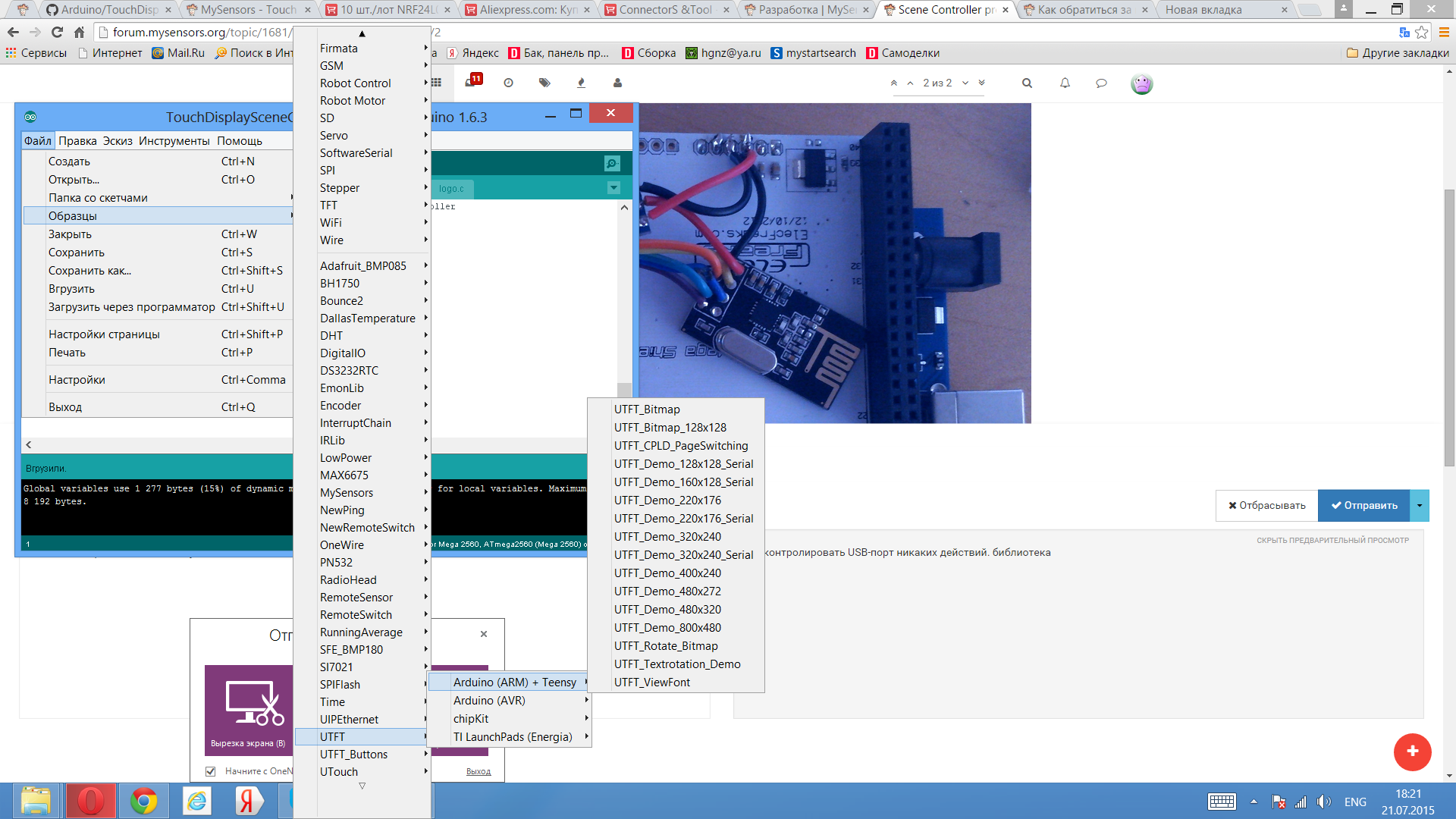
        monitor usb port no action. library Снимок экрана (15).png

        1 Reply Last reply
        0
        • H Offline
          H Offline
          hek
          Admin
          wrote on last edited by
          #4

          Mabe you could add some Serial.prinln("DEBUG MESSAGE") to see where it fails?

          1 Reply Last reply
          0
          • V Offline
            V Offline
            vampircik
            wrote on last edited by
            #5

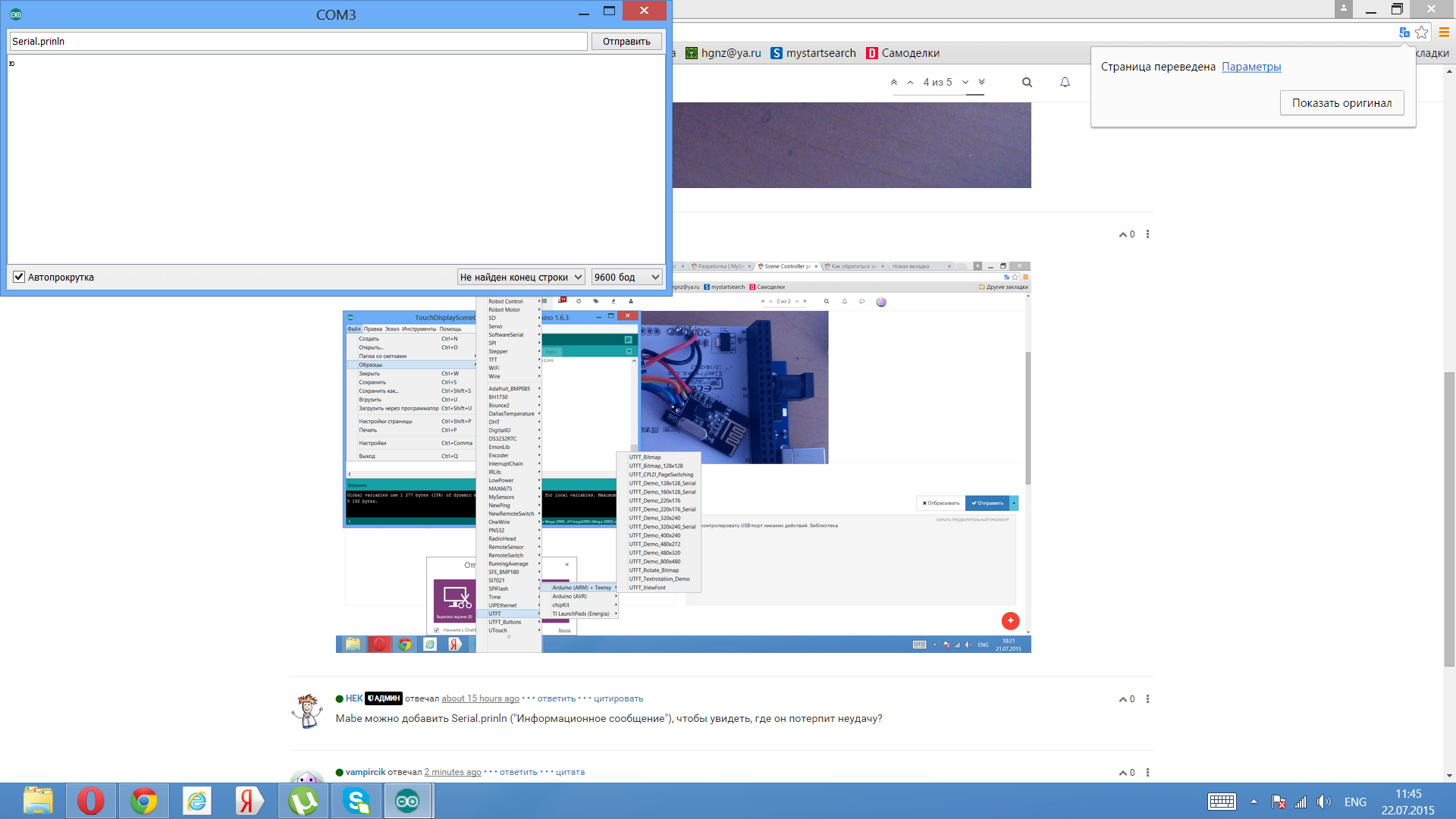
            monitor usb Serial.prinln. I inserted and nothing happens

            1 Reply Last reply
            0
            • V Offline
              V Offline
              vampircik
              wrote on last edited by
              #6

              Снимок экрана (16).png

              A 1 Reply Last reply
              0
              • V vampircik

                Снимок экрана (16).png

                A Offline
                A Offline
                AWI
                Hero Member
                wrote on last edited by
                #7

                @vampircik Try setting the baud rate to 115200 to get any info on the serial port... (unless you changed the baud rate in the sketch). From what I see in the screen dump you are typing "serial.println" in the serial monitor. I guess what @hek meant was to add Serial.println() messages in the the sketch you are running.. ;-)

                1 Reply Last reply
                0
                • V Offline
                  V Offline
                  vampircik
                  wrote on last edited by
                  #8

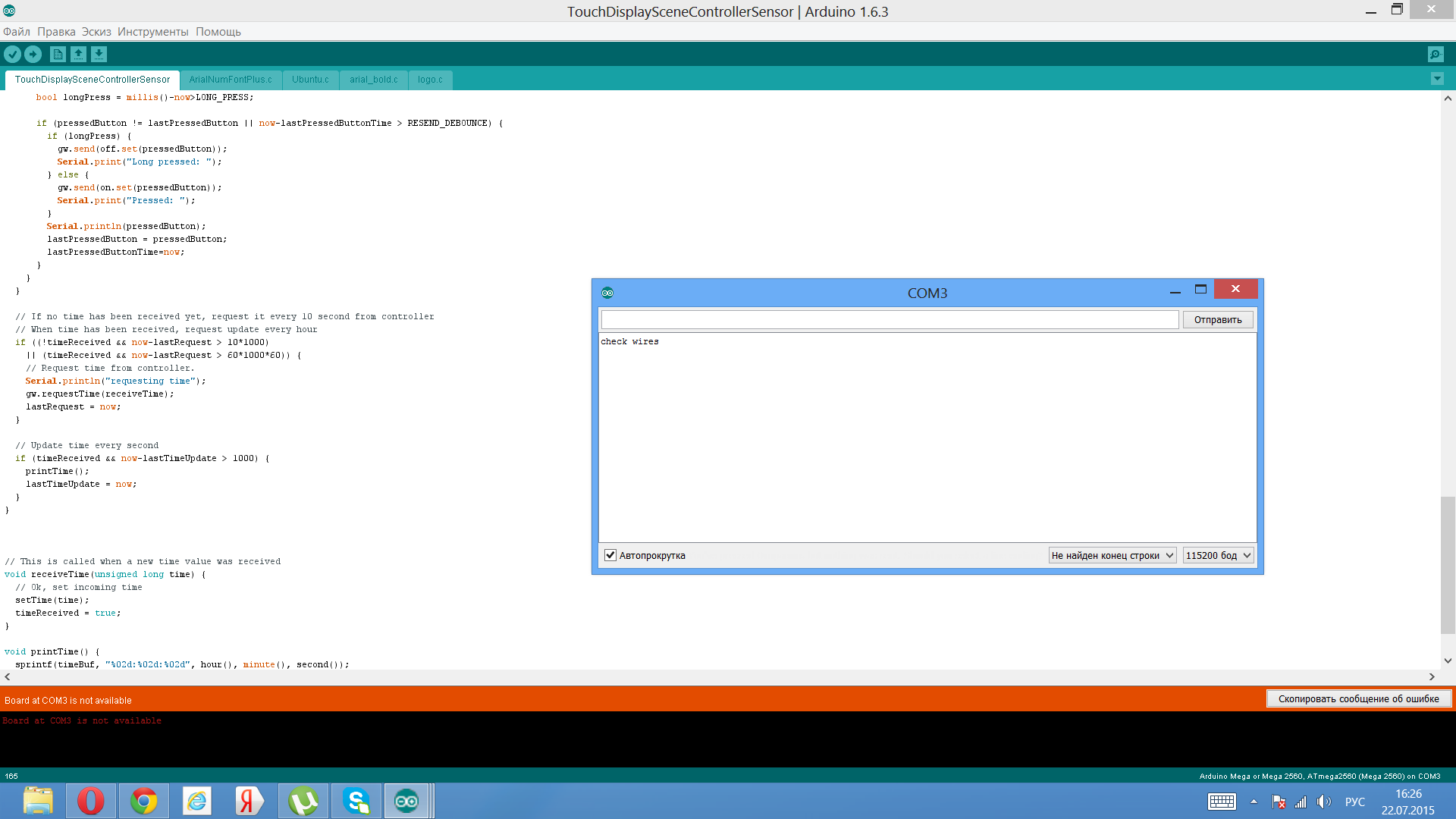
                  Снимок экрана (18).png
                  Serial.println() messages why?

                  1 Reply Last reply
                  0
                  • M Offline
                    M Offline
                    mikee
                    wrote on last edited by
                    #9

                    I had same problem with mega (clone) - tried to program relay and temp node on mega - all over "check wire", and when i switched to uno did compile.

                    1 Reply Last reply
                    0
                    • V Offline
                      V Offline
                      vampircik
                      wrote on last edited by
                      #10

                      I installed on Megu examples from libraries all work on the screen shows all. but this sketch nehochet.I wanted to know.

                      1 Reply Last reply
                      0
                      • H Offline
                        H Offline
                        hek
                        Admin
                        wrote on last edited by
                        #11

                        The error message you see means that mysensors-library is unable to initialise the radio. Did you enabled soft-spi according to the instructions on the build page?

                        1 Reply Last reply
                        0
                        • V Offline
                          V Offline
                          vampircik
                          wrote on last edited by
                          #12

                          I need to do with these files?MySensors / утилиты / RF24_config.h. I know a little something but there is a great desire to understand.

                          1 Reply Last reply
                          0
                          • V Offline
                            V Offline
                            vampircik
                            wrote on last edited by
                            #13

                            how to turn it on SOFTSPI in RF24_config.h.?

                            1 Reply Last reply
                            0
                            • H Offline
                              H Offline
                              hek
                              Admin
                              wrote on last edited by
                              #14

                              To enable soft-spi you just have to edit RF24_config.h which can be found in your XXX/libraries/MySensors/utility folder. Just remove the commented slashes (//) before "#define SOFTSPI".

                              NOTE: This change must be reverted back when you have compiled and uploaded code to your scene controller. The normal sensors don't need SOFTSPI enabled.

                              1 Reply Last reply
                              1
                              • V Offline
                                V Offline
                                vampircik
                                wrote on last edited by
                                #15

                                Thanks it worked. you are super

                                1 Reply Last reply
                                0

                                Hello! It looks like you're interested in this conversation, but you don't have an account yet.

                                Getting fed up of having to scroll through the same posts each visit? When you register for an account, you'll always come back to exactly where you were before, and choose to be notified of new replies (either via email, or push notification). You'll also be able to save bookmarks and upvote posts to show your appreciation to other community members.

                                With your input, this post could be even better 💗

                                Register Login
                                Reply
                                • Reply as topic
                                Log in to reply
                                • Oldest to Newest
                                • Newest to Oldest
                                • Most Votes


                                13

                                Online

                                12.0k

                                Users

                                11.2k

                                Topics

                                113.4k

                                Posts


                                Copyright 2025 TBD   |   Forum Guidelines   |   Privacy Policy   |   Terms of Service
                                • Login

                                • Don't have an account? Register

                                • Login or register to search.
                                • First post
                                  Last post
                                0
                                • MySensors
                                • OpenHardware.io
                                • Categories
                                • Recent
                                • Tags
                                • Popular