
Scene Controller problem
-
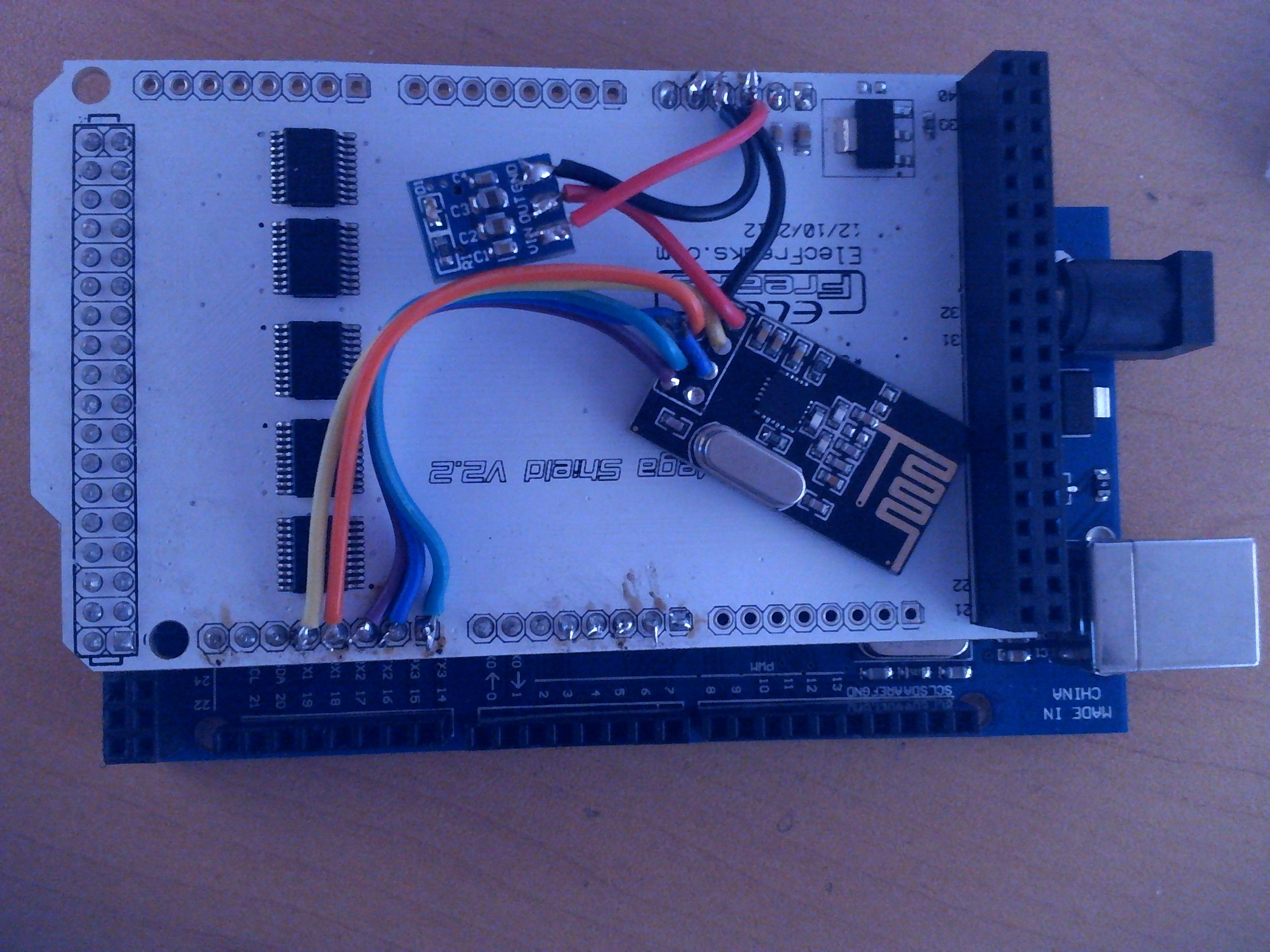
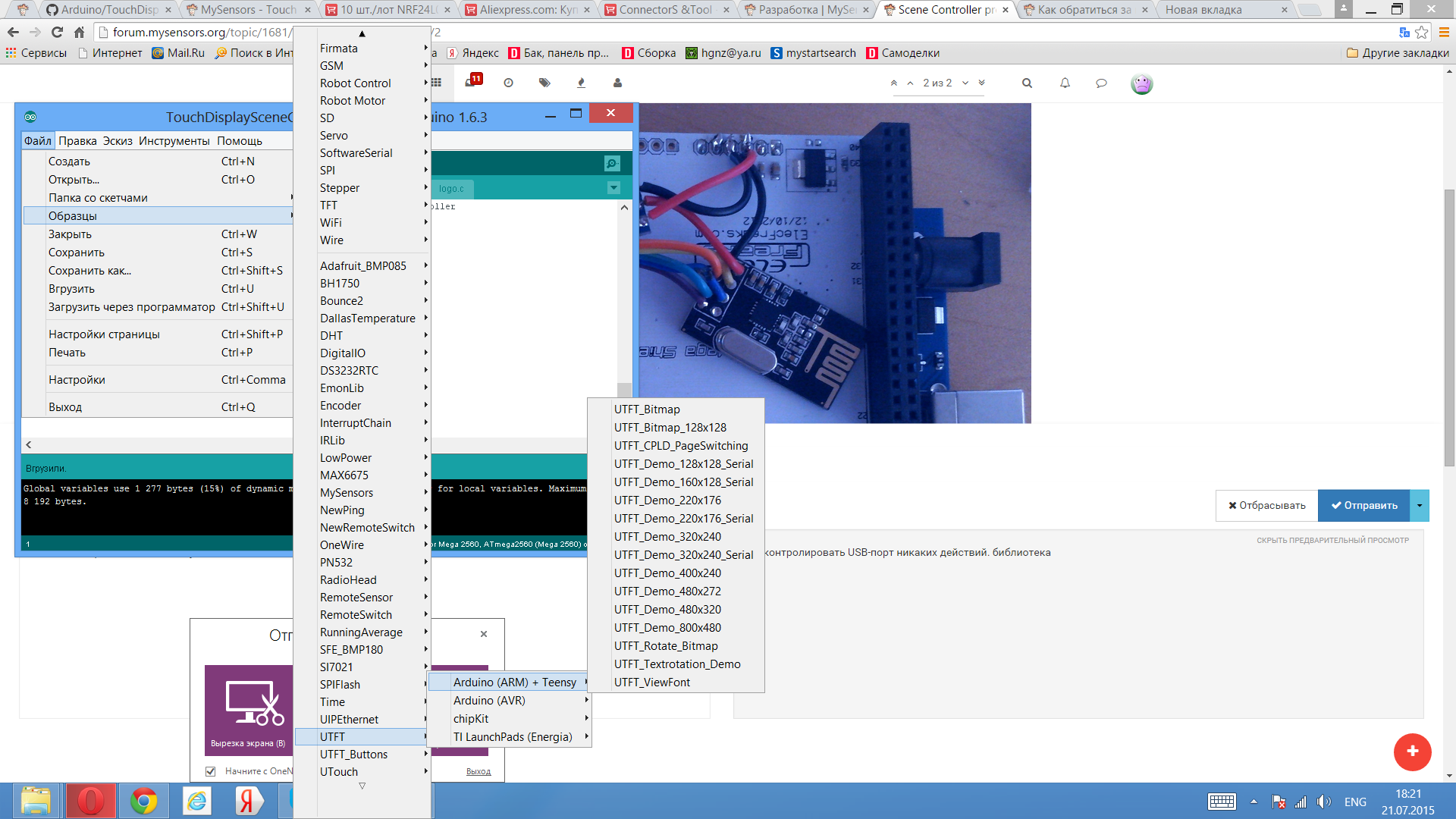
Hello. I can`t run the script via the display controller. Sketch Good but apart from a white screen got nothing. pumped some examples from the library screen gives all the colors, examples of good work but this DEPT nehochet which I downloaded from http://www.mysensors.org/build/scene_controller
-
-
-
-
-
-
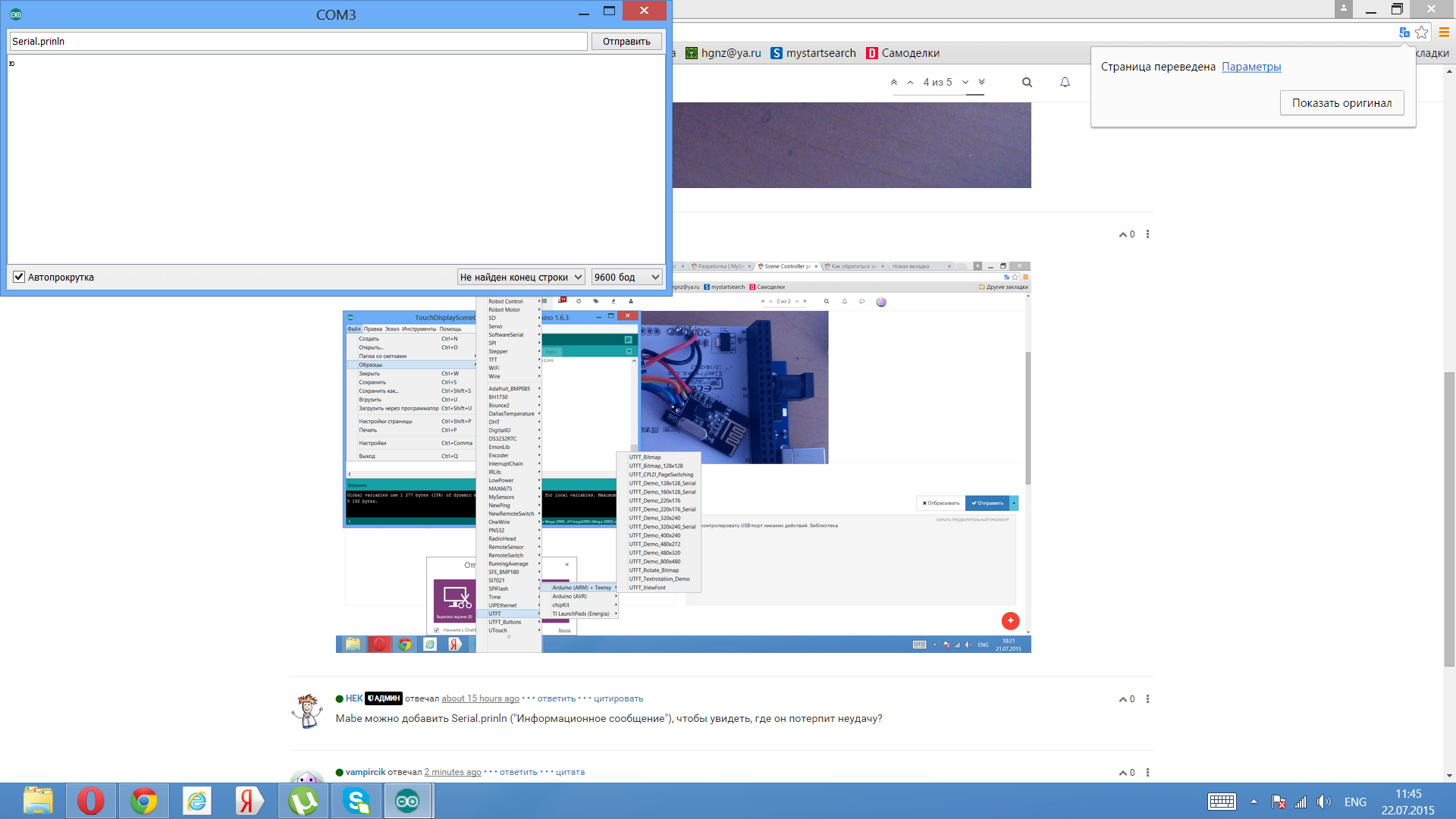
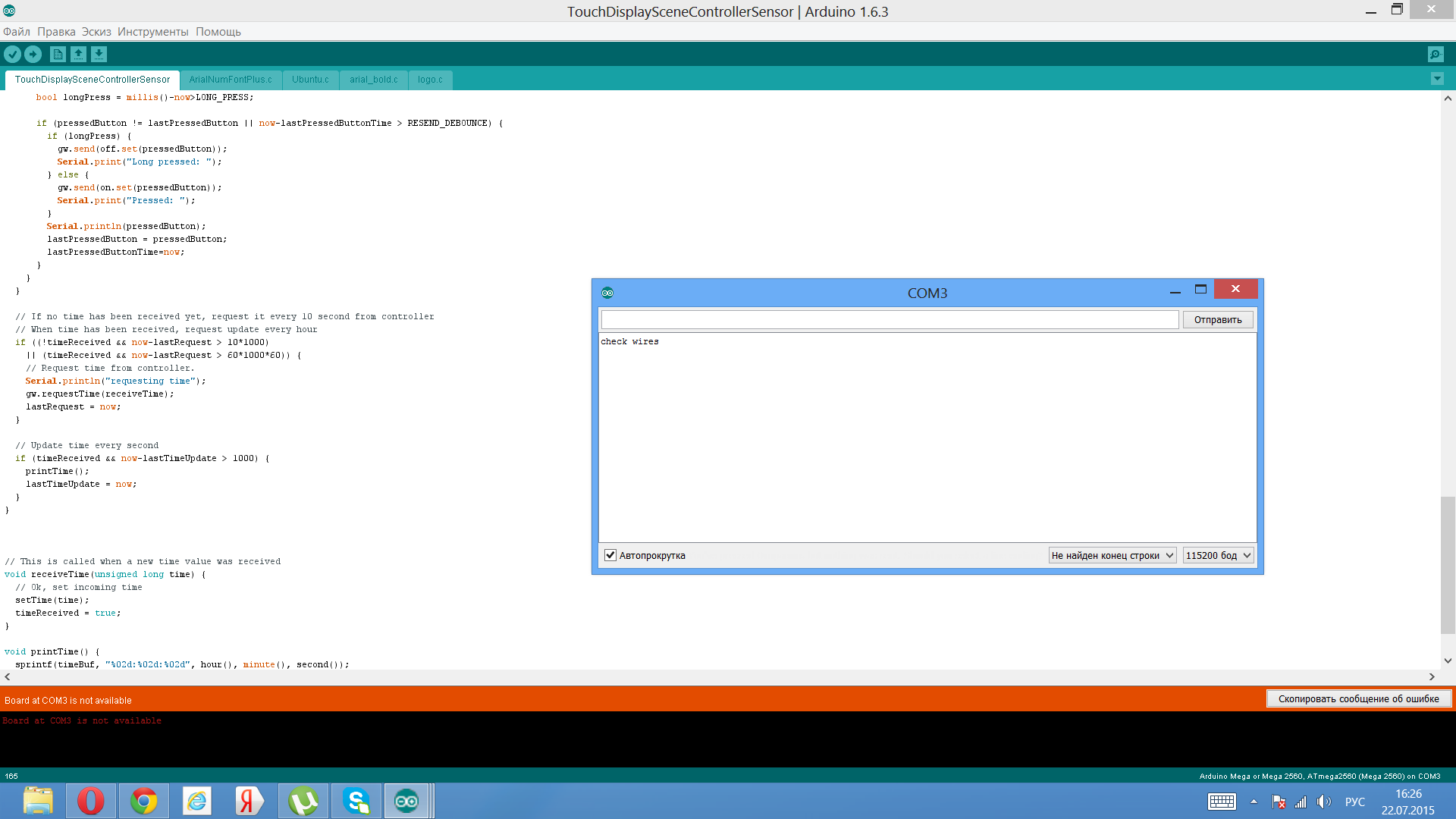
@vampircik Try setting the baud rate to 115200 to get any info on the serial port... (unless you changed the baud rate in the sketch). From what I see in the screen dump you are typing "serial.println" in the serial monitor. I guess what @hek meant was to add Serial.println() messages in the the sketch you are running.. ;-)
-
-
-
-
-
-
-
To enable soft-spi you just have to edit RF24_config.h which can be found in your XXX/libraries/MySensors/utility folder. Just remove the commented slashes (//) before "#define SOFTSPI".
NOTE: This change must be reverted back when you have compiled and uploaded code to your scene controller. The normal sensors don't need SOFTSPI enabled.
-



Hello! It looks like you're interested in this conversation, but you don't have an account yet.
Getting fed up of having to scroll through the same posts each visit? When you register for an account, you'll always come back to exactly where you were before, and choose to be notified of new replies (either via email, or push notification). You'll also be able to save bookmarks and upvote posts to show your appreciation to other community members.
With your input, this post could be even better 💗
Register Login