Skip to content

My Project

Show off and share your great projects here! We love pictures!
961 Topics 13.4k Posts
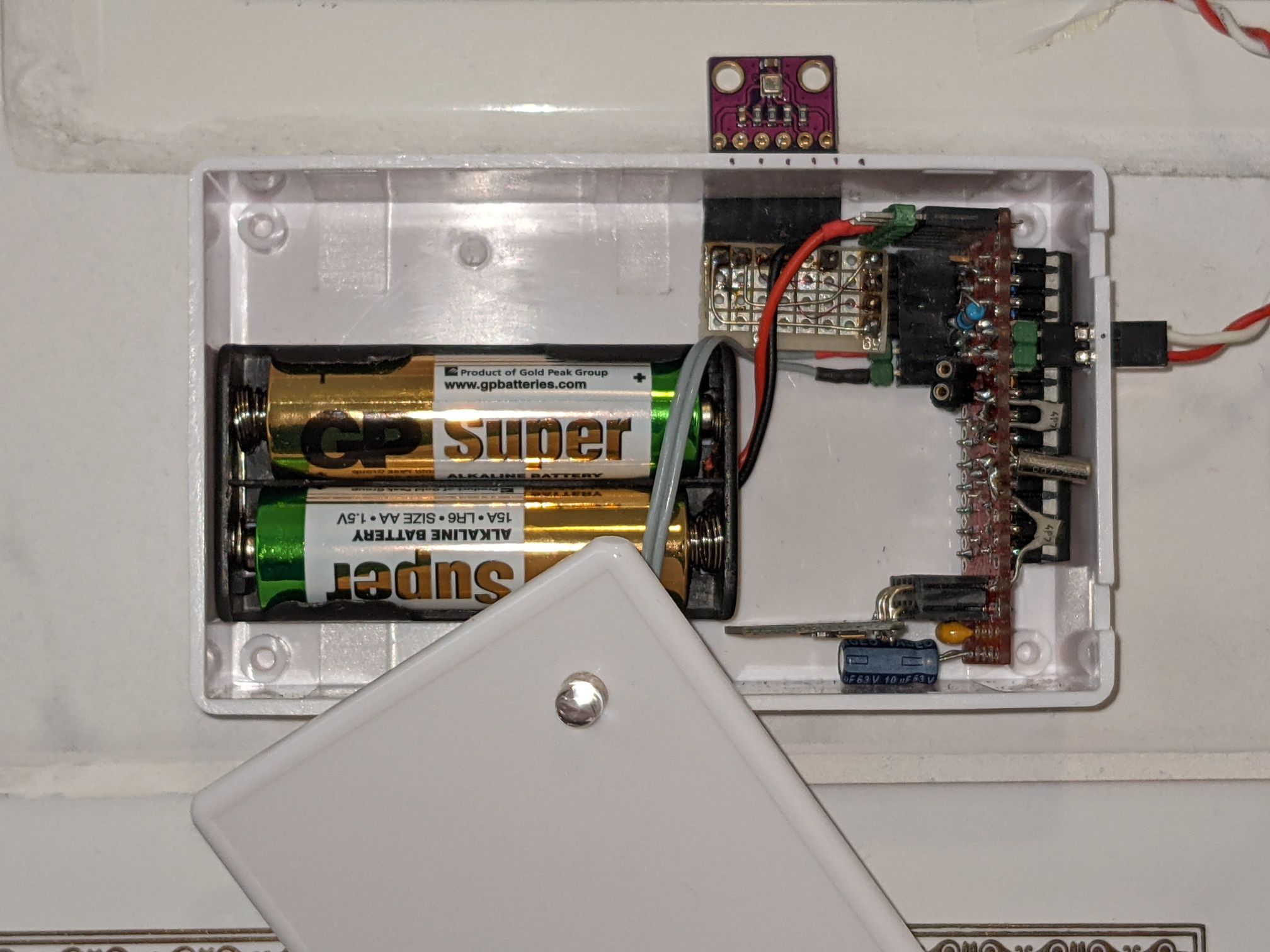
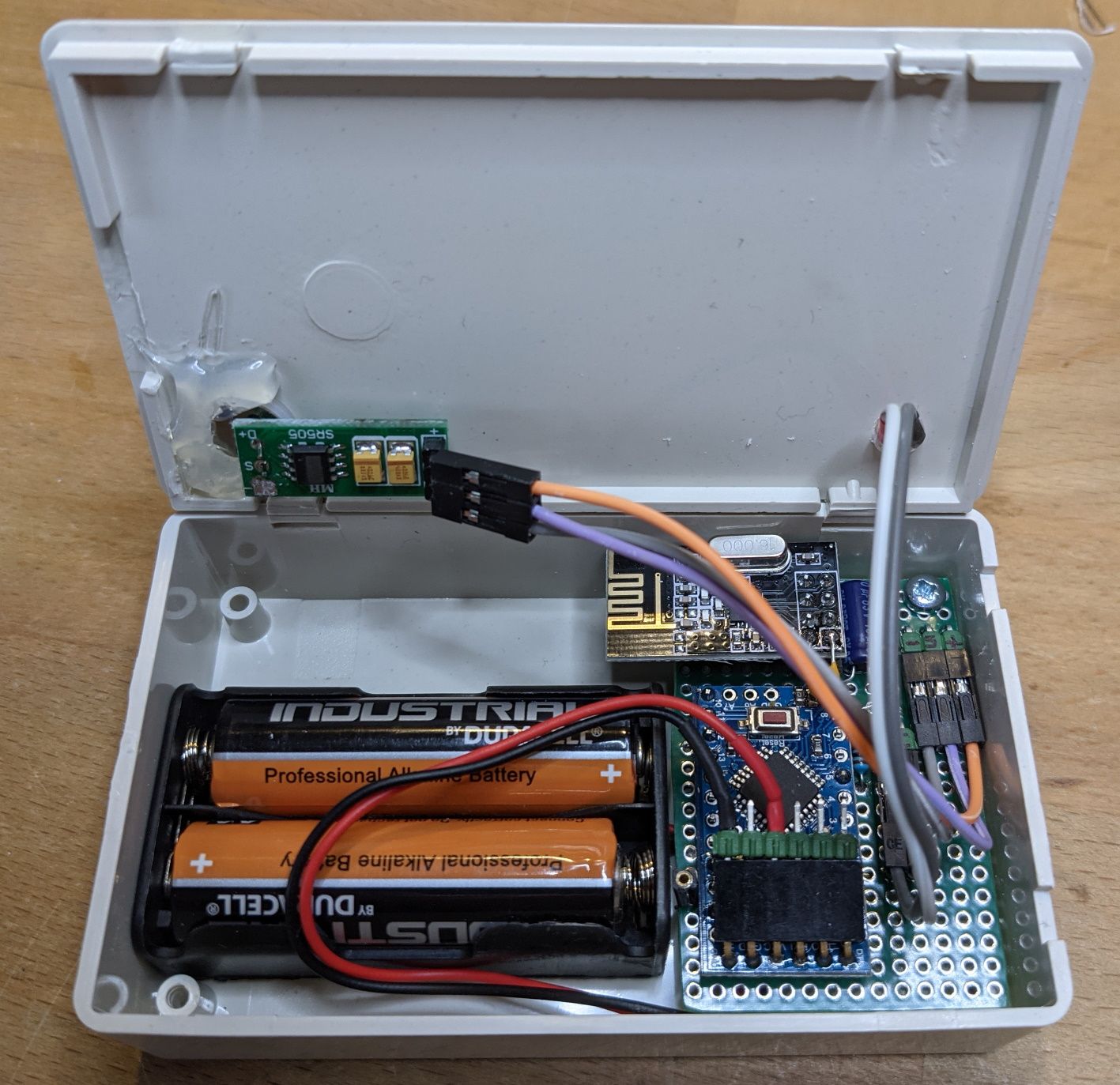
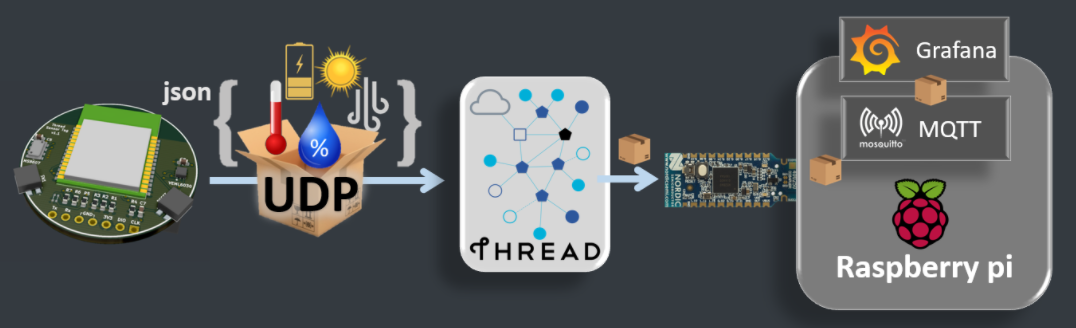
  • MyMotionSensor - a low-power sensor for motion and ambient brightness

    1
    1
    1 Votes
    1 Posts
    88 Views
    No one has replied
  • Gateway using Odroid-N2 via 40pin->SPI

    7
    2 Votes
    7 Posts
    97 Views
    Bogusz JagodaB
    My repo depends on hardkernel's linux kernel, esp. 4.9.277. It won't work with kernels >4.9 for Odroid N2, because the developers left GPIO subsystem down (no IRQs, no /dev/gpiomem), and it only works partially...
  • 5 Votes
    7 Posts
    173 Views
    C
    @evb Still haven't had a chance to look at your PR, sorry. Yes, the database tends to grow :-) I have about 80MB after a year of use. Just added a function to delete all messages older than, say, a year.
  • Candle - the privacy friendly smart home

    14
    7 Votes
    14 Posts
    5k Views
    Nca78N
    @alowhum are you still around ?
  • Robotic lawn mower supervisor

    9
    6 Votes
    9 Posts
    10k Views
    Danielo RodríguezD
    Can you provide more details on wiring and more close ups of the circuit and the sensor itself? Thanks
  • Automate RF 433 MHz Dooya motor control

    9
    1 Votes
    9 Posts
    209 Views
    Michiel van der WulpM
    I have two Dooya motors DT82TN with a DC2760 remote control, which is 433MHz. After a lot of investigations and experiments, I got them working with Domoticz (running on a Raspberry Pi), using the following: A Broadlink RM2 (RM Pro+) which supports 433MHz. The official Broadlink app is cloudbased and can "learn" the codes to operate the Dooya, but I abandoned this since I want integration with my domotica system, not just another app on my phone. The software at https://github.com/mjg59/python-broadlink works with Broadlink devices, but does not integrate well with the RM2. So, I only use this for my thermostat, not for the Dooya curtains. The "official" Domoticz plugin described at https://www.domoticz.com/wiki/Plugins/BroadlinkRM2.html is an old version, that is not supported any more - as stated at the top of the page. The "zak45" Domoticz plugin that works is described at https://www.domoticz.com/forum/viewtopic.php?f=65&t=33223#p251517 to be downloaded at zak45's Nextcloud drive: https://synnas.publicvm.com:4430/s/Czn9r8G8QwrZ7ji This latter plugin is not easy to use, and has special added webpages to Domoticz. It is however able to use the RM2 to "learn" IR and RF codes from the UI of Domoticz. However, there is a bug due to which the learning of RF codes does not work from the UI. I was able to use the command line on the RaspberryPi with the above given plugins to detect Broadlink devices. And this way, I could also learn the 4 RF codes I needed for my 2 curtains: open/close for each. This gave me the code as some numbers, which I stored in a text file. Since the IR learning works, I used this to learn 4 commands, and then looked where these codes were stored on the Raspberry, and replaced them with the RF codes. This was easy. Just a tip: I used Dolphin with fish://raspberrypi/ to browse and edit the files on the Raspberry from my desktop PC.
  • Smart doorbell

    7
    0 Votes
    7 Posts
    162 Views
    ben999B
    @adamf663 sorry for delay! I am focusing on mostly software at the moment. So nothing to show so far ;) i'll be posting as soon as the project moves forward again :+1: please read on !!! @MasMat thanks a lot for your suggestions. As suggested first it is more than probably a case of rights/permissions. There are many ways to launch a script at startup but in my case some deamons were started via "root" and some others via "user". As stated before, all worked perfectly when logged under "user" (pi). So, to summarise: rc.local didn't work crontab didn't work .bashrc didn't work These might work in the end but i'm not brainy enought to get to it. Then came "systemctl" ! First create a .service file $ sudo nano /etc/systemd/system/doorbell.service [Unit] Description=My test service After=multi-user.target [Service] Type=simple Restart=always ExecStart=/usr/bin/python /home/pi/doorbell02.py [Install] WantedBy=multi-user.target #WantedBy=default.target -> test this if previous doesn't work Reload all daemons to check if your new .service file is ok Then allow your new service file to be loaded at boot Last, check if loading worked. If status returns "active" then it's a win :+1: $ sudo systemctl daemon-reload $ sudo systemctl --user enable doorbell.service $ sudo systemctl --user start doorbell.service $ systemctl --user is-active doorbell.service Last step: systemctl loads these services at loggin by default (as in : enter user and password). I need it to start automaticaly with no human input. systelctl offers a way to load services without loggin for a given user : $ loginctl user-status pi Check status with $ loginctl user-status pi If status returns "linger: yes" then it's (once again) a win :+1: Thanks again @MasMat for suggesting paths to investigate That's it for now, i'll be back on the hardware point of view next time !
  • RGB night lamp

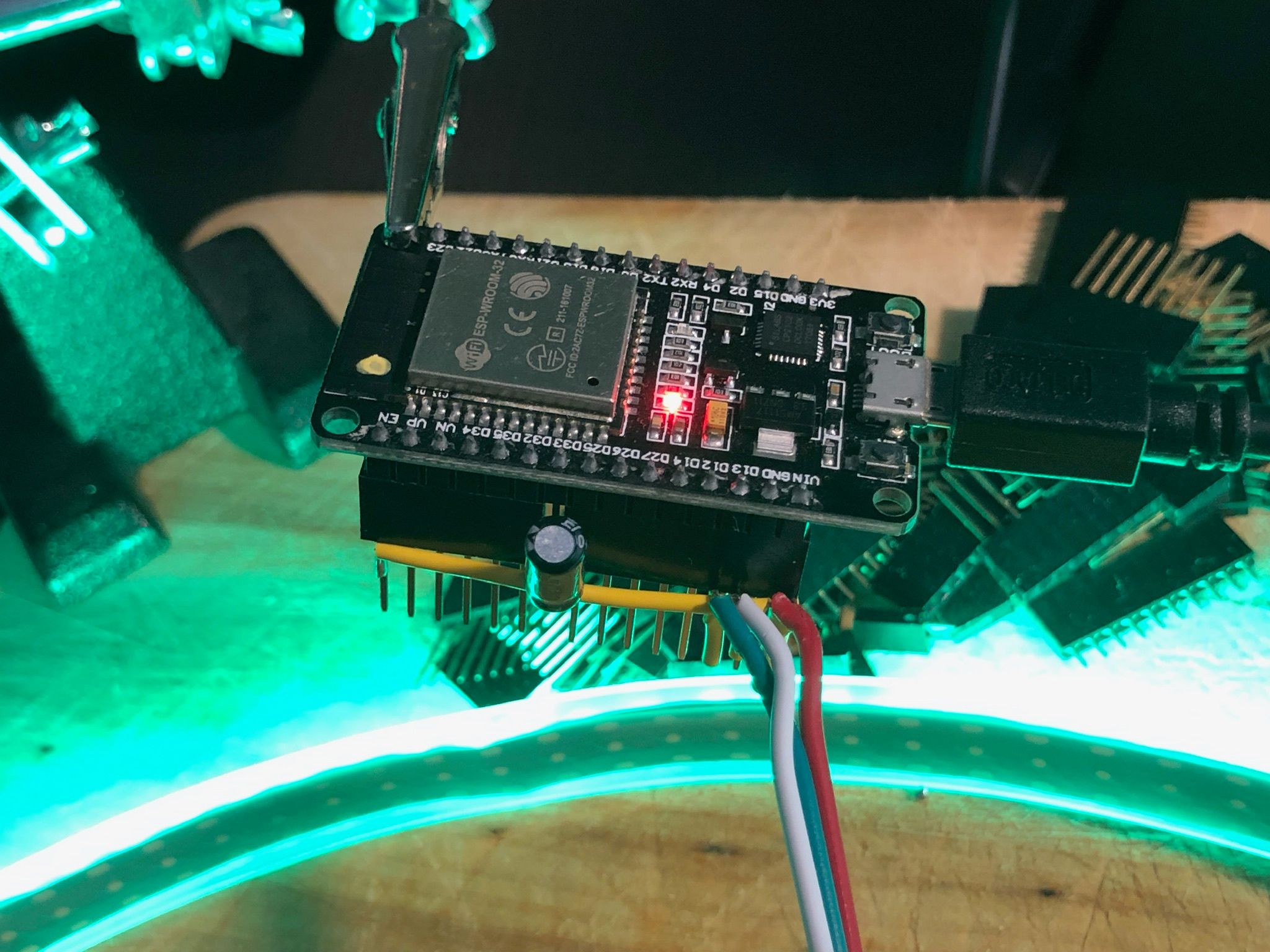
    rgb esp32 ble
    2
    2
    6 Votes
    2 Posts
    70 Views
    TheoLT
    Looks awesome. Might be fun to put it outside before your front door on 31th October. Still have a Halloween project on my ever growing bucketlist xd Blynk is awesome for controlling Halloween projects.
  • Irrigation Controller MQTT Status Requests

    3
    0 Votes
    3 Posts
    84 Views
    F
    Still hoping for guidance. Thanks much!
  • Can't get ESP8266 gateway to work anymore

    mysensors
    8
    0 Votes
    8 Posts
    105 Views
    YveauxY
    @Zwer2k my expectations seem correct. I created a bug report that also includes a rudimentary workaround. https://github.com/mysensors/MySensors/issues/1496#issue-968399284
  • Example RFID MFRC522 + mysensors with "some" security

    2
    1 Votes
    2 Posts
    902 Views
    IspandyI
    Hello Oniric, I want use this sketch but with relay controlled, what do I have to do?. I'm not good at programming.:grimacing: regards
  • Smart multi password, multi zone access control Keypad

    1
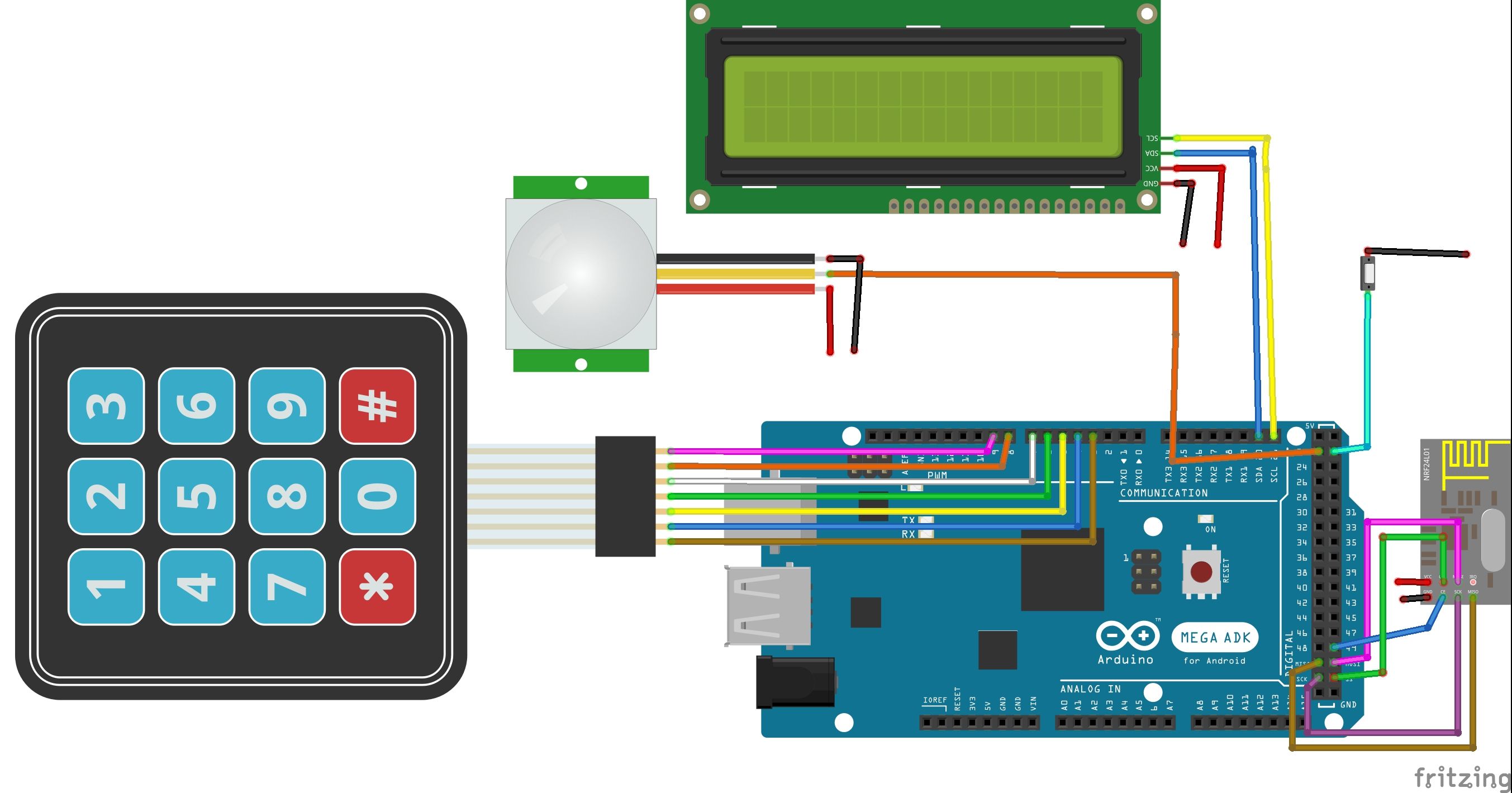
    4
    3 Votes
    1 Posts
    77 Views
    No one has replied
  • Video How To - Monitor your Smoke/Carbon Monoxide Alarm

    18
    2 Votes
    18 Posts
    16k Views
    V
    Hello, First of all I am a basic diy person so not much experience with electronics other than basic relays, some soldering and basic use of multi-meter. I have a brk smoke detectors throughout house and would like to trigger house alarm as it is connected to service that notifies me over the phone. I have looked online for information and stumbled on your video that looked similar to my needs but more so with Edward Cheung. Please advise where best to post this message as I think it may not be appropriate on mysensors.org. Initially I was thinking of using brk relay but it is rated for 120V AC, I am based in europe with 240V AC, I do not need to power anything with AC and I want it to work when the power is down as both smoke detectors and house alarm operate on batteries. I purchased the breadboard, 1k and 330 ohm resistors and 2 x PC817 4pin optocouplers without checking if my alarm is supporting normally open zones, it has normally closed options 4k7 resistor end of line and 2k2 resistor end of line and basic normally closed (breaking the circuit triggers alarm). Alarm zone is a 5 v DC circuit. [image: 1626275069827-774347db-9f70-4c55-be9a-a8796cec47d0-image.png] Question: Any advice on how to get output pins to stay constantly closed and change state when alarm is triggered, should I buy some other optocoupler with 6 pins that has ability to change output contacts when energized or any other approach? Thank you, Oleg
  • First ever project / first steps in home automation and monitoring

    2
    0 Votes
    2 Posts
    56 Views
    nagelcN
    Hi @wackowizzard. Welcome to the MySensors site. Take a look at some of the projects on OpenHardware.io https://www.openhardware.io/explore It will give you many examples of different sensor projects. Most projects just do one thing. Temperature and Humidity or motion are the most common. A few do use many of the sensors you want. See Berk's https://www.openhardware.io/view/8259/Air-quality-and-weather-forecast-sensor for example. The MySensors framework is supported by Home Assistant. Battery or wire power will depend mostly on the power consumption of you sensors. Many can be quite low power and run for years on batteries. This is common topic of discussion in the forums. If you read through the "Getting Started" and "Build" sections on the MySensors site, you will get a lot of information and ideas about how to build the sensor you described.
  • 3 Votes
    2 Posts
    54 Views
    F
    Do I understand correctly, that you are planning to port MySensors to Zephyr OS?
  • Trouble with RF433MHz sniffer

    3
    3
    0 Votes
    3 Posts
    54 Views
    YveauxY
    @zebmina did you attach an antenna to both the transmitter and the receiver? Also, your radios are very close together, so the receiver might saturate (but that would be the next hurdle, first you need to receive something)
  • MySensorsNode (MSN) All-In-One-PCB for easy node building

    1
    1 Votes
    1 Posts
    45 Views
    No one has replied
  • Battery-powered irrigation controller

    47
    1 Votes
    47 Posts
    18k Views
    I
    Thanks for sharing the code, it would be nice to have a video demo.
  • Make smoke alarm smart

    5
    0 Votes
    5 Posts
    124 Views
    I
    Is it similar in nature to a temperature alarm?
  • My Slim 2AA Battery Node

    498
    22 Votes
    498 Posts
    344k Views
    M
    Hi, this is an awesome project and after waiting for weeks to get all parts, I finally started building. The problem I am facing is that it seems that I cannot get the board working if I use such a 8-pin connector socket. I am generally OK with NOT using such a socket for sensors that "go into production" but for some sensors where space is not an issue or for boards which I want to use for testing different NRF24s etc, I would like to make the socket work. Does anybody have any tipps on how to make the radio reliably work with a socket? That would be awesome!

13

Online

11.7k

Users

11.2k

Topics

113.1k

Posts