Skip to content

Hardware

Talk about fun sensor hardware, MCUs, PCBs and how to power your sensors here.
1.8k Topics 18.4k Posts
  • mysensors node attiny841 and nrf24l01+

    3
    0 Votes
    3 Posts
    170 Views
    A
    Hello, You can use this solution. I use this with attiny84 and attiny84A, for temperature sensor and opening sensor. http://domotique-diy.overblog.com/
  • ESP8266gateway with sensor

    2
    1
    0 Votes
    2 Posts
    95 Views
    GrahamG
    Here is my code for doing something equivalent. You seem to have the pinMode line missing in setup() // Initialize motion message MyMessage msg(CHILD_ID, V_TRIPPED); void setup() { pinMode(MOTION_SENSOR_PIN, INPUT_PULLUP); // sets the motion sensor digital pin as input } void presentation() { // Present locally attached sensors here // Send the sketch version information to the gateway and Controller sendSketchInfo("Motion Sensor", "1.1"); // Register all sensors to gw (they will be created as child devices) present(CHILD_ID, S_MOTION); } boolean pinstate = false; void loop() { boolean newstate = (digitalRead(MOTION_SENSOR_PIN) == HIGH); if (newstate != pinstate) { if (newstate == true) { send(msg.set("1")); Serial.println("Motion Started"); pinstate = newstate; } else { send(msg.set("0")); Serial.println("Motion Stopped"); pinstate = newstate; } } }
  • 0 Votes
    3 Posts
    193 Views
    Alex SunnyA
    @Vertorix said in Vertorix - Easily Create your Own Mesh Network with Sensors and Controllers: Hi I have created a new IOT project which allows the user to easily create a mesh network of sensors and control End devices. All programming of devices is done in the open source Arduino IDE, and there are already libraries and examples available. It's really easy to make your own network because all the mesh network side is automated. There is no stuffing around with complex wireless libraries, you just take your sensor readings and send them. You can use Node-red to create Dashboards and forward messages to MQTT etc. See Documentation here: link text The VT1100 in sleep mode consumes 7uA, so can run on battery for years. [image: VT1100Side.jpg] I'm trying to gauge interest in the project. If there is enough interest I will sell the devices cheaply. Thanks! thanks my issue has been fixed.
  • Some Nordic Dev Kits for offer.

    1
    2 Votes
    1 Posts
    113 Views
    No one has replied
  • 16 Votes
    17 Posts
    23k Views
    sundberg84S
    @JohanH - thanks for your reply! I also hope and think people who build commercial products have knowledge of this :) But as a hobbyist, there are two ways to go - either you dont have to care or go bare minimum, if something happens its your own fault, or you can try to make is as safe as possible. My idea was never to make this thread a information source for a commercial product. I wanted to try to make my own products as safe as possible since I have children around. With that in mind, i want to be on the safe side of things so some things i use from here might be exaggerated. But my PCB (HLK-PM01 breakout) is working great, and I feel safe. I have had it outdoors (under roof covered in IP5* box, -20 to +30 aprox) and its been working for me for a couple of years now. Better than I had before, when i just stripped an old fake samsung charger. /Andreas
  • How to learn how computers and hardware works from a low level?

    5
    0 Votes
    5 Posts
    266 Views
    TheoLT
    I know it's a bit late reply xd. You could watch Ben Eater on YouTube. He has build a breadboard computer and explains how it works. He explains it great.
  • [Solved] How to check RFM69 is a HW model ?

    7
    0 Votes
    7 Posts
    3k Views
    joaoabsJ
    Hi, By the PCB silk I was wrongly thinking that the module could be on of "RFM69" or "RFM69H" or "RFM69W" and "RFM69HW". Now if I understood correctly the diagram, the module can only be either the "RFM69W" (low power 13dBm) or the "RFM69HW" (high power 20dBm). Since this module has the "H" marked it should be "RFM69HW" and that is confirmed by the other side of it, because it has the two additional black ICs. Thanks! [image: 1610358722780-rfm69-2-resized.jpg]
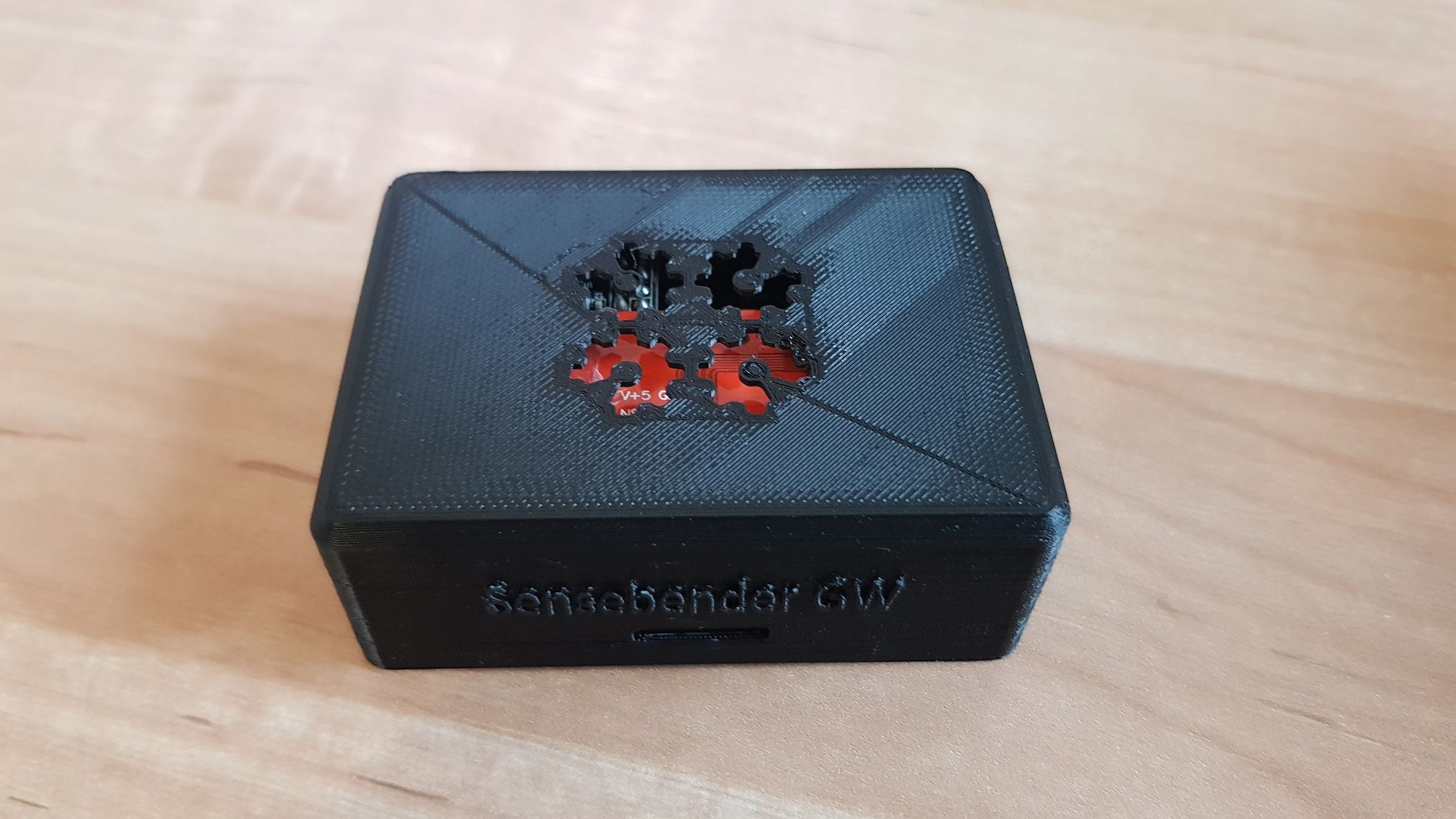
  • selling mysensors sensebender gateway

    1
    3
    0 Votes
    1 Posts
    136 Views
    No one has replied
  • [Solved] Easy PCB - current when sleeping

    3
    0 Votes
    3 Posts
    200 Views
    B
    Thank you for your answer I'm trying to compare with only pro mini and rfm69 on a test plate, and 2 AA batteries. I have strange result, and i'm doubting about my multimeter. I'll continue testing and will tell you
  • What's the best PIR sensor?

    45
    0 Votes
    45 Posts
    27k Views
    nagelcN
    @lood29 Interesting. Looks like I can cut the threshold way down. I'll give that a try.
  • 1 Votes
    18 Posts
    717 Views
    skywatchS
    @fifo Well done! - probably the new module needed a little extra power and the power brick was already failing so this pushed it over the edge. Failing psu can be difficult to diagnose until they fail completely, especially if encapsulated. Power supply and cabling are usual suspects in this type of work. Well done and good luck with the rest of the project!
  • why no one uses latching relays ?

    41
    1 Votes
    41 Posts
    18k Views
    A
    In my use of bistable latching relays, where the state of the relay position is information that must be tracked, I have found it to be easiest to use an optocoupler (H11AA1 or PC817C) to feedback the state of the relay position, which is polled at bootstrap. If you have multiple states to read at boot, you can use something like the TCA9548A multiplexer to accomplish the state read and to set your volatile state variables appropriately, and save on your μC pin count.
  • This topic is deleted!

    2
    0 Votes
    2 Posts
    5 Views
  • ESP32 as a sensor controller

    2
    0 Votes
    2 Posts
    143 Views
    Y
    I have been doing exactly this recently. Though my CO2 sensor was 3.3V. But a solution could be powering the sensor with the VIN 5v pin and using a level shifter for communication. That's what I did with the 5V screen I used (though I didn't need a level shifter). I also added a lithium battery with a charging and safety circuit hooked up to a boost converter making it 5V and connected that with VIN and GND.
  • Combining 'Build' examples in to one Arduino

    3
    0 Votes
    3 Posts
    140 Views
    A
    @mfalkvidd many thanks for coming back. I think I'll keep more complex things seperate, however will explore multiple binary sensors and relays on the same node. Thanks
  • This topic is deleted!

    1
    0 Votes
    1 Posts
    9 Views
    No one has replied
  • RF 433 Switch Failing

    1
    0 Votes
    1 Posts
    139 Views
    No one has replied
  • Extend footprint pads beyond nRF5 module; bad practice?

    3
    1
    0 Votes
    3 Posts
    146 Views
    N
    @skywatch that's good to know, thank you
  • pinout for waveshare 1.54 inch e-paper on fanstel BT832X

    Moved
    6
    0 Votes
    6 Posts
    295 Views
    Tom ST
    https://www.tindie.com/products/electronutlabs/papyr-nordic-nrf52840-epaper-display/
  • Get STM32 blue pill to run

    5
    0 Votes
    5 Posts
    244 Views
    karlheinz2000K
    Yes, no real EERPOM, but emulation in flash. EEPROM failure was the first finding when checking for this error message. Maybe somthing else... Now complete sketch is ported from AVR ProMini to STM32 and is runnig fine :+1:

13

Online

11.7k

Users

11.2k

Topics

113.2k

Posts