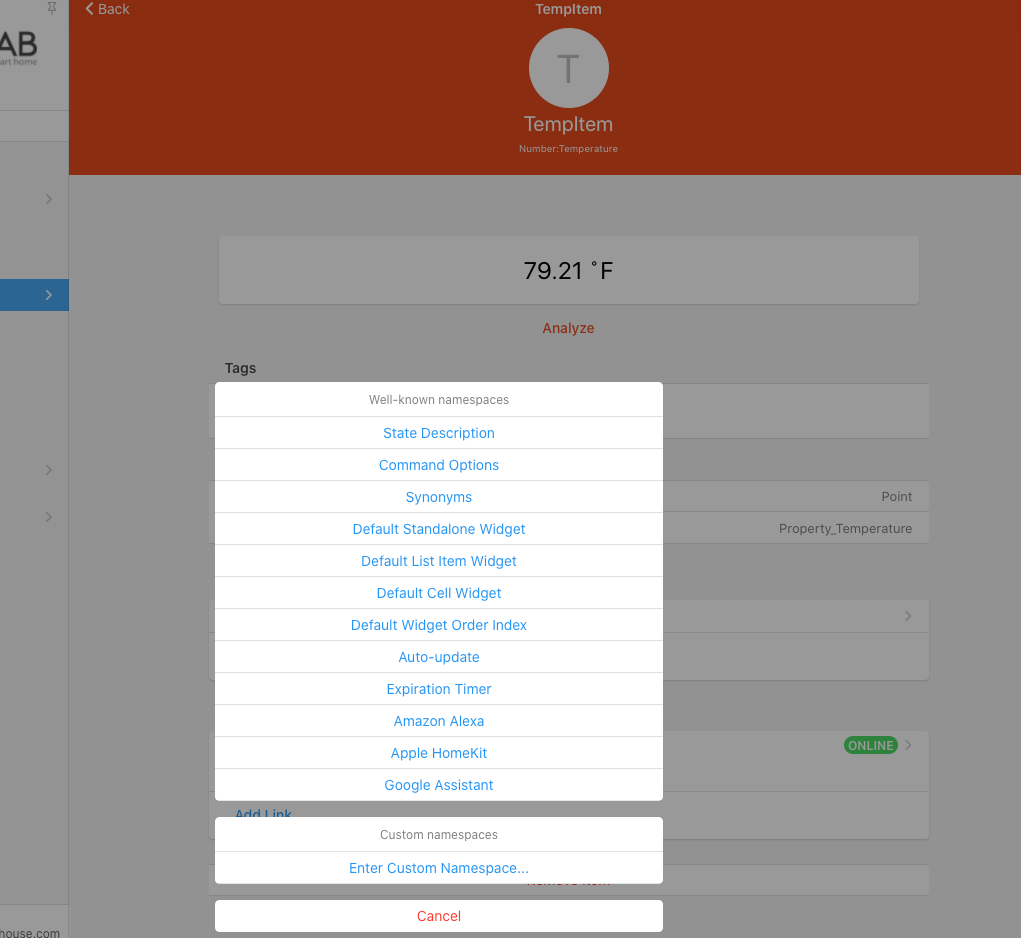
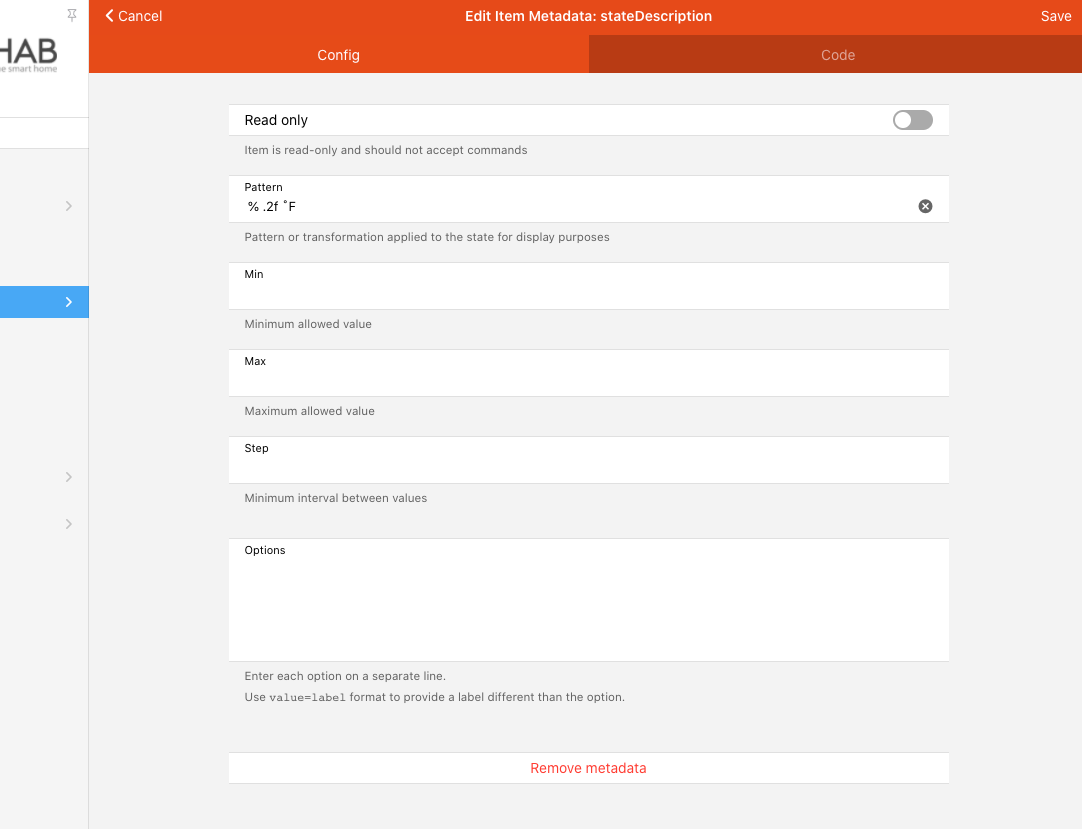
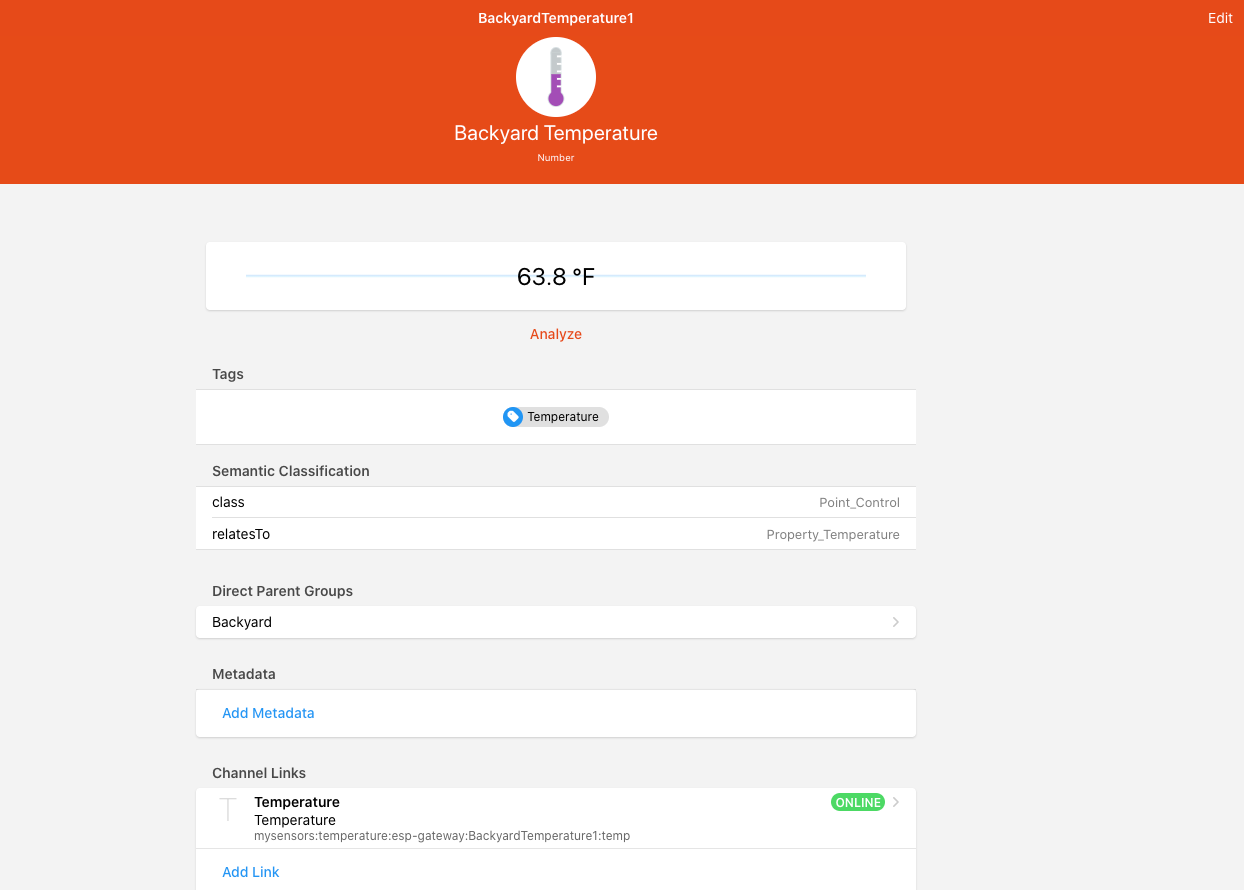
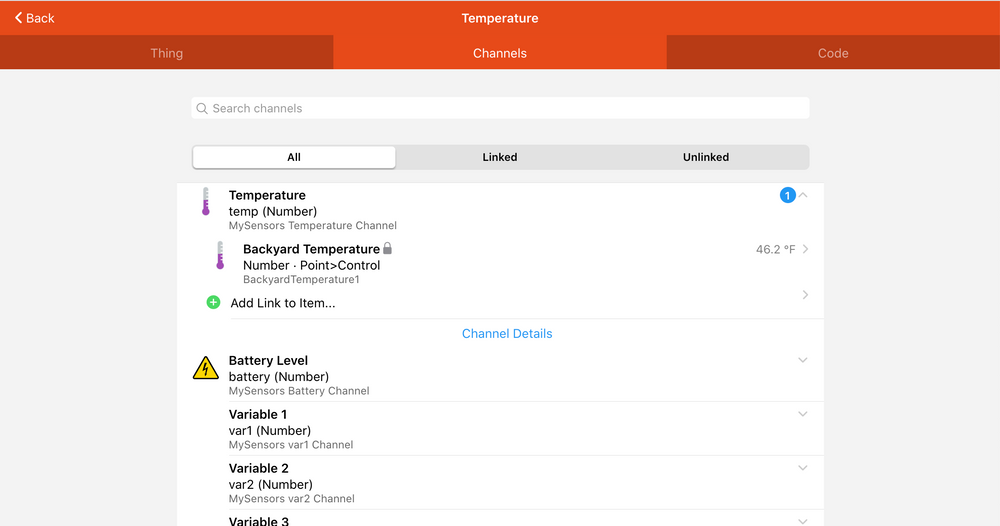
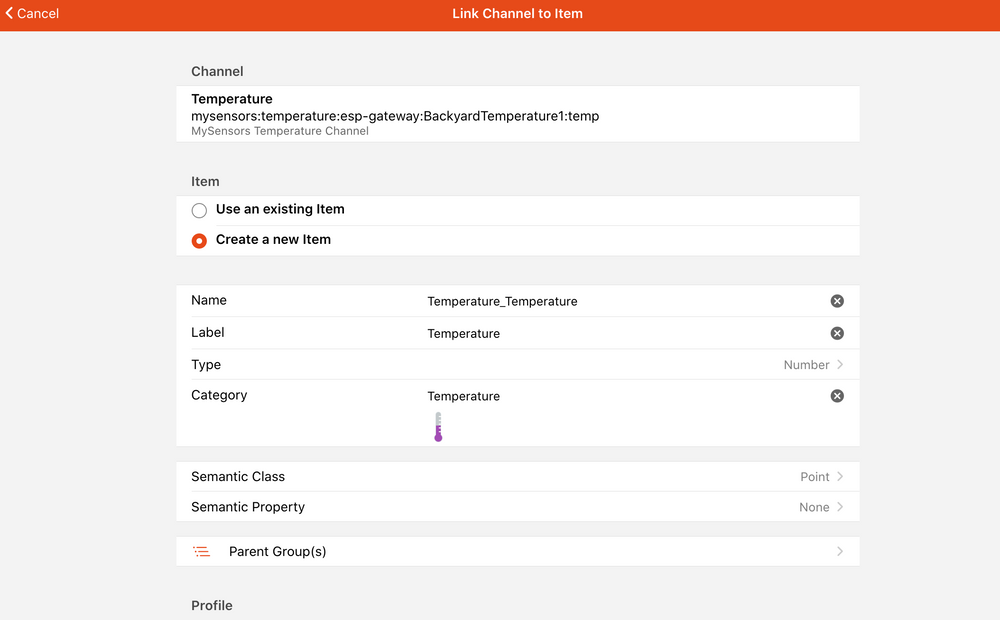
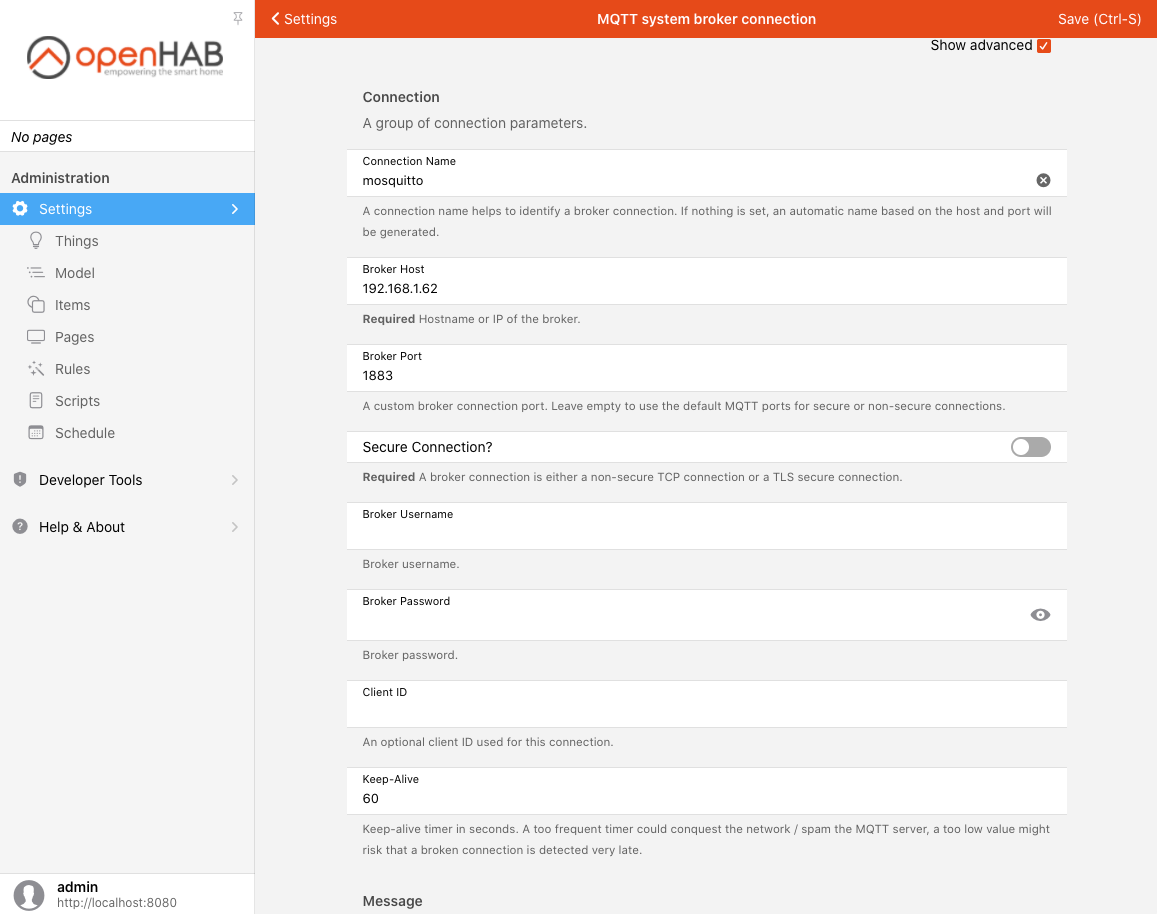
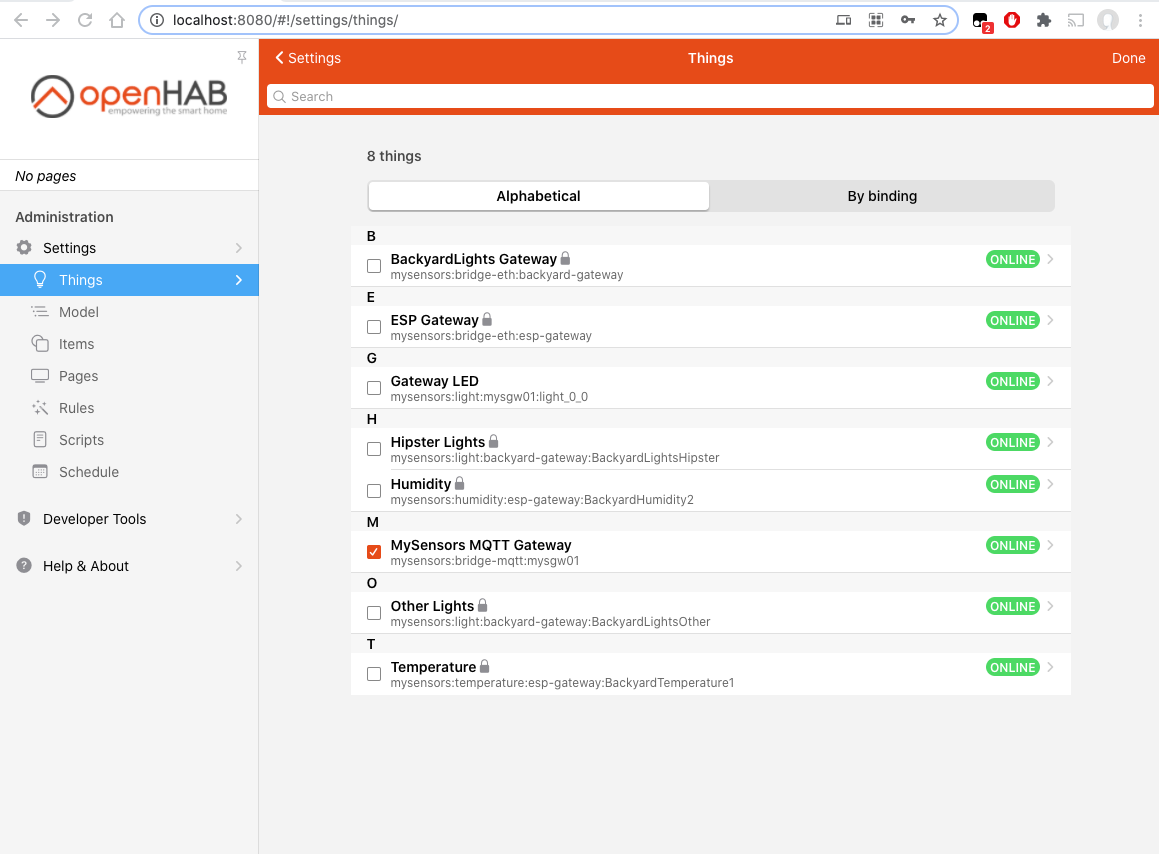
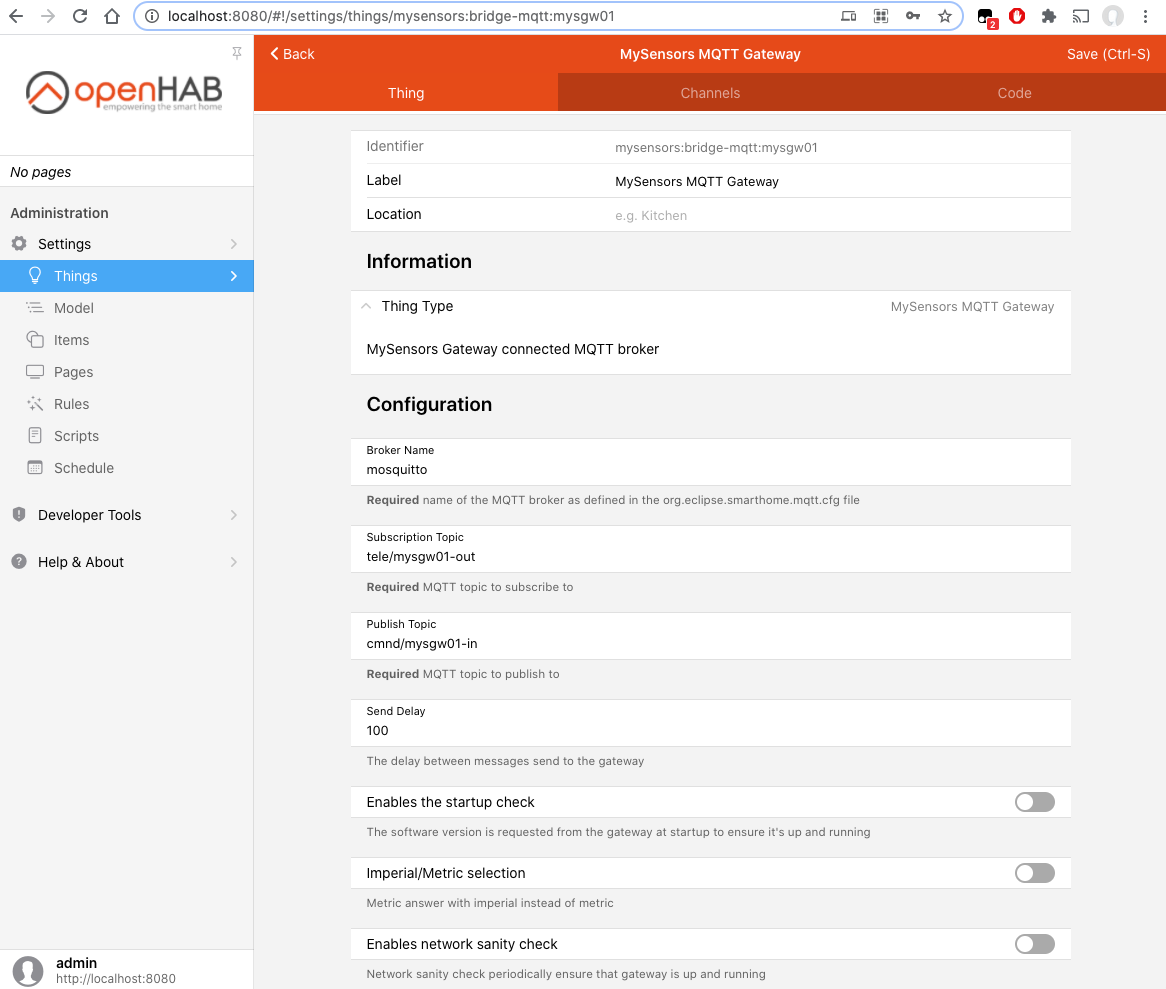
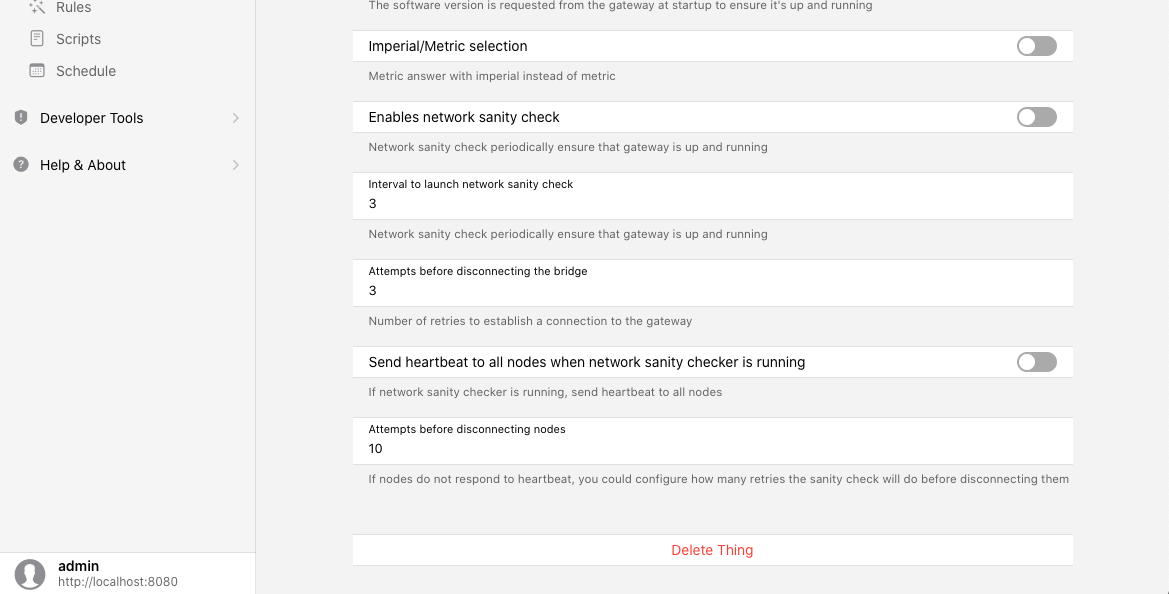
@haloway13 Here are all of my settings in my sandbox environment.
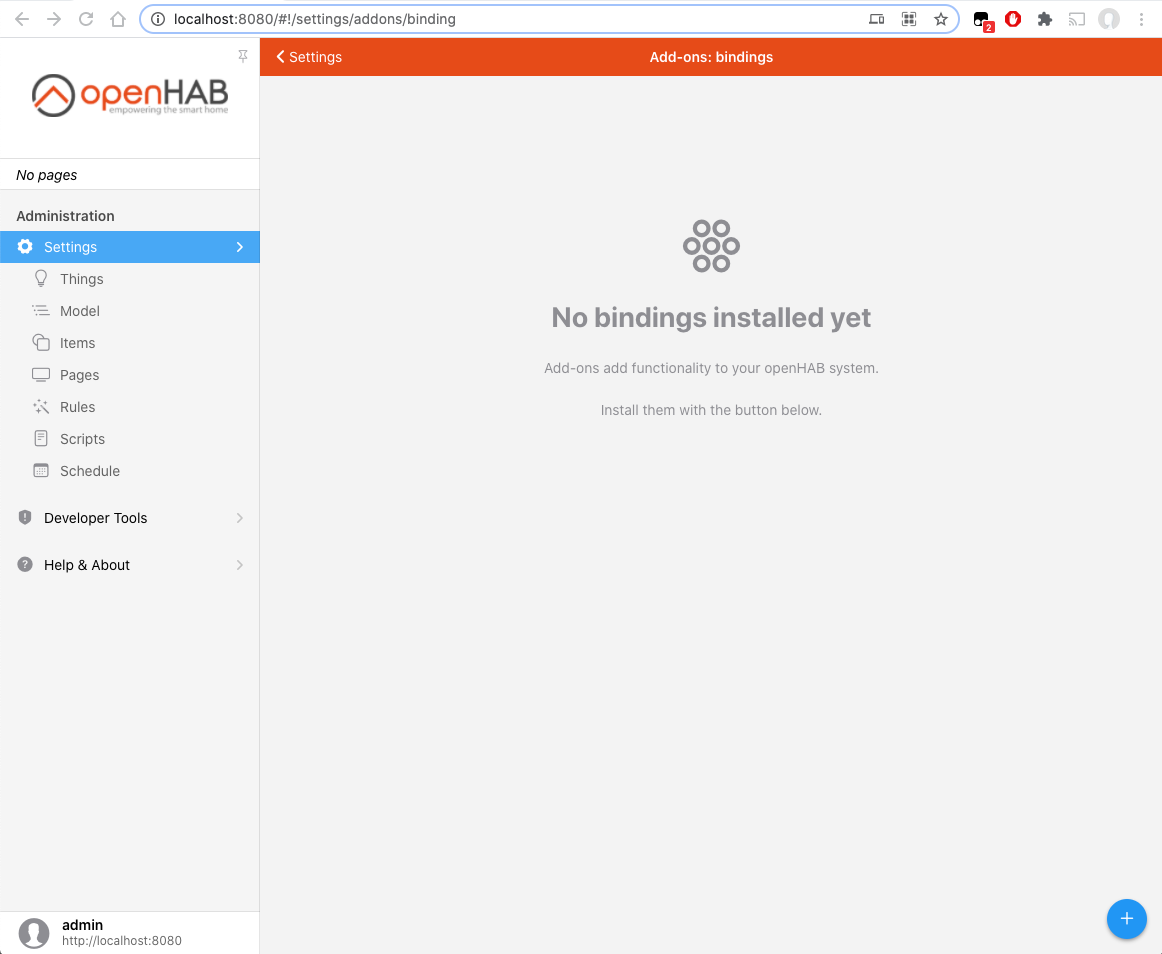
A couple things to note, NO MQTT BINDING INSTALLED, no special MQTT thing configured, my mqtt install is not password protected.
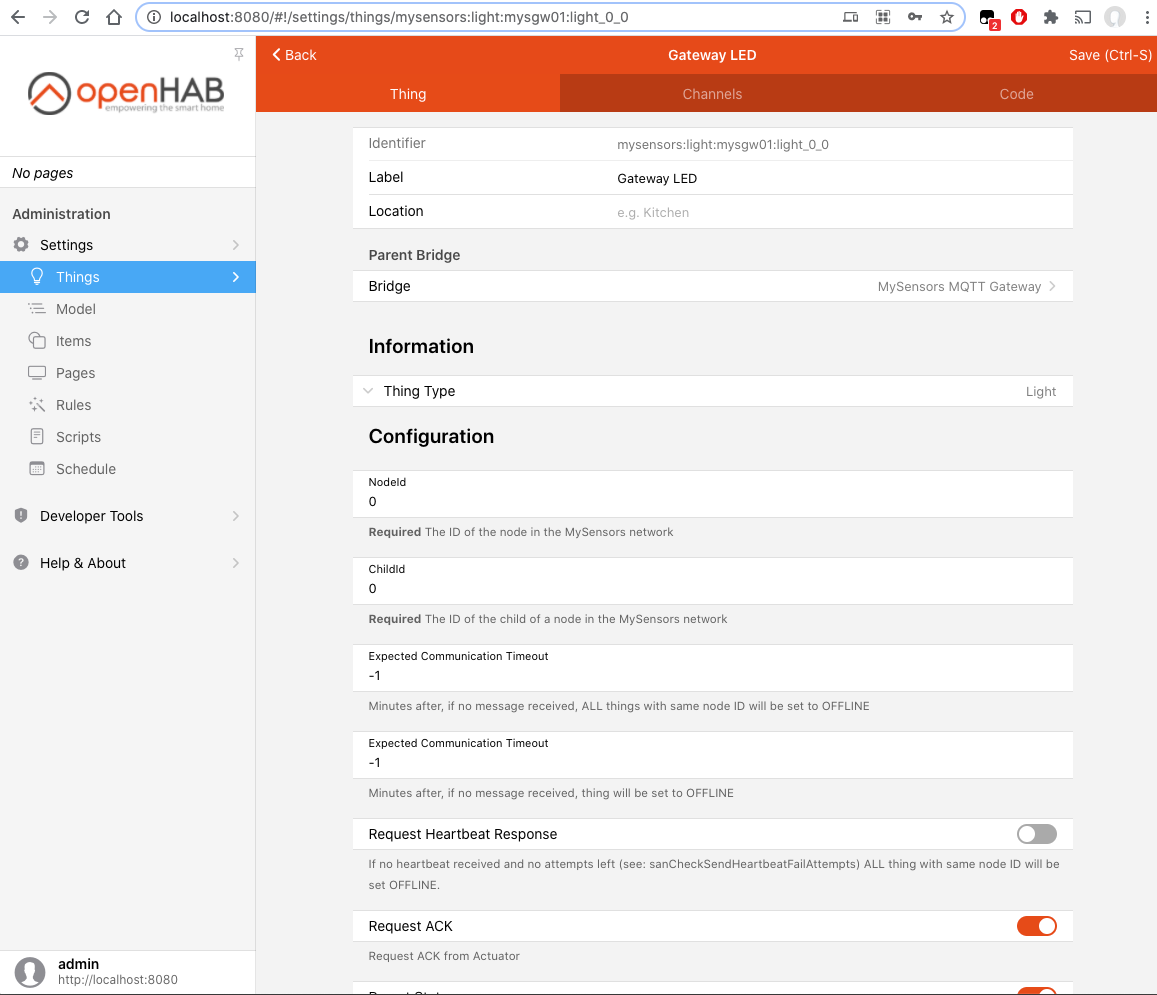
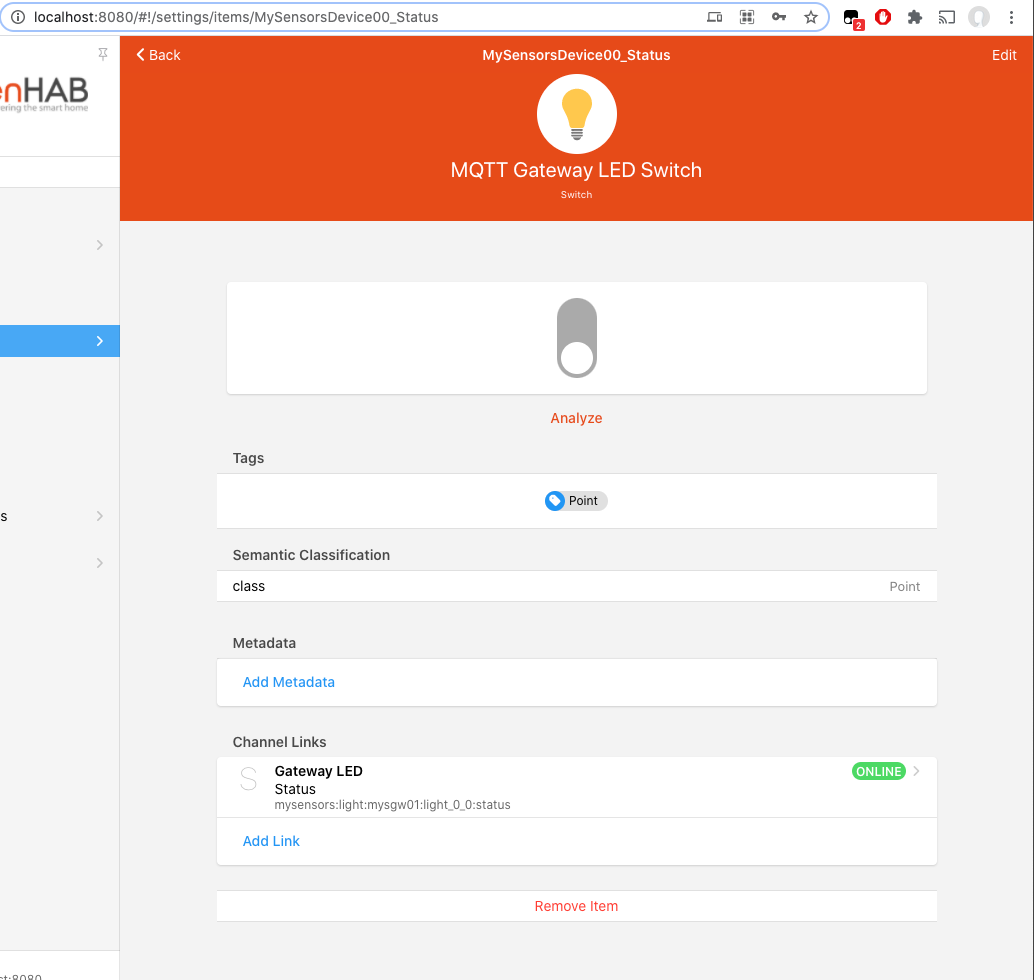
My Gateway code:
// Enable debug prints to serial monitor
#define MY_DEBUG


// Enables and select radio type (if attached)
//#define MY_RADIO_RF24
//#define MY_RADIO_RFM69
//#define MY_RADIO_RFM95

#define MY_GATEWAY_MQTT_CLIENT
#define MY_GATEWAY_ESP8266

#define MY_BAUD_RATE 9600

#define MY_MQTT_CLIENT_ID "MYSGW01"

// Set this node's subscribe and publish topic prefix
#define MY_MQTT_PUBLISH_TOPIC_PREFIX "tele/mysgw01-out"
#define MY_MQTT_SUBSCRIBE_TOPIC_PREFIX  "cmnd/mysgw01-in"

// Set MQTT client id


// Enable these if your MQTT broker requires username/password
//#define MY_MQTT_USER "username"
//#define MY_MQTT_PASSWORD "password"

// Set WIFI SSID and password
#define MY_WIFI_SSID "--------"
#define MY_WIFI_PASSWORD "*********"

// Set the hostname for the WiFi Client. This is the hostname
// passed to the DHCP server if not static.
#define MY_HOSTNAME MY_MQTT_CLIENT_ID

// Enable MY_IP_ADDRESS here if you want a static ip address (no DHCP)
//#define MY_IP_ADDRESS 192,168,178,87

// If using static ip you can define Gateway and Subnet address as well
//#define MY_IP_GATEWAY_ADDRESS 192,168,178,1
//#define MY_IP_SUBNET_ADDRESS 255,255,255,0

// MQTT broker ip address.
#define MY_CONTROLLER_IP_ADDRESS 192, 168, 1, 62

//MQTT broker if using URL instead of ip address.
// #define MY_CONTROLLER_URL_ADDRESS "test.mosquitto.org"

// The MQTT broker port to to open
#define MY_PORT 1883

// Enable inclusion mode
//#define MY_INCLUSION_MODE_FEATURE
// Enable Inclusion mode button on gateway
//#define MY_INCLUSION_BUTTON_FEATURE
// Set inclusion mode duration (in seconds)
//#define MY_INCLUSION_MODE_DURATION 60
// Digital pin used for inclusion mode button
//#define MY_INCLUSION_MODE_BUTTON_PIN D1

// Set blinking period
//#define MY_DEFAULT_LED_BLINK_PERIOD 300

// Flash leds on rx/tx/err
//#define MY_DEFAULT_ERR_LED_PIN 16  // Error led pin
//#define MY_DEFAULT_RX_LED_PIN  16  // Receive led pin
//#define MY_DEFAULT_TX_LED_PIN  2  // the PCB, on board LED
#include <ArduinoOTA.h>
#include <MySensors.h>

void setup()
{

  pinMode(LED_BUILTIN, OUTPUT);
	// Setup locally attached sensors
 ArduinoOTA.setHostname(MY_HOSTNAME);
  ArduinoOTA.onStart([]() {
    Serial.println("ArduinoOTA start");
  });
  ArduinoOTA.onEnd([]() {
    Serial.println("\nArduinoOTA end");
  });
  ArduinoOTA.onProgress([](unsigned int progress, unsigned int total) {
    Serial.printf("OTA Progress: %u%%\r", (progress / (total / 100)));
  });
  ArduinoOTA.onError([](ota_error_t error) {
    Serial.printf("Error[%u]: ", error);
    if (error == OTA_AUTH_ERROR) {
      Serial.println("Auth Failed");
    } else if (error == OTA_BEGIN_ERROR) {
      Serial.println("Begin Failed");
    } else if (error == OTA_CONNECT_ERROR) {
      Serial.println("Connect Failed");
    } else if (error == OTA_RECEIVE_ERROR) {
      Serial.println("Receive Failed");
    } else if (error == OTA_END_ERROR) {
      Serial.println("End Failed");
    }
  });
  ArduinoOTA.begin();
}

void presentation()
{

	// Present locally attached sensors here
  sendSketchInfo("MYSGW01-TEST Gateway","1.0");
  present(0, S_BINARY);
}

void loop()
{
	// Send locally attached sensors data here
   ArduinoOTA.handle();
}

void receive(const MyMessage &message)
{
    // We only expect one type of message from controller. But we better check anyway.
    if (message.type==V_STATUS) {
        // Change relay state
        digitalWrite(LED_BUILTIN, message.getBool() ? LOW:HIGH);
        // Store state in eeprom
        saveState(message.sensor, message.getBool());
        // Write some debug info
        Serial.print("Incoming change for sensor:");
        Serial.print(message.sensor);
        Serial.print(", New status: ");
        Serial.println(message.getBool());
    }
}