Skip to content

NodeManager

56 Topics 578 Posts
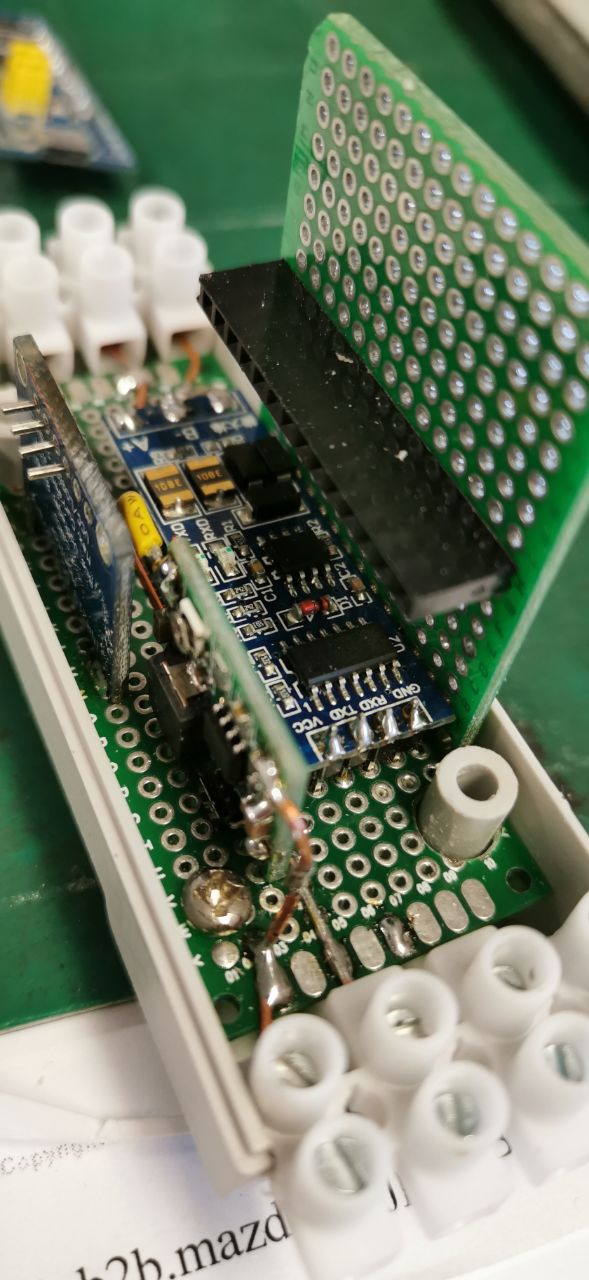
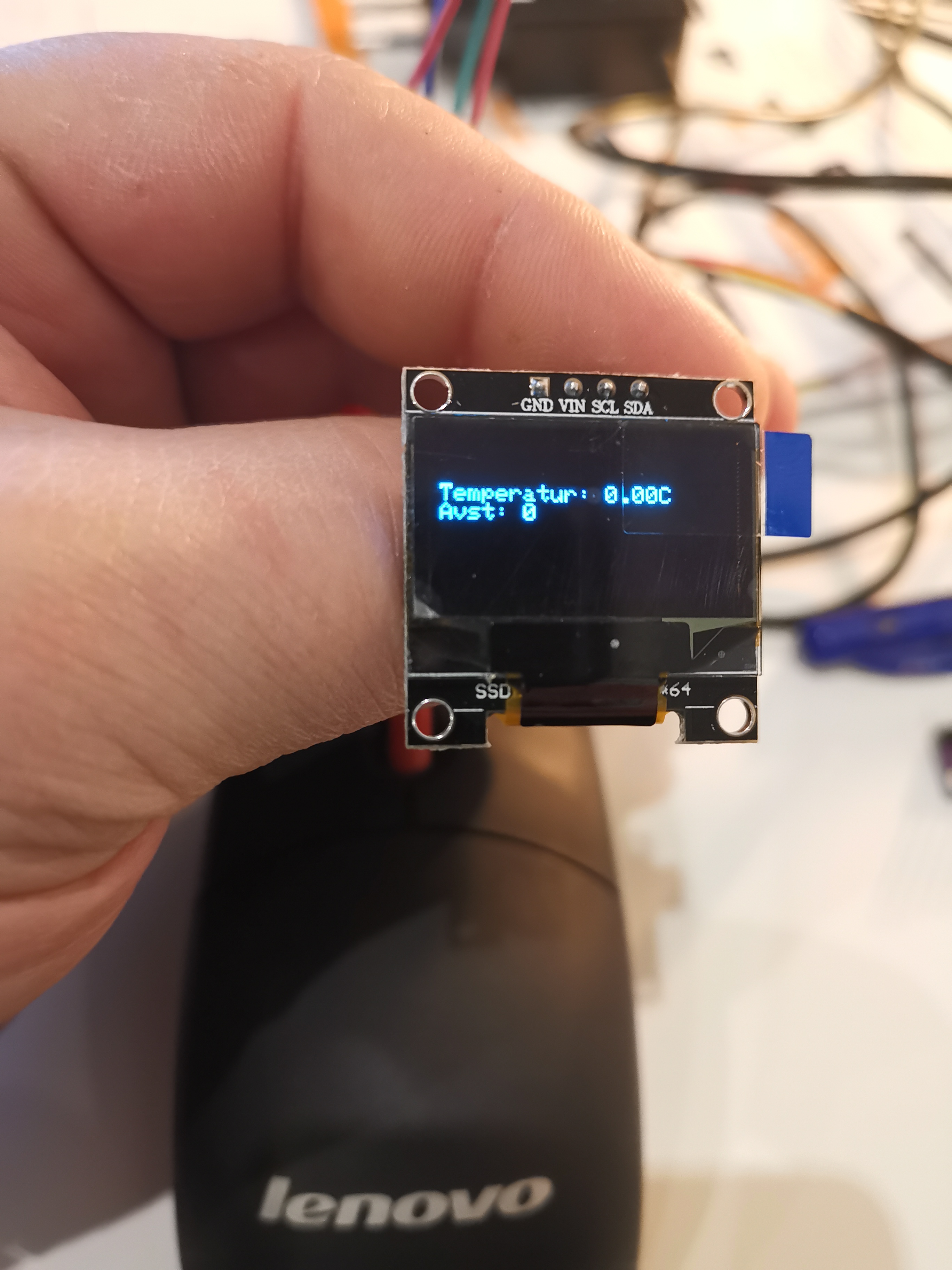
  • NodeManager on STM32F103C8 - RS485 Gateway + INA219 + OLED

    2
    3
    0 Votes
    2 Posts
    515 Views
    U
    @adampr1 sorry for reading this thread only now with so much delay :-/ Nice project btw! Which compilation error are you receiving from Nodemanager? I also wonder if you can leverage Nodemanager's hooks capabilities to interact with it in a more clean way. Thanks!
  • Power / pulse meter

    3
    0 Votes
    3 Posts
    2k Views
    P
    Does your power meter node have a temperature sensor as well? If so, it smells like a similar problem i've reported here
  • SensorDoor + Backup Send

    5
    0 Votes
    5 Posts
    837 Views
    YveauxY
    @zboblamont said in SensorDoor + Backup Send: would this not report either correct state short of inhuman speed? I guess it would, but there's always the chance of missing a message, so a regular status update could help there.
  • Values not presenting in DisplaySSD1306

    5
    1
    0 Votes
    5 Posts
    1k Views
    E
    I have a motion sensor, DHT22, and DisplaySSD1306 connected. I am experiencing the same issue. The values are read from the sensors and sent to the controller. However, the display shows lines for battery, DHT22 temp and humidity, and motion, but they are showing 0 for values.
  • This topic is deleted!

    1
    0 Votes
    1 Posts
    1 Views
    No one has replied
  • compile NodeManager for STM32F103C8 but I get error:

    4
    0 Votes
    4 Posts
    1k Views
    mitchmitchellM
    Awesome, another STM32 NodeManager user! I've worked on getting a node up on the HiTiny board with several sensors to monitor temperature and humidity in a few rooms while working out some additional hardware configurations to add more sensors to several STM32 boards, both the HyTinys and the Bluepills. I'll be interested in hearing more about your adventures! BTW, if your board only has one SPI interface there was a bug in the Arduino_STM32code that would cause the board to crash whenever it tried to synch the clock so be sure to grab the latest of Rodger's code as he just merged in the fix a few weeks ago. Mitch
  • 0 Votes
    13 Posts
    2k Views
    U
    Thanks @fredswed and @gomba777 I've added to the roadmap the capabilities you are referencing to from https://www.mysensors.org/build/pulse_water so the align with NodeManager's. I'll likely come back to you once the development will get to that point for reviewing the implementation if you don't mind. Thanks
  • Rfm95 Awake

    5
    0 Votes
    5 Posts
    620 Views
    mar.conteM
    @mfalkvidd Tanks very much
  • Newbie, adding more than one relay to nodemanager

    7
    1 Votes
    7 Posts
    1k Views
    MGHaffM
    @user2684 said in Newbie, adding more than one relay to nodemanager: relay1.setInvertValueToWrite(true); relay2.setInvertValueToWrite(true); WOW Thanks Again! This is really fun and easy to work with! Thank you!!!!
  • NodeManger with motion sensor

    3
    0 Votes
    3 Posts
    851 Views
    FrancoisF
    HI @user2684 thanks for that is is working now :-)
  • Arduino minimum hw requirements (Nano problems)

    3
    0 Votes
    3 Posts
    757 Views
    solaS
    @user2684 Thanks for your answer. I will check out other boards and experiment with disabling debug.
  • Need help with NODEMANAGER_CONDITIONAL_REPORT

    3
    0 Votes
    3 Posts
    640 Views
    C
    Great thanks a lot!
  • NodeManager v1.8 now available!

    1
    8 Votes
    1 Posts
    6k Views
    No one has replied
  • 0 Votes
    3 Posts
    1k Views
    G
    Thanks for your reply. I do not know anything about programming or coding so I think it’s to complicated for me. (That’s why I like NM so much.) But anyhow, thanks for your explanation and suggestion.
  • 0 Votes
    3 Posts
    631 Views
    U
    Sorry for the delay first of all, unfortunately I didn't get the notification of this thread :-/ If you are using a latching relay I'd recommend using SensorLatchingRelay1Pin or SensorLatchingRelay2Pins which should take better all the aspects of a latching relay. Then you can still use the safeguard for closing the door after a given timeframe. And yes you have to set a reporting interval even if not intuitive at all. This is because the safeguard is checked in the loop cycle which is called only if a reporting interval is set. So if you have a safeguard set to 1 minute, the report interval should be 1 minute or less. Thanks!
  • 1 Votes
    5 Posts
    1k Views
    U
    @ab13akl thanks for confirming, I'll then close the issue on the NodeManager side but by keeping track of it other users facing the same problem should at least be able to identify it quicker and have a ready-to-use workaround, many thanks for sharing!
  • Sensor reporting after External Interrupt

    Moved
    11
    0 Votes
    11 Posts
    2k Views
    U
    @john-oliva sorry for the delayed answer first of all, I got no notification of this thread unfortunately. Regarding the signed/unsigned int, you hit unfortunately a bug we are working on it right now in the development version (https://github.com/mysensors/NodeManager/pull/391); whether you use setReportIntervalMinutes() or setReportIntervalDays() in v1.7, still the underlying variable which stores the value is a signed int hence your input would not fit, sorry for that. Let me also clarify the difference between sensor.setReportIntervalMinutes() and node.setReportIntervalMinutes(). The latter would act as a sort of default value: if no report interval has been set by the user, this default value will be used. This is why it would not apply when already called to the sensor instance. As for the issue with reporting and external interrupt, if NodeManager is not time-aware it thinks when the interrupt occurred the entire sleep timeframe has elapsed and the timer is updated accordingly, even if only one second has passed by. Unfortunately I think there is no alternative, with or without NodeManager (MySensors' sleep() doesn't know and hence return the time actually slept). Only with a RTC attached NodeManager can know how much time has really elapsed and then the calculations are correct and put the node to sleep for the remainder timeframe. If the issue persists, would be great if you can share NodeManager's logs here so ti dig a bit more into it. Thanks!
  • MPR121 or other capacitive touch sensor

    2
    0 Votes
    2 Posts
    2k Views
    U
    @nick-willis interesting thanks, adding it to the queue for the next release (https://github.com/mysensors/NodeManager/issues/365)
  • SetsleepSeconds is not a member of class NodeManager

    3
    0 Votes
    3 Posts
    1k Views
    U
    @usernobody even if you're right, gateway and sleep do not fit very well, it should compile just fine. Do you have the compilation error to share? Thanks!
  • NodeManager v1.7 now available!

    4
    4 Votes
    4 Posts
    2k Views
    G
    @user2684 Thanks for your explanation, works great now!

37

Online

11.7k

Users

11.2k

Topics

113.1k

Posts